


Stop juggling apps and half-finished follow-ups. If you’re a coach, the work usually gets buried under inboxes, booking links, invoice nudges, and a mental checklist of people who said “maybe” but never got a reply. The best CRM for coaches is the one that pulls that mess into one system, so you can move prospects, clients, payments, and reminders without bouncing between tabs.
That matters more now because coaching is no longer a tiny niche. The global life coaching services market was estimated at USD 2.04 billion in 2023 and is projected to reach USD 4.56 billion by 2030, with a 12.5% CAGR from 2024 to 2030, while the broader business coaching market was estimated at USD 4.56 billion in 2024 and is forecast to hit USD 7.21 billion by 2032 (Grand View Research and Research and Markets context). As coaching firms grow, they create more leads, more discovery calls, more onboarding, and more renewal touchpoints, which is exactly where a CRM either saves revenue or leaks it.
The practical decision is simple. Solo coaches usually need clean scheduling, contracts, and payments. Growing practices need follow-up automation, pipeline visibility, and client communication in one place. Team-based or program-centric businesses need a system that can support handoffs, branded client delivery, and recurring operations without turning into a spreadsheet with a login.
Table of Contents
- 1. HighLevel
- 2. Paperbell
- 4. Delenta
- 5. CoachVantage
- 5. CoachVantage
- 6. Satori
- 7. upcoach
- 8. Practice Better
- 10. HubSpot CRM
- 10. HubSpot CRM
- Top 10 CRMs for Coaches, Feature & Pricing Comparison
- From Selection to Scale Making Your Coaching CRM Work for You
- All-in-One Platform vs. Niche Solution When to Choose HighLevel
- Quick Start Your 5-Step CRM Implementation Plan
- Frequently Asked Questions
1. HighLevel
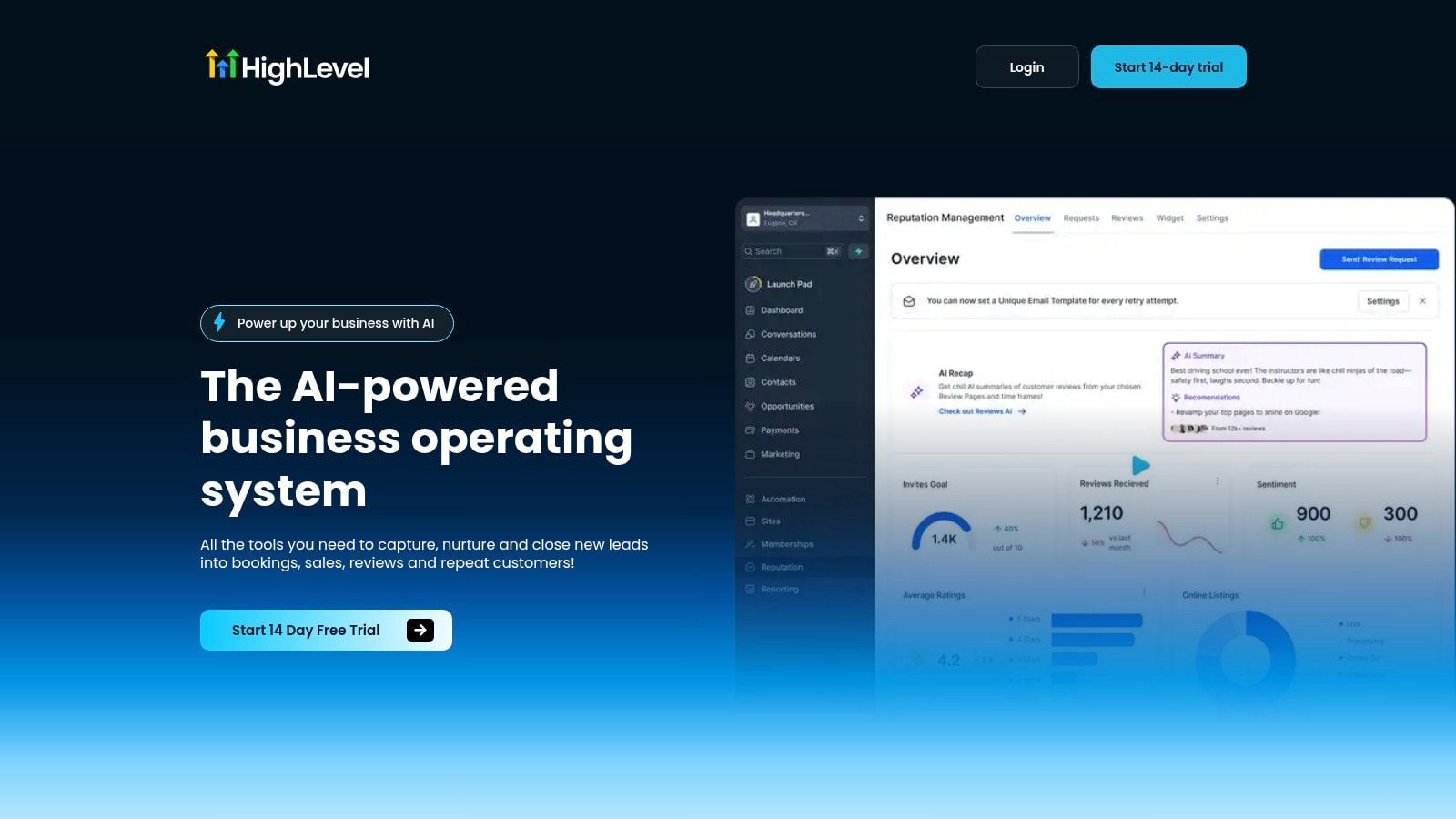
A coach finishes a discovery call, sends a proposal, waits on payment, then has to chase the client for scheduling. That kind of handoff is where HighLevel starts to make sense. It gives coaching businesses one place for CRM, funnels, two-way messaging, calendars, broadcast campaigns, and reputation tools, so the admin work does not spill across five separate apps. You can also compare its core workflow with the AI CRM buyer guide before committing to a larger setup.
The practical value is speed between steps. HighLevel’s embedded AI covers conversations, voice, review replies, and content creation, so missed-call text back, follow-up workflows, and outbound connect are built to shorten the gap between interest and booking. If a prospect is warm, the system helps you respond before attention fades. If you want to strengthen your appointment reminders, check the HighLevel appointment reminder guide for alternatives that integrate with this workflow.
Where HighLevel fits in a coaching business
HighLevel works best for agency-style coaching businesses, coaching firms with multiple providers, and solo coaches who already expect to add automation later. The structure also suits coaches who want to productize services, sell memberships, or build white-label operations over time. The platform’s published plans include unlimited contacts, the Unlimited plan adds unlimited sub-accounts, and Agency Pro adds SaaS mode and automated sub-account creation.
A simple rule helps here. Use HighLevel if your real problem is not “I need a calendar,” but “I need a system that moves a stranger from first contact to booked call to paid client without constant manual follow-up.”
The trade-off is setup time. HighLevel can replace a stack of tools, but it asks you to configure workflows, funnels, and messaging carefully if you want the system to stay clean as your coaching business grows. For coaches who only need a simple package-sale and delivery flow, it can be more platform than they need right now.
Website: HighLevel
Pros
- All-in-one scope for CRM, messaging, funnels, booking, payments, and reputation management.
- Native AI across communication and content, useful for faster follow-up and lead reactivation.
- Agency-first structure with unlimited sub-accounts on the Unlimited plan and SaaS options on Agency Pro.
- Revenue tools like Text-2-Pay, Tap-2-Pay, paid calendars, invoicing, and proposals.
- 24/7 support plus a large community and public ideas board.
Cons
- Broad feature set means a steeper learning curve and setup time.
- Advanced capabilities sit on higher-tier plans, so growing teams can see costs rise.
2. Paperbell
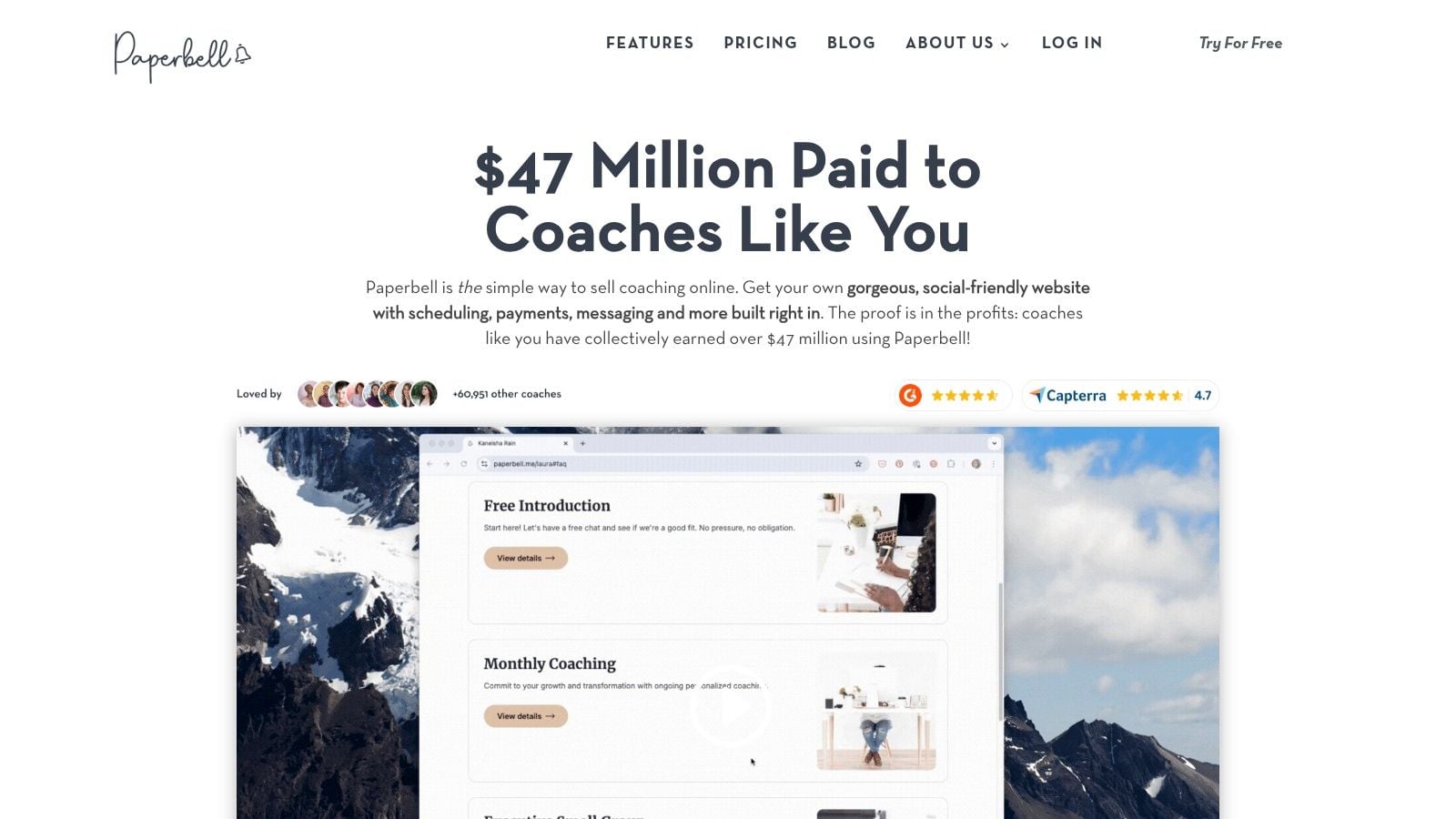
Paperbell fits solo coaches who sell packaged offers and want the operational side to stop spilling across multiple tools. It brings packages, contracts, scheduling, payments, and a client portal into one flat-rate plan, which keeps setup straightforward and removes much of the friction that comes from stitching systems together. If your coaching business is mostly one-to-one work with a clear offer, Paperbell stays out of the way and lets you run the process cleanly.
A coach can set up the entire client flow without building a complicated operations stack. Collect payment, send the contract, confirm the calendar invite, and hand the client off into the portal, all without configuring a heavy automation engine first. That matters for practitioners who want to sell quickly and deliver consistently, not spend days assembling software around a simple service.
Where Paperbell fits
Paperbell is strongest once the client has already said yes. It supports group coaching, classes, and digital downloads, so it works for coaches who deliver a simple program format and want one place to manage the client experience. For that reason, it behaves more like a practice operations tool than a sales engine.
A performance coach could use it to sell a 12-week package, deliver the onboarding paperwork, and keep every client in a single portal. If the same coach also wants a membership layer, the platform still pairs better with a focused delivery setup. For that broader build, see our membership site tech stack guide for tools that fit alongside this kind of workflow.
Paperbell also works well when the work between sessions is the product. A coach can keep assignments, session prep, and client materials in one place instead of splitting them across email, docs, and a separate portal. That keeps the delivery experience tidy for the client and easier to manage behind the scenes.
The limitation is lead management. It does not aim to be a deep pipeline CRM, so if your revenue depends on regular follow-up before a prospect buys, you will need a different system or a separate pipeline. Paperbell works best for coaches whose leads already arrive warm and whose main operational task is turning signed clients into a professional onboarding and delivery flow.
Website: Paperbell
Pros
- One-plan simplicity with the core client workflow bundled together.
- Fast setup for solo coaches who do not want tool sprawl.
- Group coaching and digital downloads are supported out of the box.
- No additional Paperbell transaction fees beyond standard processor fees.
Cons
- Light on sales automation and pipeline depth.
- Limited extensibility compared with larger general-purpose CRMs.
4. Delenta
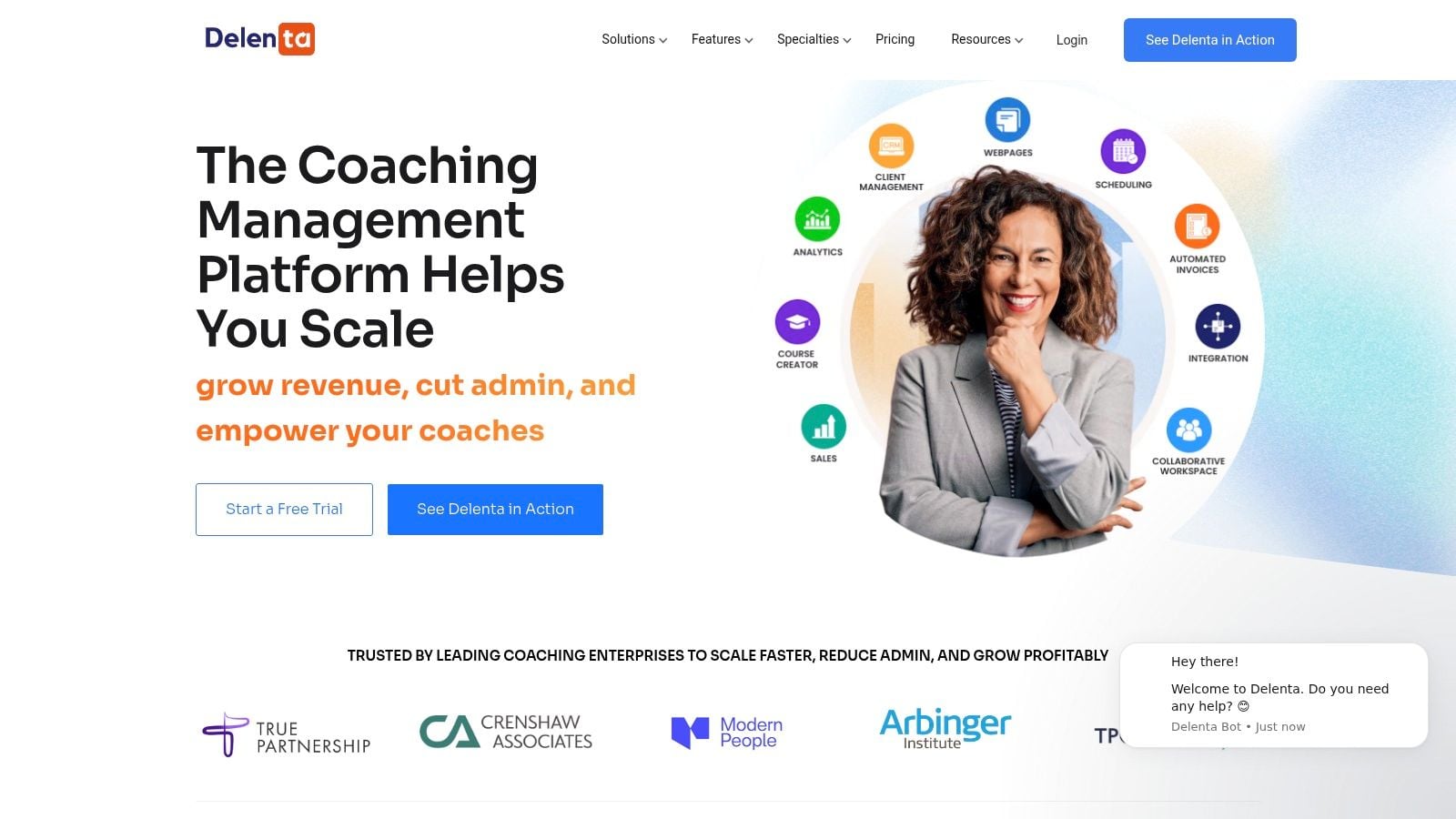
A corporate coaching practice with five coaches needs a system that can route clients to the right practitioner, keep each engagement branded, and handle internal admin without extra software. Delenta fits that kind of setup well because it brings CRM, client portals, goals, notes, tasks, session tracking, group coaching, digital courses, branded sales pages, and booking into one place. The result is a cleaner handoff from sales to delivery, which matters when multiple coaches are touching the same account.
The team workflow is the main reason to look at Delenta. Multi-coach assignment, reporting, and coach payroll help when several practitioners share delivery across programs or when contractors need to be paid from the same system. Custom domain and branding options also help the platform feel like your own operating system, which is useful for practices that want a consistent client experience from first booking through ongoing support.
When Delenta makes sense
Choose Delenta if your business has outgrown a solo-coach setup. It works well for packaged services, cohort programs, and corporate work where clients need structured onboarding, branded materials, and repeated touchpoints that staff can track without chasing information across email and spreadsheets. It also suits practices that want a platform they can keep as the team grows instead of rebuilding the stack later.
The trade-off is complexity. A broader platform usually takes more time to configure, and that matters in a busy coaching firm where the ops lead is already managing intake, scheduling, and delivery. A team that only needs a simple booking link and a basic client portal may find Delenta heavier than necessary, while a practice with multiple coaches can accept that setup cost because it avoids adding a separate HR tool, a scheduling app, and a payroll workaround just to keep the business running.
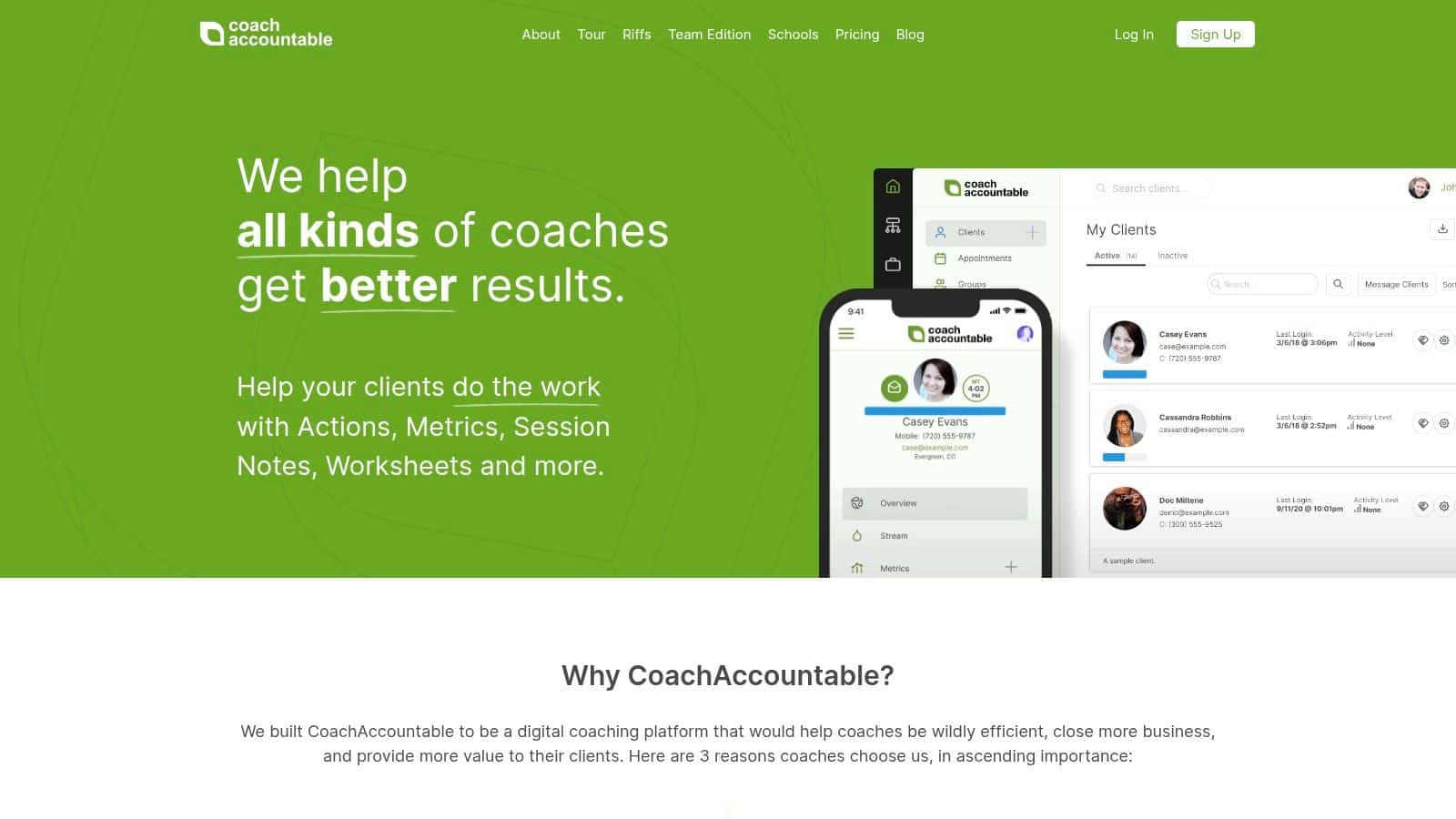
Website: CoachAccountable
Pros
- Team assignment and reporting for multi-coach practices.
- Coach payroll built into the workflow.
- Branded client experience with custom domain options.
- Good fit for cohorts and corporate coaching that need structure.
Cons
- More setup effort than a lighter point solution.
- May be more than a solo coach needs for simple client management.
5. CoachVantage
What do you choose when you want a coaching CRM that feels practical on day one, but still supports a more structured business later? CoachVantage is built for coaches who want predictable pricing and do not want contact growth to trigger extra friction. It includes unlimited contacts and engagements even on entry plans, along with contracts, invoicing, programs, courses, group coaching, and scheduling with two-way calendar sync.
The value here is in how those pieces fit together. A coach running a 6-week weight-loss program can host program pages, collect e-signatures on intake forms, and schedule weekly check-ins, all without leaving the platform. A coach who sells one-to-one packages and group sessions can keep delivery and admin in the same system instead of stitching together booking software, a payment tool, and a separate client portal.
The kind of coach it suits
CoachVantage works well for coaches who want straightforward operations and do not need an enterprise control layer. It is a solid fit when you are moving from manual administration into a repeatable workflow, but still want to keep the toolset lean. White-glove migration support also helps if you are coming from scattered spreadsheets or a simple calendar-and-invoice setup.
The trade-off is that it does not try to do everything. Storage and system depth are more limited than in heavier platforms, so larger practices that need complex permissioning or broader back-office control may outgrow it. For a solo coach, a small team, or a program-led business that values clarity over complexity, that restraint can be an advantage rather than a weakness.
5. CoachVantage
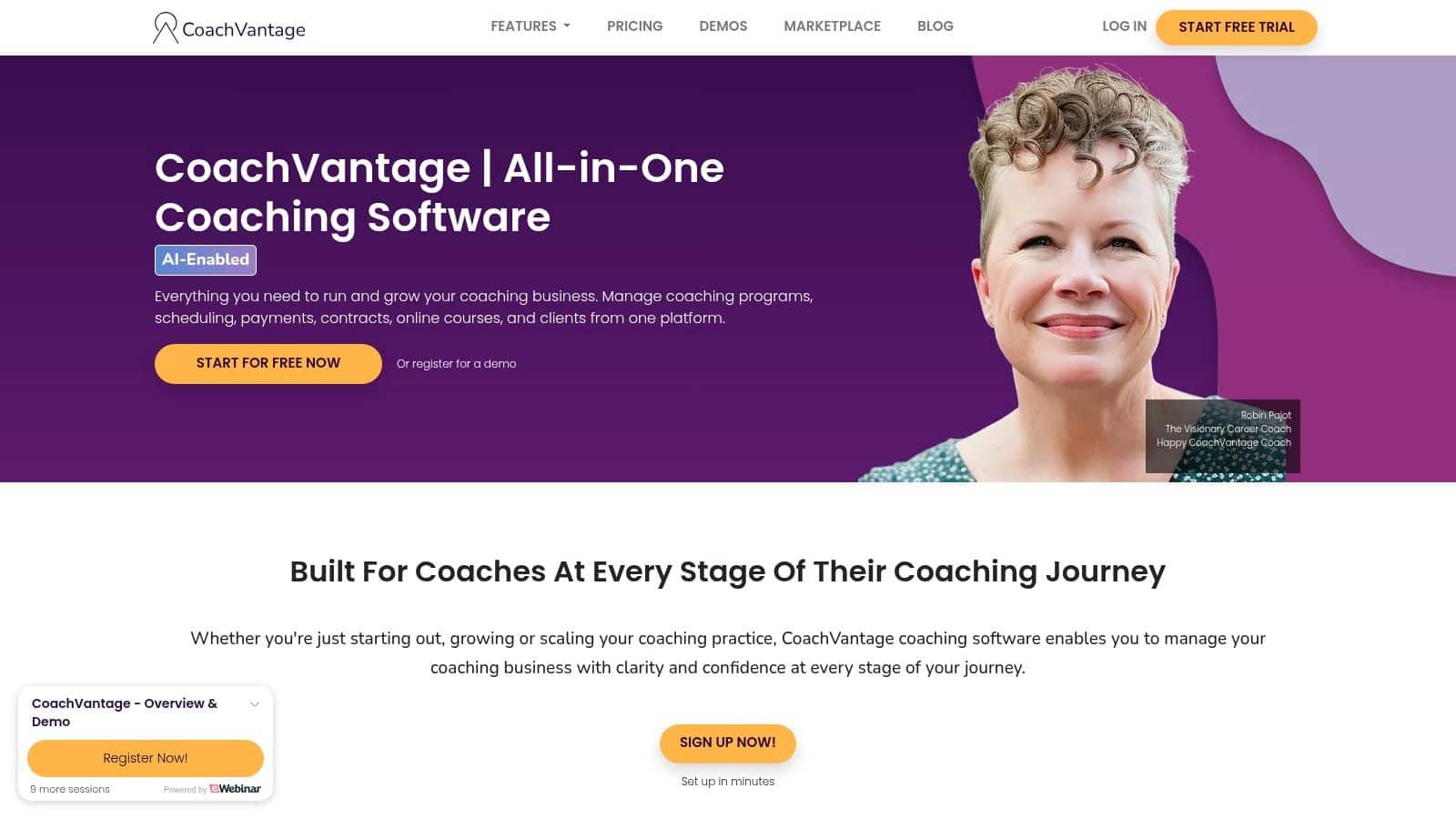
A career coach selling a 4-session package can use CoachVantage to set up discovery calls, send the contract automatically, and collect payment before the first session without building a workflow from scratch. That kind of setup is what CoachVantage does well. It is built for coaches who want predictable pricing and do not want contact growth to create extra friction. The platform includes unlimited contacts and engagements even on entry plans, plus contracts, invoicing, programs, courses, group coaching, and scheduling with two-way calendar sync. For coaches who want the core business tools bundled in one place, that balance is practical.
The day-to-day benefit is clarity. Hosted program pages, booking pages, and e-signatures keep the client journey organized, and the system can handle both delivery and admin without forcing you to stitch together several tools. A coach running packages, cohorts, or a mix of one-to-one and group work can keep intake, scheduling, and billing inside the same system. That reduces manual handoffs and keeps the back office easier to manage.
The kind of coach it suits
CoachVantage fits coaches who want straightforward operations and do not need an enterprise control layer. It works well when you are moving from manual administration into a repeatable workflow, but still want to keep the toolset lean. White-glove migration support also helps if you are leaving scattered spreadsheets or a simple calendar-and-invoice setup.
The trade-off is depth. It does not try to cover every back-office scenario, and storage and signature limits on entry plans can matter if you handle a lot of documents. It also does not match team-centric platforms for broader operational control. For a solo coach or a small practice, that restraint can be useful. For a larger coaching organization, it may feel too narrow.
Website: CoachVantage
Pros
- Unlimited contacts from the start.
- Good fit for programs plus billing in one system.
- Two-way calendar sync with Zoom and Google Meet integrations.
- White-glove migration support.
Cons
- Entry plan limits can matter for heavier document use.
- Less enterprise control than team-focused platforms.
6. Satori
Satori fits the coach who wants the software to mirror the coaching process, not a generic CRM with a few coaching fields added on. It centers on packages, discovery sessions, onboarding flows, scheduling, billing, contracts, and forms, so the core work of selling and delivering coaching stays in one place. That makes it a strong fit for solo practitioners who want a clear workflow more than a long list of extra features.
A coach who sells packages can move from discovery call to contract, payment, and intake without stitching together separate tools. That matters because every extra handoff creates another place for a lead to stall or for a client to miss a next step. Satori keeps the workflow visible enough that the business stays organized without turning the interface into a project in itself.
Why minimalists like it
Satori works best when the business model is simple enough to benefit from focus. If you sell discovery calls, turn them into sessions or programs, and want client care tools without much configuration, it stays easy to manage. The active-client billing model can also suit part-time practices that do not keep a large live roster.
The trade-off is depth outside the core workflow. Public pricing details can take more checking, and there are fewer native marketing add-ons than you would find in broader CRMs. If your growth depends on advanced follow-up or wider automation, you may outgrow it and need a more flexible system. For coaches comparing a focused tool against a lower-cost stack, the best cheap CRM for small teams can still be the better fit if marketing follow-up matters more than coaching-specific structure.
Website: Satori
Pros
- Minimalist, coach-centric interface.
- Transparent fees and no setup or cancellation charges.
- Active-client billing can suit lighter rosters.
- Easy to launch for solo work.
Cons
- Pricing visibility can require more checking.
- Fewer marketing add-ons than broader CRMs.
7. upcoach
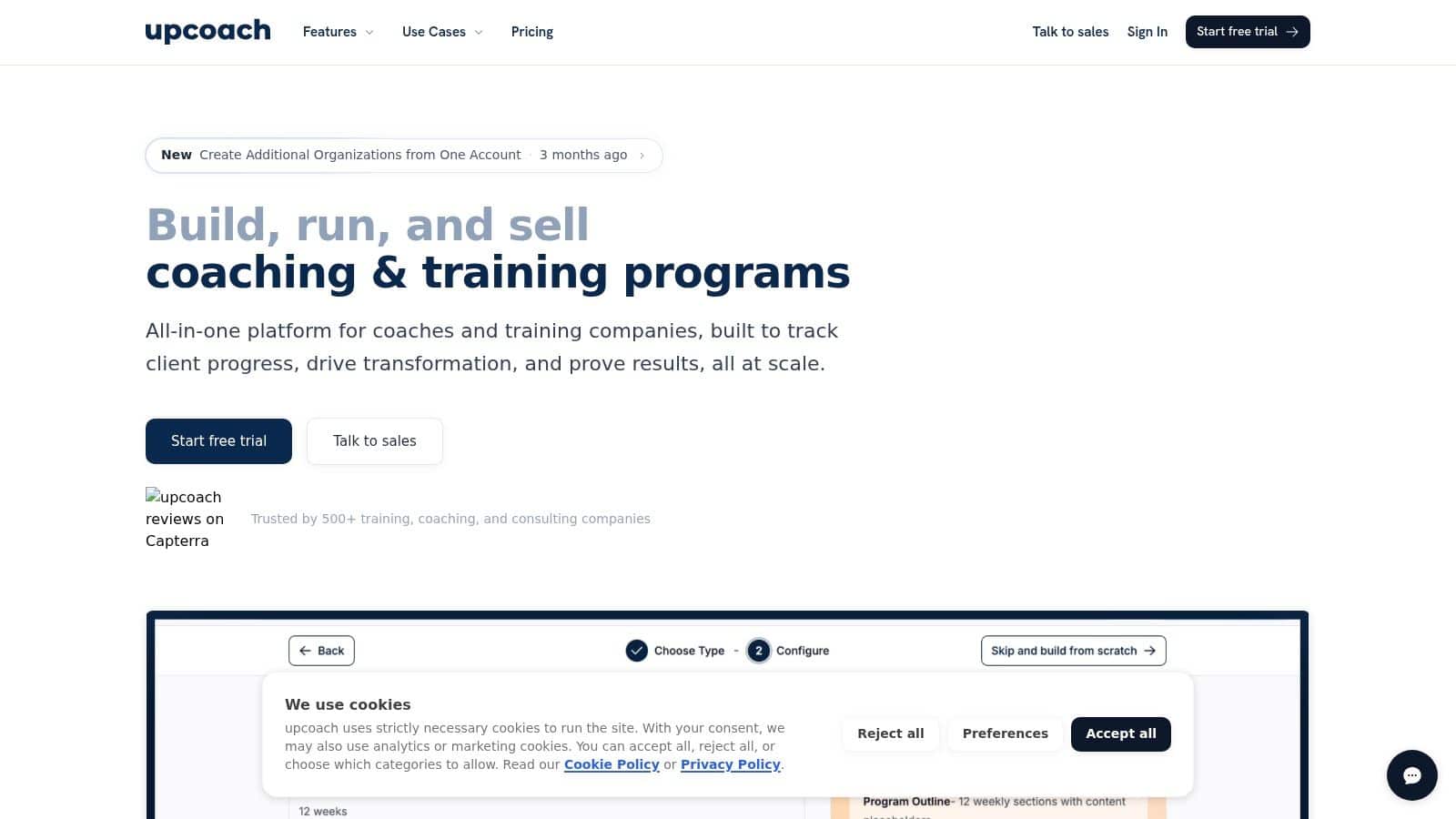
upcoach works best for coaching businesses that sell a clear program, not just a calendar slot. It brings worksheets, check-ins, lessons, events, accountability tools, community features, payments, offers, bundles, coupons, and branded landing pages into one place, so masterminds, cohorts, corporate training, and recurring group delivery stay organized around the participant journey. If your revenue depends on clients moving through a defined experience, it gives you a better operating model than a generic CRM.
The practical advantage is visibility. Progress dashboards show who is active, who is falling behind, and where a group needs follow-up, which helps you catch problems before they turn into drop-off. That matters in real coaching work, especially when you are managing multiple touchpoints and need to know whether participants are still engaging between sessions. The platform also supports MCP and AI integrations, so teams that want more modern automation have room to build beyond basic admin.
A nutrition coach is a good example. You can store intake questionnaires, track meal-plan compliance, and send secure telehealth links in the same workflow, while keeping the client experience structured and easy to follow. That kind of setup fits coaches who need both delivery and documentation without stitching together separate tools.
Best use case
upcoach makes the most sense when the offer itself is the system. If you sell transformations through guided experiences, memberships, or cohort-based work, the platform supports the full client journey instead of treating it like a series of isolated appointments. That is why it often feels stronger for program-centric businesses than for solo coaches who only want contact management.
There is a trade-off. The platform carries more weight than a scheduling-first tool, and the lower tiers add transaction fees on top of Stripe fees. For simple one-to-one coaching, that can be more infrastructure than you need, and it may be smarter to compare it with a focused stack or a simpler option. If you are working with a tight budget and want to compare lighter tools before committing, see the best cheap CRM for small teams guide. Centralized metrics also help when you want to see which acquisition channel brings the highest-retention clients, and the benefits of central metrics explain why that view matters for growth decisions.
Website: upcoach
Pros
- Excellent for cohorts and multi-format programs.
- Progress dashboards show participant activity clearly.
- Payments and branded landing pages are built in.
- AI integrations add automation flexibility.
Cons
- Transaction fees apply on lower tiers.
- Too much platform for basic 1:1 scheduling.
8. Practice Better
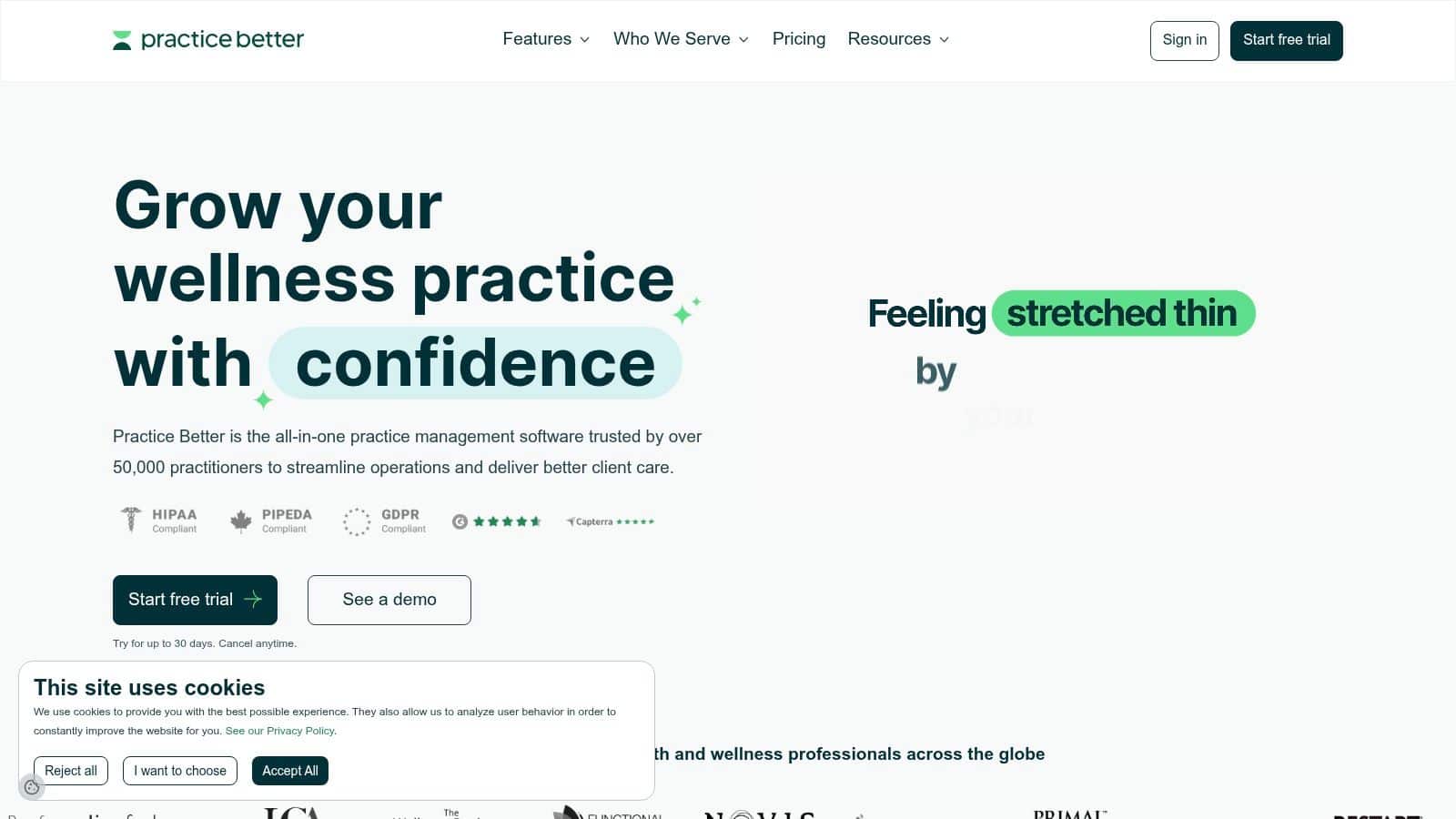
Practice Better fits health, nutrition, and wellness coaches who need a client system, not just a contact database. It combines charting, notes, protocols, telehealth, scheduling, billing, payments, forms, automation, and a client portal, so the work stays in one place instead of getting split across separate tools. If your clients expect documentation and careful handling, that structure is part of the value.
A solo practitioner can start with a lighter setup, while a growing practice can add team workflows without rebuilding the whole system. The student Sprout plan gives early-stage coaches a way to begin without overcommitting, and the migration concierge can reduce setup friction if you are moving from another platform. For coaches in health-adjacent or regulated environments, that combination of workflow depth and administrative control is often the point.
Where it earns its place
A business coach managing three concurrent client projects can generate a proposal, send it for e-signature, invoice upon completion, and store all deliverables in a single client portal without switching apps. That same logic applies to wellness coaches who need to document sessions, keep records organized, and present a professional client experience. Practice Better handles that mix of service and administration better than a generic CRM built only for lead tracking.
It also suits coaches whose follow-up process depends on more than reminders. The platform can organize intake, session notes, and client-facing materials in a way that keeps the work moving without forcing you to stitch together separate systems. The trade-off is scope. If you only need contact management, booking, and straightforward invoicing, the EHR-like feel may be more than you want, and optional services can add cost. For a broader view of how to evaluate lead tracking inside a coaching workflow, see the complete lead scoring breakdown. If you also need to coordinate outreach alongside client management, some coaches use streamline outreach with Call Loop to keep messaging tied to their CRM activity.
Website: Practice Better
Pros
- Purpose-built for wellness and regulated workflows.
- Scales from solo practitioners to teams.
- Strong documentation and onboarding support.
- Student plan available to get started.
Cons
- Broader EHR-like scope may be unnecessary for some coaches.
- Some add-ons come with extra cost.
10. HubSpot CRM
A coach who wants a free entry point and a path to more advanced sales and marketing work later will usually look at HubSpot CRM early. The free CRM covers contact, deal, and task management, plus email tracking, templates, forms, meeting scheduling, and live chat. For a solo coach or a small practice, that gives enough structure to track inquiries and follow-ups without paying right away. If you are trying to decide how much attention to give each prospect, start with the complete lead scoring breakdown.
The reason coaches keep HubSpot in place is the upgrade path. As the business adds reporting, automation, or more complex service workflows, paid hubs can extend the same system instead of forcing a migration. That matters for coaches whose marketing matures over time and who prefer to build on a familiar CRM rather than reset their process every year.
Where HubSpot works, and where it doesn’t
HubSpot fits coaching businesses that generate leads through content, inbound inquiries, and structured follow-up. It does not include coaching-specific delivery or accountability tools, so session management and client progress tracking usually live elsewhere. That is acceptable for many coaches, since they already use separate tools for scheduling, payments, or program delivery.
For teams that also want outbound communication tied to their CRM activity, you can streamline outreach with Call Loop and keep dialing and follow-up connected to HubSpot pipelines.
The main trade-off is fit. HubSpot is a general-purpose CRM, so a coach who needs onboarding forms, homework tracking, or client portals may still need another platform beside it. A coach with a straightforward sales process and a stronger marketing plan will usually get more value from HubSpot than a coach trying to run every part of delivery inside one tool.
Why coaches choose it for growth
HubSpot is a practical choice for solo coaches who want to start free, small teams that need shared visibility, and program-based businesses that expect more lead volume over time. It gives you a clean sales foundation first, then room to add automation when your workflow becomes more complex. Coaches who rely on marketing content, discovery calls, and repeat follow-up tend to see the best fit.
Pros
- Full-featured free tier for contact and pipeline management.
- Large integration ecosystem that fits many coaching stacks.
- Clear upgrade path from basic CRM use to marketing and sales automation.
- Useful for inbound lead management and follow-up.
Cons
- Not coaching-specific, so delivery and accountability features are limited.
- Paid hubs can get expensive as needs grow.
- May require extra tools for scheduling, client work, or program management.
10. HubSpot CRM
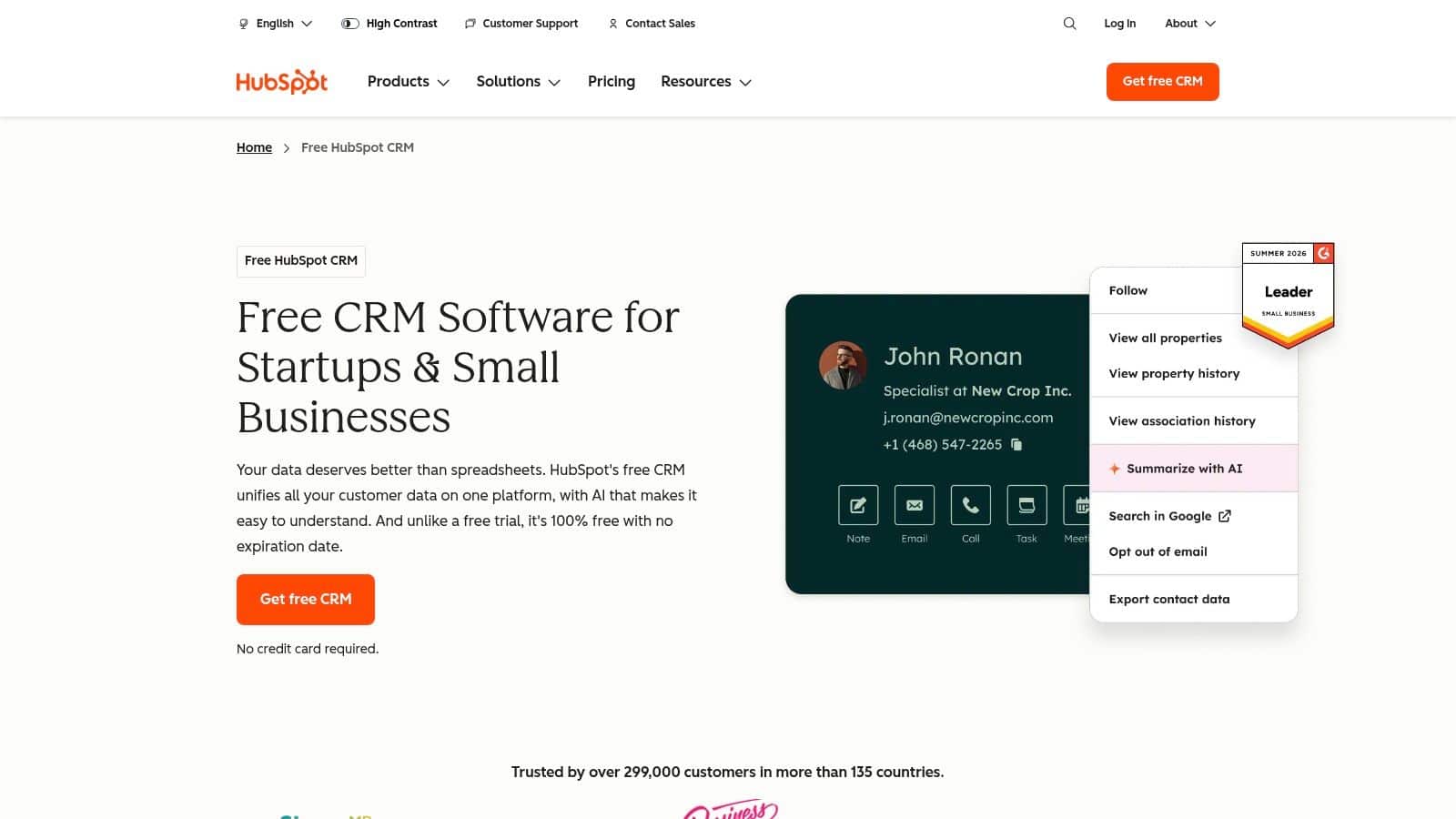
HubSpot CRM is the most obvious choice when a coach wants a true free starting point and expects to grow into deeper marketing and sales operations later. The free CRM includes contact, deal, and task management, along with email tracking, templates, forms, meeting scheduling, and live chat. That makes it a legitimate starting place for coaches who need structure without immediate expense. You can also review lead scoring concepts for a coaching funnel if you’re thinking about how to prioritize prospects.
The upgrade path is the reason coaches stay with HubSpot. If your business develops more complex reporting, automation, or service workflows, you can add paid hubs later instead of migrating to a new platform. That’s useful for coaches whose marketing becomes more advanced over time and who don’t want to start over every 12 months.
Where HubSpot works, and where it doesn’t
HubSpot is best when your coaching business leans heavily into inbound lead generation, content, and follow-up. It’s not coaching-specific, so it won’t give you the same delivery or accountability features as dedicated platforms. For many coaches, that’s acceptable because they already use a separate calendar, payment processor, or client delivery tool.
The main warning is complexity. As you add hubs and seats, the system can become a much bigger investment than it looks at first glance. It’s a strong choice for growth, but not always the leanest one for a small practice.
Website: HubSpot CRM
Pros
- Free CRM with no expiry.
- Strong upgrade path as needs get more advanced.
- Large ecosystem of integrations and support.
- Quick to deploy for basic pipeline work.
Cons
- Premium tiers can get complex and expensive.
- Less coaching-specific delivery functionality than niche tools.
Top 10 CRMs for Coaches, Feature & Pricing Comparison
| Product | Core Capabilities | UX / Quality | Value & Pricing | Target Audience | Unique Selling Points |
|---|---|---|---|---|---|
| HighLevel 🏆 | CRM + unified inbox, funnels, bookings, payments, reputation, broadcasts, native AI ✨ | ★★★★★ | 💰 $97 → $297 (Unlimited) → $497 (Agency Pro); unlimited contacts | 👥 Agencies, SMBs, coaches, freelancers | ✨ All‑in‑one + native AI, unlimited sub‑accounts (Unlimited), Text‑2‑Pay, SaaS mode |
| Paperbell | Packages, scheduling, contracts, client portal, payments | ★★★★ | 💰 Flat‑rate plan; no extra Paperbell fees | 👥 Solo coaches & small practices | ✨ Fast setup, built‑in contracts & packages |
| CoachAccountable | Scheduling, session tracking, assignments, courses, client portal | ★★★★ | 💰 Per‑active‑client billing model | 👥 Coaches focused on accountability & cohorts | ✨ Purpose‑built coaching workflows, progress metrics |
| Delenta | CRM, client portals, team/associate management, reporting, payroll, HIPAA option | ★★★★ | 💰 Tiered (solo → enterprise); some features via sales | 👥 Solo→multi‑coach orgs, corporate coaching | ✨ Team payroll, multi‑coach assignment, white‑labeling |
| CoachVantage | CRM, unlimited contacts, scheduling, e‑contracts, group programs | ★★★★ | 💰 Predictable pricing; unlimited contacts from entry | 👥 Coaches wanting simple program + billing | ✨ Unlimited contacts, two‑way calendar sync, migration support |
| Satori | Packages, onboarding flows, scheduling, billing, contracts; Scholar free plan | ★★★★ | 💰 Free Scholar plan; active‑client billing for paid tiers | 👥 Solo & student coaches | ✨ Minimalist UX, transparent payment policy |
| upcoach | Program builder (worksheets, lessons), community, payments, AI integrations | ★★★★ | 💰 Capacity‑based pricing; transaction fees on lower tiers | 👥 Program & cohort leaders, corporate training | ✨ Strong program/cohort tools, participant progress tracking |
| Practice Better | EHR‑grade charting, telehealth, scheduling, billing, HIPAA/GDPR compliance | ★★★★ | 💰 Student (Sprout) plan → paid tiers; add‑ons for advanced features | 👥 Health, nutrition & regulated wellness coaches | ✨ HIPAA compliance, clinical charting & telehealth |
| Bonsai | CRM + proposals, contracts, invoicing, scheduling, client portal | ★★★★ | 💰 Public pricing; per‑user tiers with annual discounts | 👥 Solo coaches, consultants, creative professionals | ✨ Strong templates, end‑to‑end client work OS |
| HubSpot CRM | Contacts, deals, tasks, email tracking, forms, meetings, live chat | ★★★★☆ | 💰 Free‑start CRM; paid Hubs for Marketing/Sales/Service | 👥 Businesses scaling marketing & sales ops | ✨ Robust free tier, huge integrations & upgrade path |
From Selection to Scale Making Your Coaching CRM Work for You
Picking a CRM is only the first decision. The payoff comes when you wire it into the way you sell, onboard, deliver, and renew clients. That's why the best CRM for coaches depends less on feature count and more on where your revenue leaks, which is the operational question many roundups miss (revenue leakage framing).
A useful way to think about the market is simple. Coaches who need acquisition support should care about lead capture, follow-up, booking, and reactivation in one system, while coaches who already have steady demand should care more about delivery, accountability, and retention. The most common mistake is buying a tool that looks powerful but solves the wrong problem. If you're losing prospects because you don't follow up fast enough, a delivery-first platform won't fix that. If you're losing time after the sale, a bare pipeline won't help either.
Practical rule: buy for the bottleneck you have now, not the business model you hope to have someday.
HighLevel is usually the strongest answer when you need both sides to work together and want an operating system rather than a single-purpose app. Paperbell, CoachAccountable, and Satori are cleaner when your delivery process is the main issue. HubSpot makes sense when lead generation and future scalability matter more than coaching-specific workflows. The rest sit in the middle, each with a clearer sweet spot than a generic “top CRM” ranking suggests.
All-in-One Platform vs. Niche Solution When to Choose HighLevel
A niche tool is often the right move for a solo coach. Paperbell, CoachAccountable, or CoachVantage can get you live fast, keep the workflow simple, and avoid the feeling that you bought software you're only half using. If your business is still small and your lead flow is manageable, that focus can be an advantage.
HighLevel starts making more sense when coaching becomes a real operating business. That's especially true if you run a team, manage multiple programs, or want to automate the entire lifecycle from first inquiry to reactivation. The platform's all-in-one structure helps remove tool switching, and its AI and pipeline features are built for businesses that care about conversion speed, not just record keeping. The broader coaching market growth also reinforces that point, since expanding firms usually need more structured lead handling, onboarding, and renewal touchpoints (market context).
Delenta's team-oriented coaching workflow is another sign of where the market is headed, but HighLevel is the more aggressive choice if you want marketing, messaging, booking, and payments under one roof. It's a stronger fit when you want to standardize operations across multiple offers or clients. If you don't need that kind of depth yet, you'll probably move faster with a lighter tool and fewer moving parts.
Quick Start Your 5-Step CRM Implementation Plan
Start small. Coaches often abandon a new CRM because they import everything at once and never build a habit around it.
- Define your core workflow. Map the path from inquiry to discovery call to booked client to renewal.
- Migrate your live contacts first. Bring in the prospects you're working before you worry about the archive.
- Automate one process. Pick reminders, onboarding, or missed-call follow-up and make that work first.
- Run a test client through the system. Use a real booking, payment, and onboarding sequence before you trust it fully.
- Review after a week. Check where leads stalled and where your team had to switch tools.
A small setup done consistently beats a perfect setup nobody uses. Coaches who keep the workflow simple in week one usually get value faster than coaches who spend days customizing fields they'll never touch.
Frequently Asked Questions
Do new coaches really need a CRM?
Yes, even a lightweight one. If you're already handling discovery calls, follow-ups, and onboarding, a CRM gives you a repeatable system instead of relying on memory and inbox search.
Can spreadsheets and a calendar be enough?
For a very small practice, maybe. Once lead volume rises or you start offering packages, follow-ups become too easy to miss, and the client experience gets harder to manage cleanly.
What's the difference between a coaching platform and a general CRM?
Coaching platforms usually focus on delivery, client portals, billing, and program management. General CRMs are better at sales pipelines, lead tracking, and automation. HighLevel sits closer to the middle because it combines both.
Which type of coach benefits most from an all-in-one system?
Coaches who run teams, group programs, memberships, or multi-step client journeys. Those businesses usually need fewer disconnected tools and more reliable automation.
How should I decide between a niche tool and HighLevel?
Use a niche tool if you need speed and simplicity. Choose HighLevel if your business is growing into a larger operation and you want to centralize marketing, sales, booking, and payments in one place.
The best CRM for coaches is the one you'll use every day. If you need focused simplicity, Paperbell, CoachAccountable, or Satori can be enough. If you want to turn your coaching business into a more automated, scalable operation, HighLevel gives you the broadest path from lead capture to client retention.
If you're ready to stop stitching tools together, HighLevel gives coaches one system for CRM, follow-up, booking, payments, and client communication. It's a strong fit for practices that want to scale without losing control of the client journey. Visit HighLevel to see how the platform can support your coaching workflow.
