


Choose the workflow before the platform. That advice gets repeated so often that it sounds safe, but it’s usually backward. The better ConvertKit alternatives are not interchangeable, because they solve very different operating problems, from CRM depth and funnel building to ecommerce data, newsletter monetization, and agency operations. If you pick by familiarity alone, you can end up paying for a creator tool when what you really need is a business system.
The core question is not whether a platform can send emails. It’s whether it fits the way you work, whether that means managing client sub-accounts, tracking purchase behavior, running webinars, building funnels, or keeping newsletters simple. In practice, the best choice depends on audience type, automation complexity, sales process, list economics, and how painful migration will be.
Table of Contents
- 1. HighLevel
- 2. MailerLite
- 3. Mailchimp
- 4. ActiveCampaign
- 5. Brevo
- 6. GetResponse
- 7. AWeber
- 8. Klaviyo
- 9. Flodesk
- 10. beehiiv
- Top 10 ConvertKit Alternatives Comparison
- Turn the Shortlist Into a Migration Plan
1. HighLevel
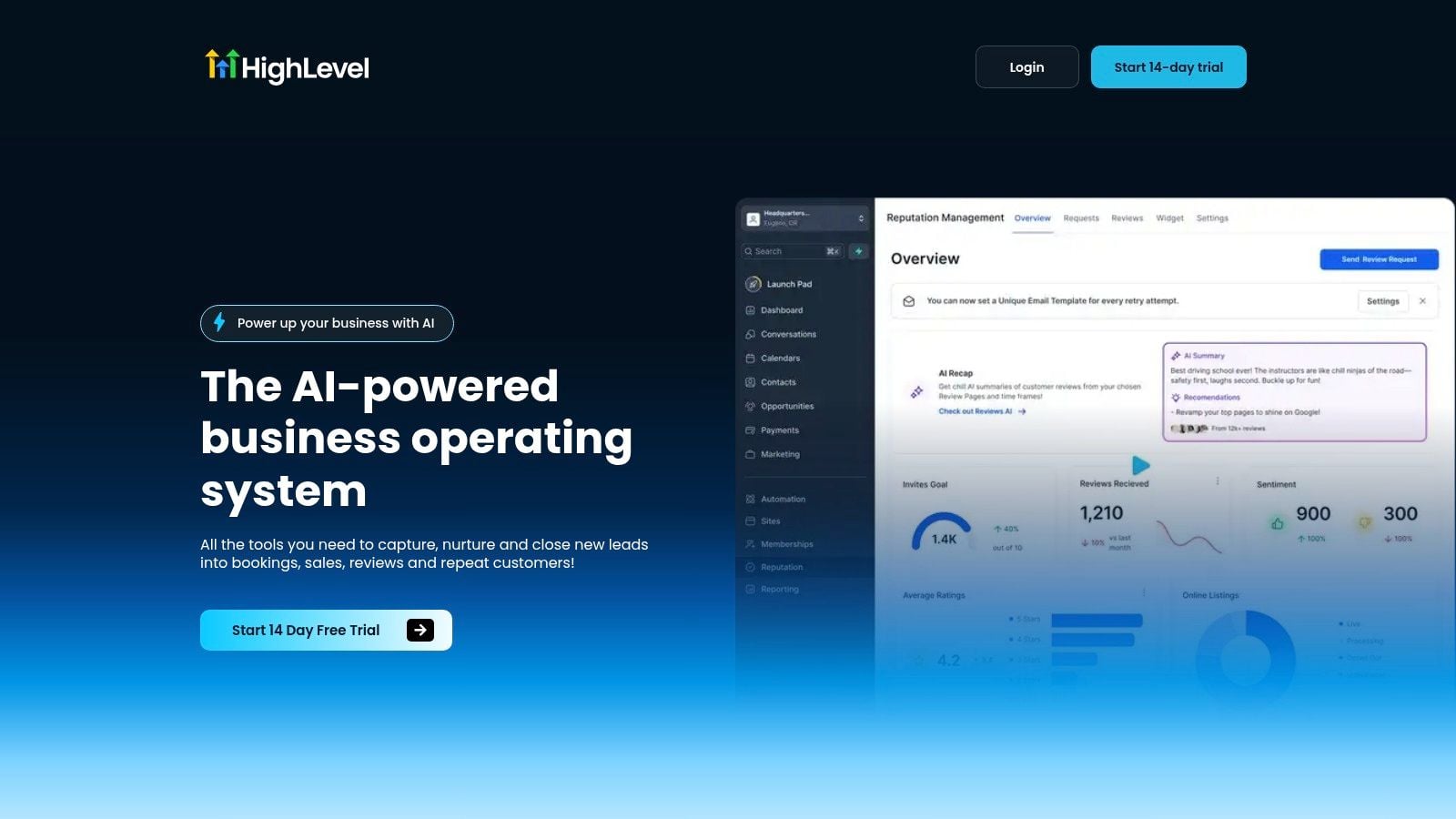
HighLevel makes sense when email is only one part of the revenue workflow. It replaces the usual stack of CRM, inboxes, funnels, calendars, invoicing, and reputation tools with one workspace, which is why agencies and service businesses keep gravitating to it. The platform’s own positioning around conversations, bookings, payments, reviews, and reactivation lines up with the “business operating system” gap that most ConvertKit-style comparisons miss, and its all-in-one structure is laid out in this HighLevel CRM all-in-one platform.
Where HighLevel fits best
If you’re running an agency, a local service business, or a coach-led offer, HighLevel removes a lot of glue work. You can capture leads, move them through pipelines, reply across channels, and trigger follow-up without stitching together separate tools. That matters because migration isn’t just about importing contacts, it’s about preserving the way leads move from first touch to booked call to payment.
HighLevel also stands out for creators who’ve outgrown lightweight email software and now need more than newsletters. Its AI features are woven through messaging, voice, reviews, and content creation, so follow-up doesn’t rely on manual handoffs. Unlimited contacts and the Unlimited plan’s unlimited sub-accounts also make it unusually practical for white-label or multi-client operations.
Practical rule: choose HighLevel when your bottleneck is coordination, not just sending. If sales, booking, payments, and review capture all live in separate tools, the platform’s value is in removing that fragmentation.
Where it creates friction
The trade-off is complexity. HighLevel has a dense feature set, and teams that only need simple broadcasts may feel buried in options they’ll never use. Smaller operators may also hesitate at paying for agency-grade capability before they’ve fully used it.
Its pricing is easy to understand, though. The Starter plan is $97/month, and the Unlimited plan is $297/month, with a 14-day free trial available on the site. For teams comparing entry cost against ConvertKit’s starting point from the 2026 comparison ecosystem, the question is whether you need a sender or a system, because HighLevel is clearly built for the second case (Vibe Growth Stack).
2. MailerLite
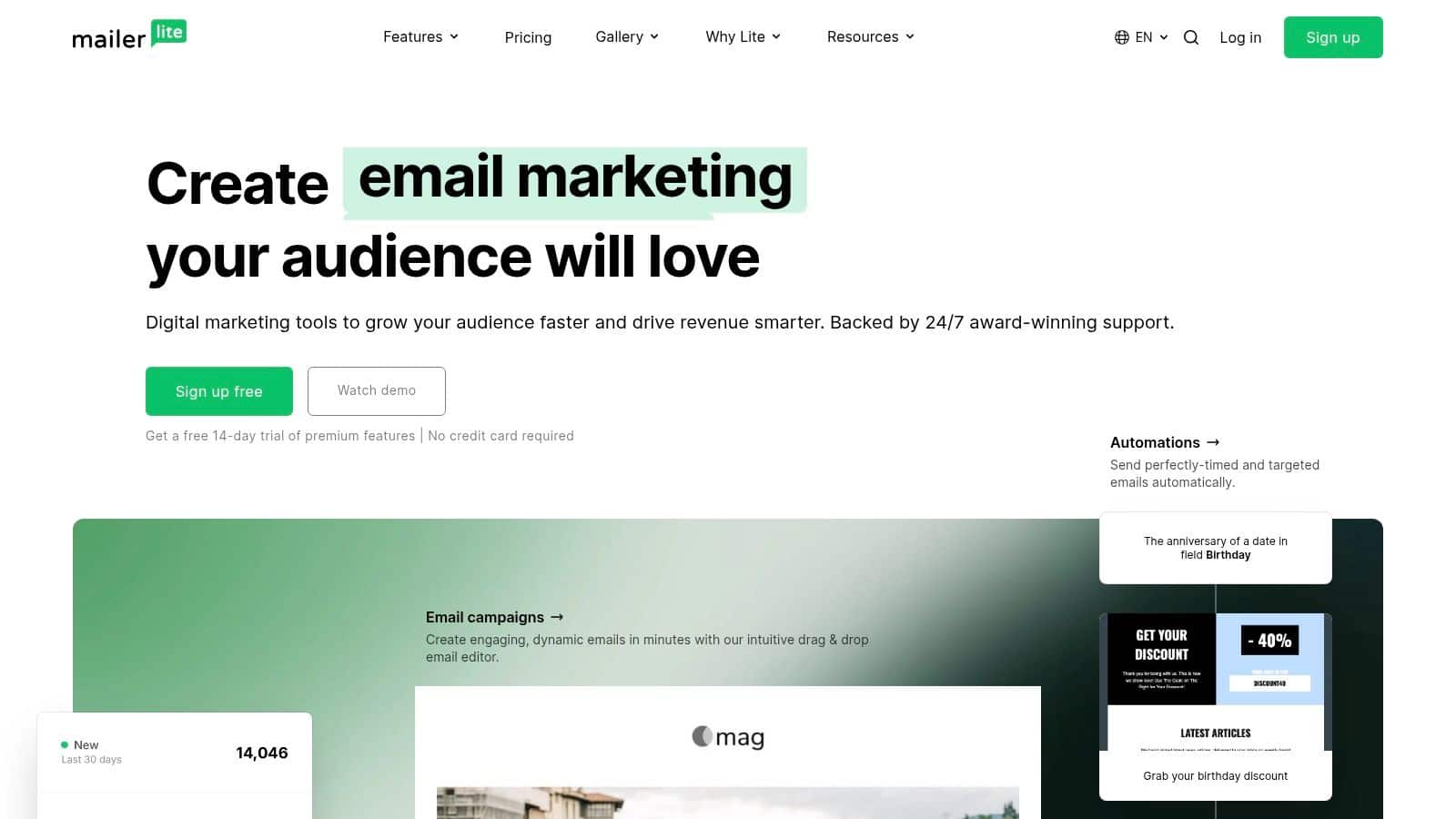
MailerLite fits creators who want a simpler operating system for email, not a heavier platform that turns every launch into a process project. It keeps the core work close together, email, landing pages, automations, digital products, and bookings, which makes it a practical ConvertKit alternative for solo creators, small teams, and agencies that want to move quickly without stitching together extra tools. Its appeal is less about flashy depth and more about keeping the workflow readable from first signup to paid offer.
Why it works for small teams
MailerLite is useful when the business model is straightforward: content brings the traffic, a form captures the lead, automation warms the subscriber, and a product or booking closes the loop. The visual automation builder, dynamic content, landing pages, websites, forms, pop-ups, and built-in digital products cover that path without forcing you into a separate stack for each step. That matters when the main goal is to publish consistently and keep the list moving toward a sale with as little operational drag as possible.
It also works well for agencies that build simple client funnels. A clean landing page and a basic follow-up sequence do not need a complex backend, and the platform fits naturally with a landing page guide for agencies when the brief is to turn traffic into signups without adding extra production overhead.
For smaller lists, MailerLite’s pricing structure is part of the draw. The platform is often positioned as a low-cost entry option in comparison guides, and that keeps it attractive for creators who want to protect cash while they test offers and grow an audience. It is the kind of choice that makes sense when the software budget needs to stay light and the team would rather spend time on content and conversion work than on system maintenance.
What to watch
The trade-off shows up once sending volume and workflow complexity start to rise. MailerLite’s lower tiers have send limits, and users who need unlimited sending move into a higher plan. That becomes relevant for businesses that email often, run repeated launches, or depend on frequent broadcasts to drive revenue. The Free tier also limits API and MCP sending, so technical teams should check whether their automations and integrations fit within those boundaries before they migrate.
For creators, the friction is usually manageable. MailerLite keeps the interface approachable, which makes it easier to adopt than a tool built around agency orchestration or deep ecommerce data. The platform works well when the business needs a simple creator funnel, and it becomes less compelling when the workflow starts asking for heavier segmentation, broader revenue ops, or a more complex team structure.
3. Mailchimp
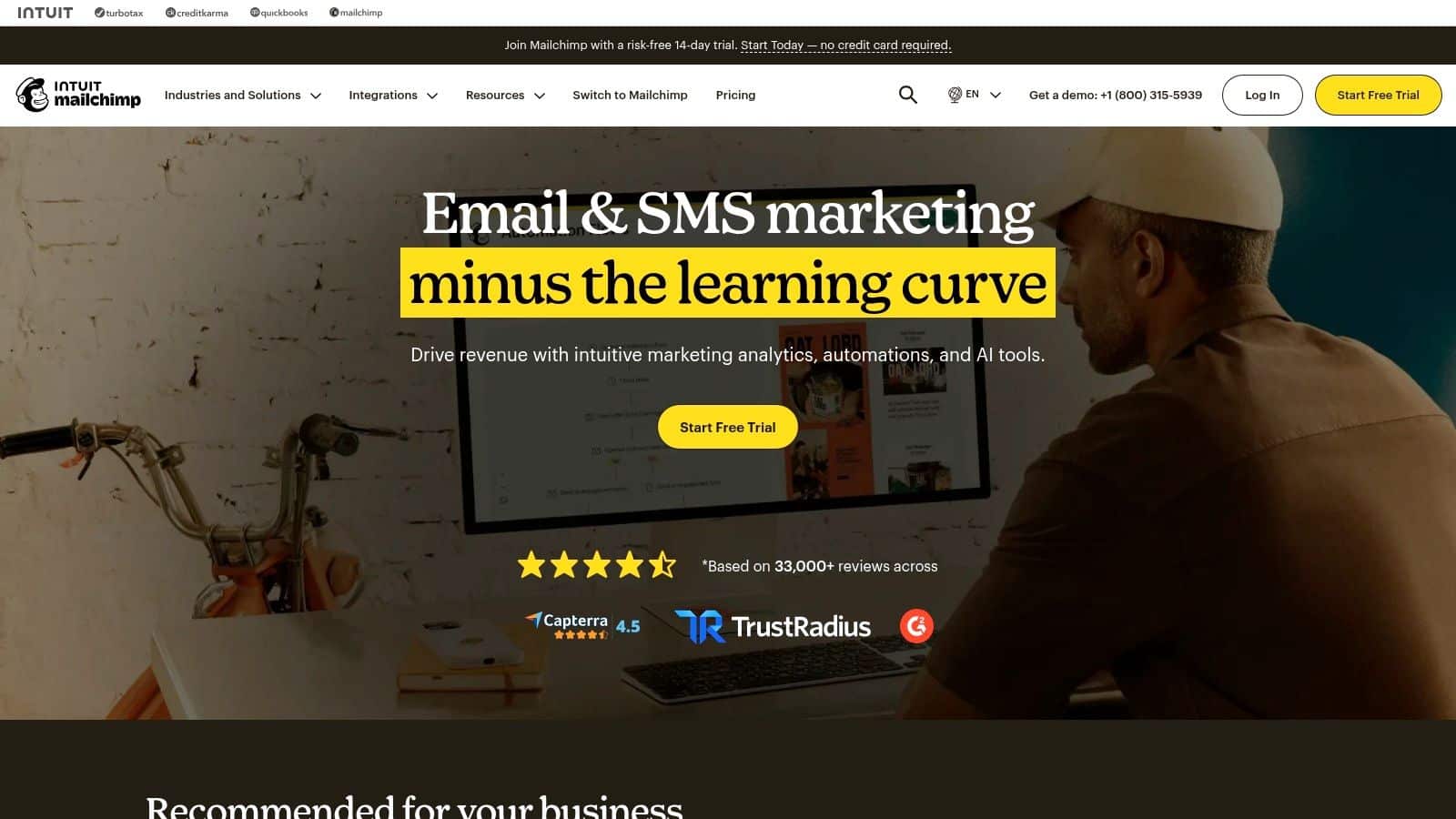
Mailchimp makes sense when the priority is operational breadth, not creator-specific polish. It is widely used, which makes hiring, onboarding, and outside support easier than with a narrower tool. That matters for teams that rotate contractors, hand work across departments, or need a platform that a lot of marketers already recognize.
Why teams choose it
Mailchimp fits businesses that want an all-in-one marketing layer without stepping into a heavier CRM stack. Email, basic CRM, forms, landing pages, ecommerce automations, and a large template and add-on ecosystem give it enough range for teams that need one system to cover several jobs. If you are replacing a smaller creator tool and want something that contractors, marketers, and generalists can pick up quickly, Mailchimp is a practical option.
Its real strength is familiarity. There is a deep pool of tutorials, templates, and implementation guidance, which reduces the time spent figuring out how to set it up and use it well. For brands with ecommerce activity, the reporting and integration ecosystem can feel more mature than what creator-first tools usually provide, especially when the workflow crosses into store data and marketing coordination.
Where it starts to pinch
The billing model can become the main friction point. Contact-based pricing means the invoice grows as the list grows, even if send volume stays modest. That works for teams that get value from the broader platform, but it feels less attractive if you mainly need a reliable email engine and do not use the surrounding tools.
Advanced functionality also tends to sit behind higher tiers. That is normal for a platform with this much breadth, but it means teams should check the exact feature they need before they move. Mailchimp fits best when the organization wants broad integration coverage, shared familiarity, and enough marketing surface area to support ecommerce or multi-channel work, not when the goal is the cleanest creator workflow.
For businesses comparing ConvertKit alternatives by operating model, Mailchimp usually lands in the middle ground. It gives ecommerce teams and general marketing teams a familiar system with enough reach to coordinate campaigns, forms, and basic automation, while creator-led businesses may find the extra structure harder to justify.
4. ActiveCampaign
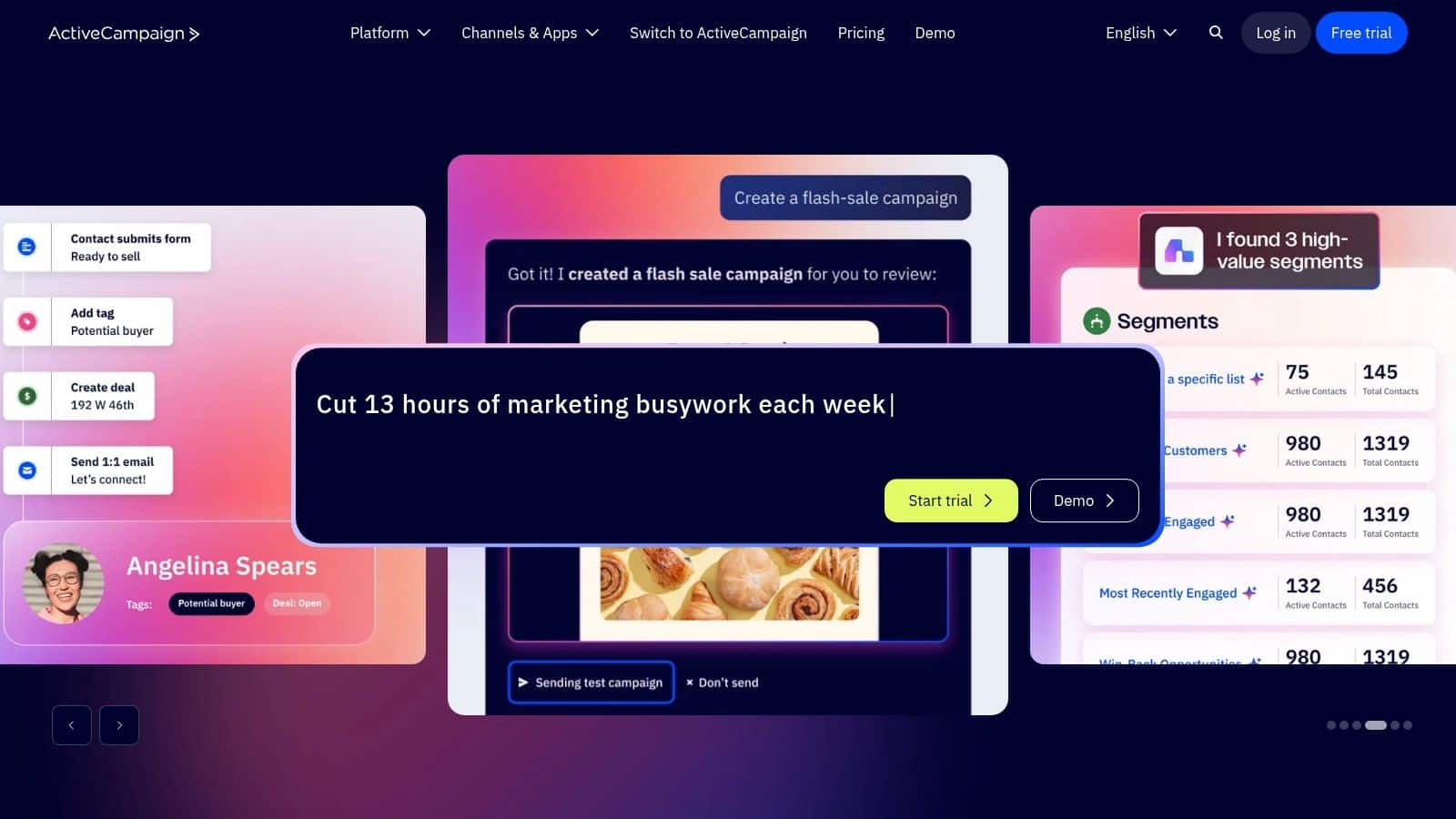
ActiveCampaign is the strongest option when automation is the main job, not a nice-to-have. It combines email, marketing automation, and sales CRM, which makes it a natural step up for teams whose funnel now depends on conditional logic, lead scoring, and lifecycle orchestration. The platform is less about sending campaigns and more about building a machine that responds to behavior.
Why it stands out
Its automation builder is the reason people choose it. You can branch based on engagement, tagging, site behavior, or pipeline status, which is useful when leads don’t all move through the same sales path. That’s the difference between a basic autoresponder and a system that supports real sales and marketing coordination.
ActiveCampaign also works well for teams that want the CRM and marketing side to talk to each other. If a lead’s status changes, or if a rep advances a deal, you can use that signal to trigger communication without a separate integration layer. For many SMBs, that’s the practical upgrade they wanted from a ConvertKit-style setup all along.
A useful benchmark for teams evaluating automation quality is not just how many workflows exist, but whether the platform makes those workflows measurable. The KPI question matters here, which is why a marketing automation KPIs resource is worth revisiting before migration.
The trade-offs
ActiveCampaign is powerful, but it can feel busy. New users often need time to understand the interface, and smaller teams may not use enough of the advanced logic to justify the learning curve. Pricing also rises with contacts and add-ons, so it’s not the cheapest path if your use case is simple.
It’s a better fit for businesses that have already outgrown newsletters and want tighter sales orchestration. If your next phase depends on segmentation, scoring, and deal-stage automation, ActiveCampaign is one of the most credible ConvertKit alternatives on the market.
5. Brevo
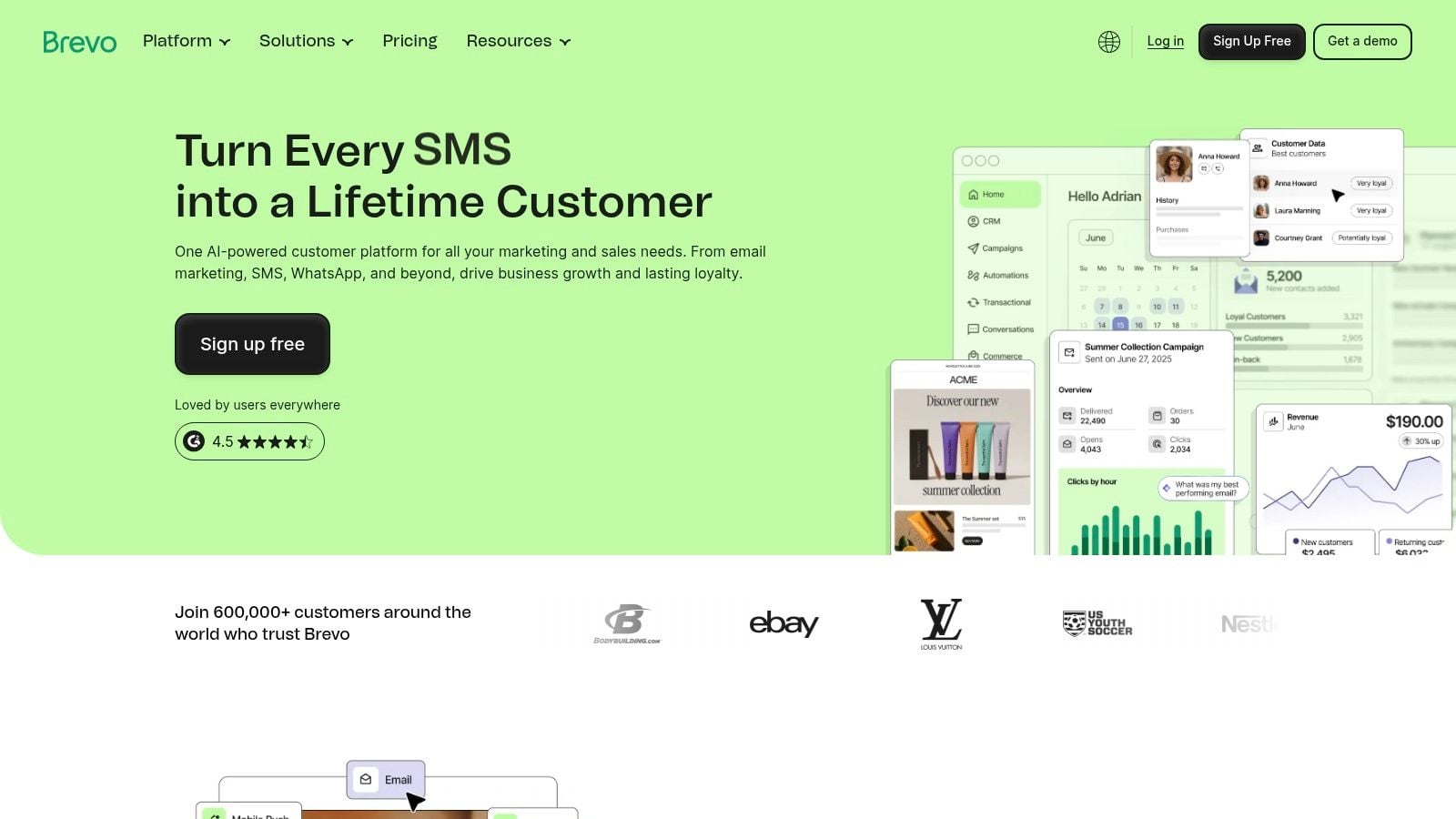
Brevo is the pragmatic choice for businesses that send a lot of messages or need multiple channels without paying premium contact-based pricing. Its model centers on email volume rather than list size, which is why it keeps attracting teams with large databases and modest send frequency. That pricing logic is a major reason it keeps appearing in 2026 alternative roundups as a cost-control option (Mailsoftly).
Where Brevo makes sense
Brevo’s strength is that it doesn’t force you to pay only because a subscriber list is large. For companies with huge audiences but relatively sparse sends, that can be a major economic advantage. It also supports email, SMS, WhatsApp, transactional messaging, and simple CRM tools, so the platform can cover several communication jobs without becoming a full enterprise suite.
That makes it a strong fit for service businesses and ecommerce teams that need operational messaging as much as campaign email. Order updates, reminders, follow-ups, and broadcasts can live in the same place, which reduces the need for extra tools. The simple CRM layer helps, especially when the team wants just enough structure to track leads without adopting a heavyweight sales platform.
Where it can frustrate teams
Brevo’s feature access is tier-sensitive. Some functions and branding removal require paid add-ons, so the actual cost can be a little more complicated than the headline price suggests. The automation depth is also more modest than what advanced lifecycle teams get from specialized tools.
Still, Brevo has a very clear place in the market. If you’re choosing among ConvertKit alternatives and your priority is sending lots of messages without contact-based cost inflation, it deserves a serious look.
6. GetResponse
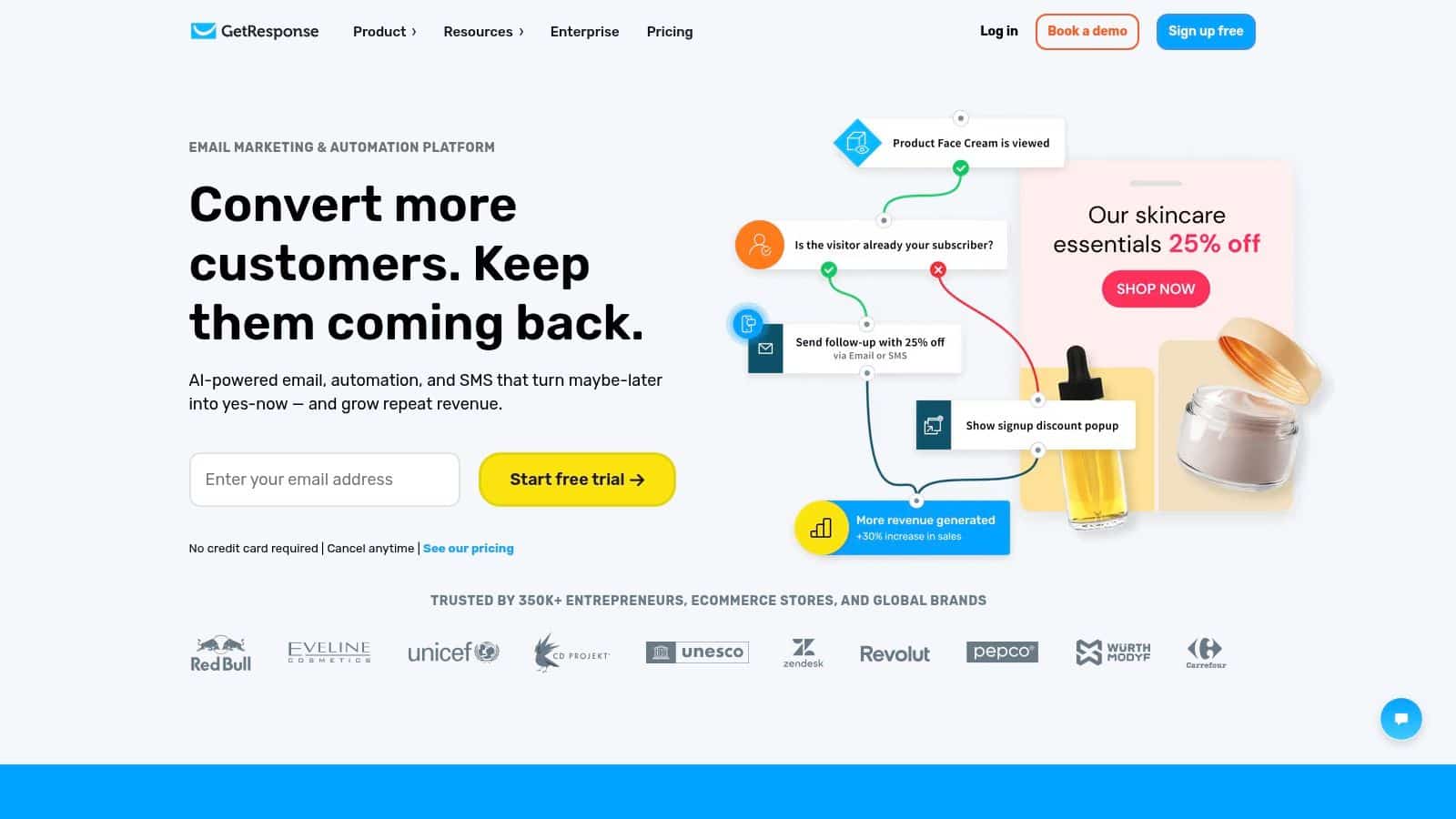
GetResponse stands out when the business model depends on teaching, launches, or live selling. Webinars and A/B testing give it a broader role than lightweight newsletter software, so it can sit closer to the full marketing workflow instead of acting as email only. That matters because webinar hosting is usually split across another platform, not bundled into the email system itself.
Why it fits webinar-led businesses
Value is consolidation. A course launch, workshop, or coached offer usually needs email sequences, landing pages, and a webinar layer, and GetResponse keeps those pieces under one roof. That lowers coordination overhead and reduces the number of tools that have to be synced before a live event.
It also has a pricing profile that can make sense for smaller lists. In one 2026 comparison, GetResponse was shown at $19 per month at 1,000 contacts and $69 per month at 10,000 contacts, with a free plan for 500 contacts, while the same comparison ecosystem described its annual billing from about €13 per month. Relative to ConvertKit’s $29 per month starting price in that comparison, the entry point can land lower while still giving you a wider feature stack.
Where it becomes too much
GetResponse can feel oversized if your only job is sending email. The feature mix is useful, but it adds setup work that a simpler creator workflow may not need. Some advanced automation and ecommerce functions also sit behind higher tiers, so the version you choose needs to match the workflows you plan to run.
For creators who rely on launches, paid workshops, or course promotions, it remains a strong fit. The platform does more than deliver broadcasts, and that is exactly why it keeps showing up in serious ConvertKit alternatives lists.
7. AWeber
AWeber is the conservative pick, and that’s not a bad thing. It’s built for people who want a straightforward email platform, dependable support, and a low-drama learning curve. If your business doesn’t need deep automation or omnichannel orchestration, that simplicity is a feature, not a flaw.
Why beginners still like it
The drag-and-drop builder, templates, sign-up forms, landing pages, and basic automations cover the essentials well enough for newsletters, lead magnets, and small list workflows. It’s a good fit for solopreneurs who care more about getting campaigns out the door than designing complex customer journeys.
Human support also matters more than many teams expect. When a campaign is delayed or a form breaks, beginners don’t want to wade through a dense help center. AWeber’s long-standing focus on support is one reason it remains relevant among creator and small-business tools.
Where it falls short
The trade-off is automation depth. AWeber can handle basic sequences, but it’s not the best answer when your list behavior has become more segmented or your sales process has more moving parts. Sends and feature limits vary by tier too, so growth can force a second look at pricing.
AWeber also doesn’t compete with more channel-rich systems if SMS or push messaging is part of your strategy. It’s best when the goal is reliable email delivery and a gentle onboarding experience, not when you’re trying to replace several marketing systems at once.
8. Klaviyo
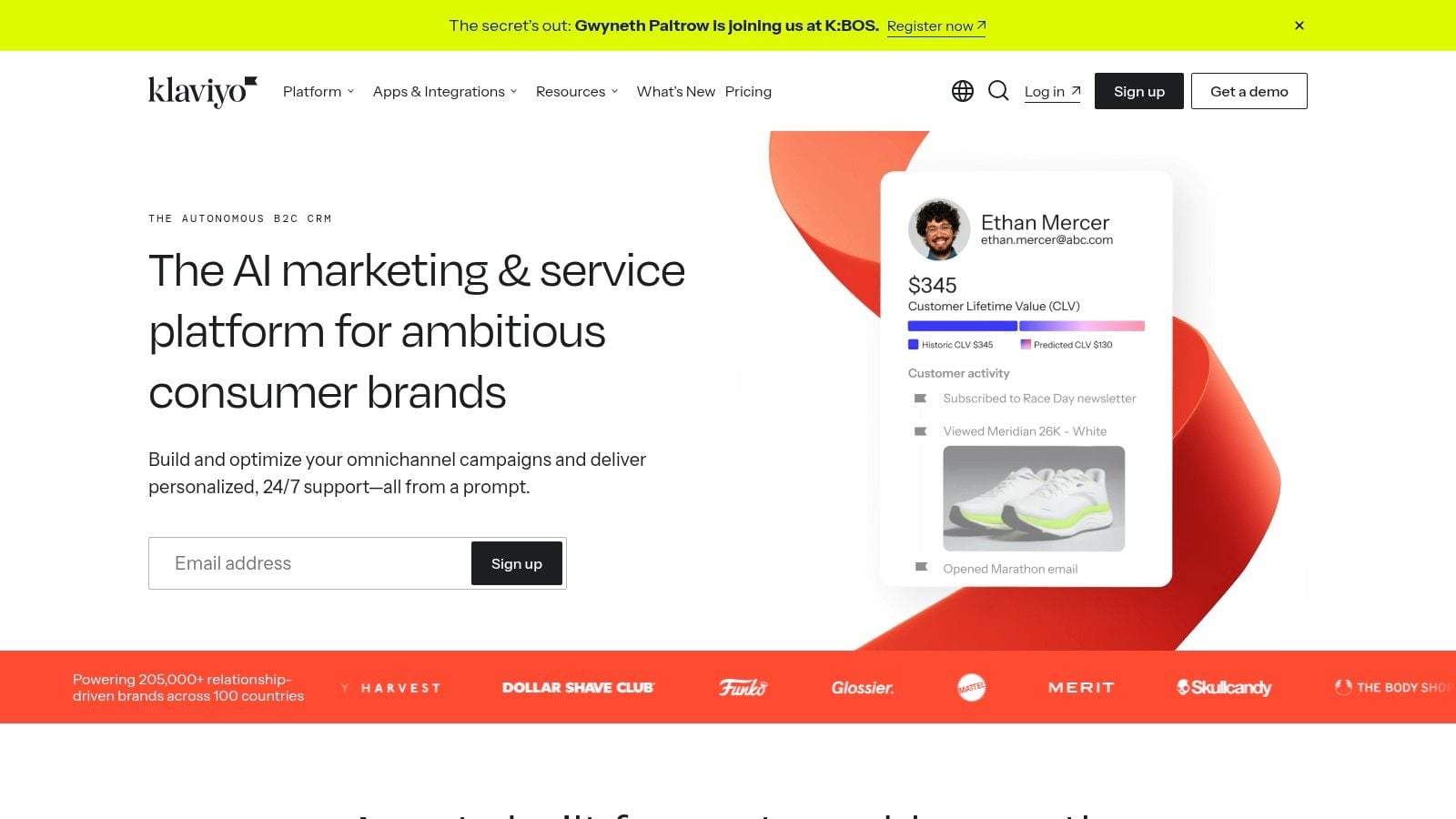
Klaviyo fits ecommerce operations that need more than a newsletter tool. It is built around customer data, behavioral segmentation, and revenue attribution, which makes it a better match for Shopify and other DTC brands than for general-purpose publishing. If purchase history and lifecycle value drive your marketing decisions, that difference matters.
Why ecommerce teams move here
Klaviyo’s strongest advantage is data depth. It combines email and SMS orchestration with profile-level behavior and predictive analytics, so teams can build flows around browsing, purchase intent, and product interest. That gives ecommerce marketers a clearer read on what is driving revenue, not just opens and clicks.
The platform also keeps expanding its B2C CRM capabilities, which makes it more useful as a customer-data layer than as a simple campaign sender. For teams that need personalization at scale, that is a practical advantage over creator-focused tools that stop at basic segmentation.
Review these CRO best practices and definition before designing ecommerce lifecycle flows.
For ecommerce teams, the key upgrade is not prettier emails; it is acting on purchase behavior quickly enough to matter.
The main friction points
Klaviyo can become expensive as profile counts grow, and it is usually too much for non-commerce senders. If you do not have meaningful product, event, or purchase data, you are paying for depth you will not use. The complexity also means the platform fits operators who are already comfortable with segmentation and lifecycle thinking.
Migration is rarely plug-and-play. A realistic move usually means mapping ecommerce events, rebuilding abandoned-cart and post-purchase flows, and checking how your store, ads, and reporting stack pass data into the account. Teams that want a simpler newsletter workflow often find the setup heavier than they expected.
That is why it belongs on any serious list of ConvertKit alternatives for DTC brands, but not on every creator shortlist. It is a specialist tool, and specialist tools should be chosen for the workflow they are built to handle.
9. Flodesk
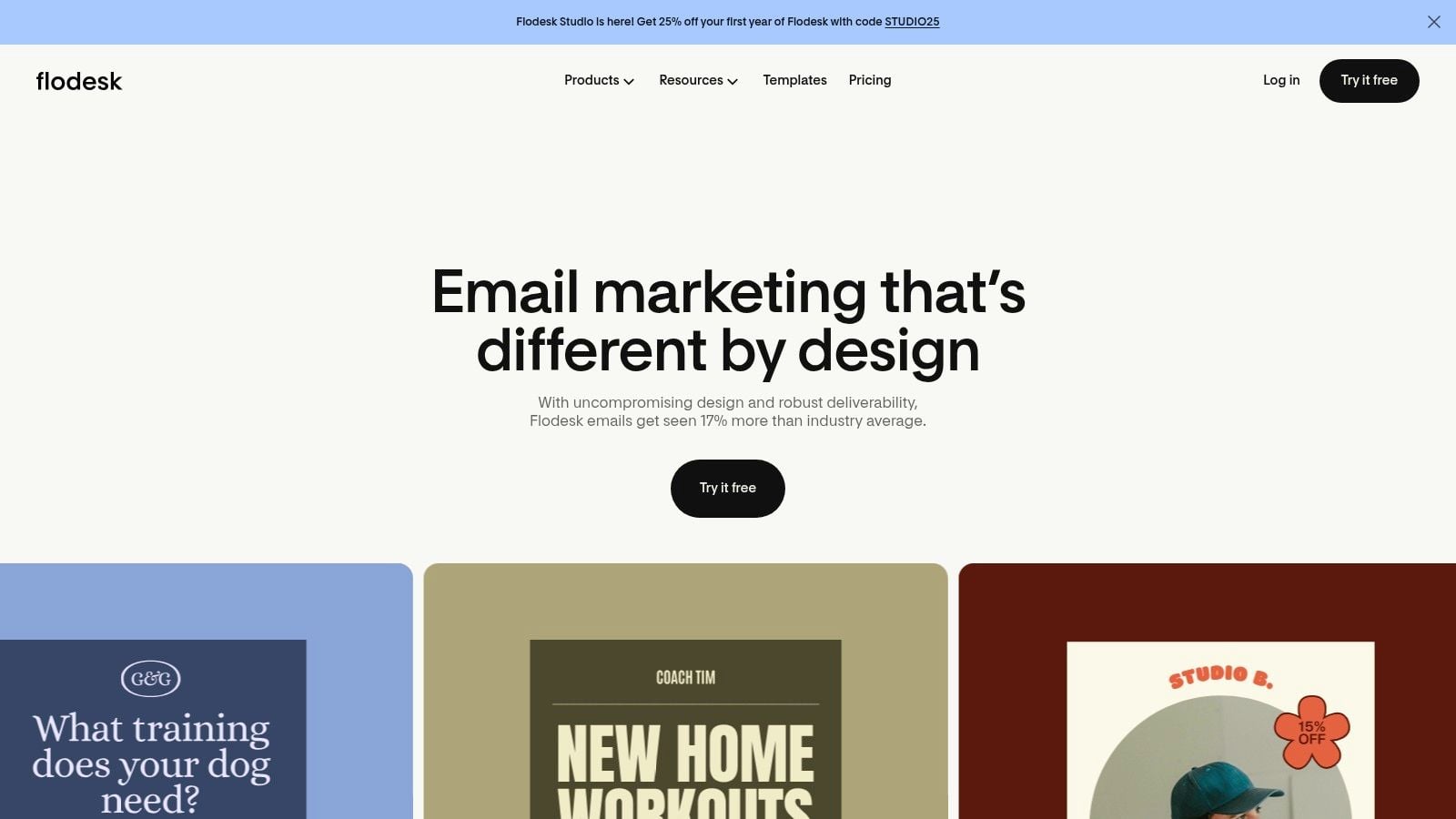
Flodesk appeals to teams that care about brand presentation as much as deliverability. It’s design-forward, easy to launch, and built for creators and small businesses that want emails and checkout experiences to look polished without hiring a designer. The company’s checkout angle also makes it more commerce-aware than a plain newsletter tool.
What it does well
Flodesk’s editor is the main draw. It’s built for attractive, brand-centric emails and forms, which makes it a strong fit when visual consistency matters. Workflows support multi-trigger logic and segmentation, so you’re not stuck with a pretty but shallow system.
The checkout layer matters too, especially for creators selling products, subscriptions, or payment plans. That lets you move from interest to purchase without bolting on a separate commerce stack. For many solo operators, the combination of simplicity and presentation is exactly what they wanted from a ConvertKit replacement.
What to consider
Flodesk is not the platform to choose if you need deep enterprise analytics or a huge integration footprint. Its automation is improving, but it’s still not the heaviest-duty tool in the market. Teams with complex attribution or multi-system reporting needs may eventually outgrow it.
For brands that want strong aesthetics and low setup friction, though, Flodesk is easy to recommend. It keeps the operational burden low while still giving creators enough room to monetize.
10. beehiiv
beehiiv is the most obvious pick when the newsletter itself is the product. Its feature set is built around monetization, with paid subscriptions, an ad network, and Boosts designed to help publications grow and earn in the same environment. That’s a very different buying logic from a general email tool, and it’s why it shows up so often in creator-focused alternatives content (Brevo).
Why publishers use it
The platform reduces the number of extra tools a newsletter operator needs. Instead of patching together a monetization system, ad sales process, and website layer, you can launch a branded publication inside one workspace. That speeds up the transition from hobby newsletter to revenue stream.
Its product cadence also matters. beehiiv has kept a visible update pace and leans hard into growth features, which makes it attractive to creators who want a platform that feels built around publishing, not adapted from ecommerce or CRM software.
A useful companion resource for list-growth planning is lead magnets that generate qualified leads, because beehiiv works best when the top of funnel feeds a publication that’s meant to monetize later.
Where it’s not the right fit
beehiiv is less compelling if your business is broader than a newsletter. If you need service CRM, booking, payments, or multichannel follow-up, you’ll end up bolting on other tools. Some customizations and analytics also live higher up the plan ladder, so serious publishers should confirm the exact level they need.
Still, for newsletter monetization, beehiiv is one of the clearest ConvertKit alternatives because it treats publishing as a business model, not just an email list.
Top 10 ConvertKit Alternatives Comparison
| Platform | Core capabilities | UX / Quality (★) | Value / Pricing (💰) | Target audience & USP (👥 ✨) |
|---|---|---|---|---|
| HighLevel 🏆 | CRM + unified inbox, funnels/sites, calendars/payments, automations, reputation, Conversation/Voice AI | ★★★★★ | 💰 $97 / $297‑mo; unlimited contacts; 14‑day trial | 👥 agencies & growth SMBs; ✨ AI‑native all‑in‑one, unlimited sub‑accounts, Text‑2‑Pay, rebill |
| MailerLite | Email, landing pages, automations, digital products, forms | ★★★★☆ | 💰 usage‑based, affordable tiers; nonprofit discounts | 👥 creators & small teams; ✨ easy editor, clear pricing, digital product support |
| Mailchimp | Email + basic CRM, templates, landing pages, ecommerce integrations | ★★★★ | 💰 contact‑tiered pricing (can scale costly) | 👥 SMBs & growing teams; ✨ huge integrations, templates & partner ecosystem |
| ActiveCampaign | Advanced automation, sales CRM, pipelines, lead scoring, site tracking | ★★★★☆ | 💰 tiered by contacts + add‑ons; scales with complexity | 👥 SMBs needing granular journeys; ✨ deep conditional logic & CRM orchestration |
| Brevo (Sendinblue) | Email, transactional SMTP, SMS, simple CRM, automation | ★★★★ | 💰 volume‑based email pricing, cost‑effective for big lists | 👥 large lists with low send freq; ✨ volume pricing, transactional & multichannel |
| GetResponse | Email automations, conversion funnels, webinars, landing builders | ★★★★ | 💰 competitive plans; free plan (with branding) | 👥 creators & webinar hosts; ✨ built‑in funnels + webinar hosting |
| AWeber | Drag‑drop emails, autoresponders, forms, landing pages | ★★★☆ | 💰 simple tiering; beginner‑friendly pricing | 👥 beginners & small newsletters; ✨ strong deliverability & 24/7 support |
| Klaviyo | Email & SMS orchestration, deep segmentation, predictive analytics | ★★★★☆ | 💰 priced by active profiles; can be expensive at scale | 👥 DTC & ecommerce brands; ✨ best‑in‑class personalization & revenue tracking |
| Flodesk | Design‑first emails, workflows, forms, native checkout | ★★★★ | 💰 simple flat pricing; unlimited sends on paid plans | 👥 creators & design‑led brands; ✨ beautiful templates, easy checkout |
| beehiiv | Newsletter editor, paid subscriptions, ad network, Boosts marketplace | ★★★★ | 💰 creator‑focused tiers; monetization add‑ons | 👥 publishers & newsletter creators; ✨ turnkey monetization & growth tools |
Turn the Shortlist Into a Migration Plan
The wrong way to choose a replacement is to compare feature checkboxes and stop there. The right way is to map the workflows that must survive the move. If you currently rely on lead magnets, welcome sequences, launches, tagging, paid subscriptions, or client-specific automation, those are the systems that need to be recreated first, before you even think about templates or branding.
Start by separating essential capabilities from nice extras. A newsletter operator might only need strong editor experience, monetization, and simple automations. An agency or SMB may need CRM, conversations, booking, payments, reviews, and multi-account management in the same workspace, which is exactly where HighLevel becomes the obvious fit. Creator-led businesses that prize simplicity usually land on MailerLite, Flodesk, or AWeber, while ecommerce teams should bias toward Klaviyo, newsletter publishers toward beehiiv, and high-volume senders toward Brevo.
Price comparisons only matter when they're based on your actual list and send volume. That's the trap with broad pricing summaries, they ignore whether your cost driver is subscriber count, message volume, or feature access. The 2026 comparisons make that difference obvious, since MailerLite's entry pricing and free tier make it attractive for smaller lists, GetResponse can undercut ConvertKit while adding webinars, and Mailchimp's ecosystem breadth comes with a more traditional contact-based economics model (Vibe Growth Stack, Eanasir, TechnologyChecker).
The safest migration path is to test the riskiest automations before you switch over. Rebuild your welcome sequence, your highest-converting lead magnet flow, and any checkout or booking handoff first. If those work, the rest of the move is usually just data mapping and form replacement, not a crisis.
The deeper lesson is that ConvertKit alternatives are not ranked by feature count alone. They're ranked by how cleanly they support the business model you have now, and the one you're trying to build next. If your current stack feels stitched together, choose the platform that reduces tool sprawl rather than the one that merely looks familiar.
If you want one platform that pulls together CRM, funnels, conversations, booking, payments, reviews, and multi-account operations, HighLevel is built for that job. It's one of the strongest ConvertKit alternatives when the goal is running the whole workflow in one place instead of managing email in isolation.
