


You're already spending too much of the day on scheduling. A client texts to move a consult, someone emails because the link didn't work, and your calendar turns into a puzzle you solve between calls. The right appointment scheduling software for small business does more than let people pick a time, it cuts the back-and-forth, reduces avoidable errors, and helps you move faster from inquiry to booked appointment. For a quick shared-calendar perspective alongside this guide, the SyncThemCalendars small business calendar guide is a useful companion read.
If you're comparing options right now, the fastest way to think about this market is by use case, not by feature checklist. Some tools are built as an all-in-one operating system, some are best as a lightweight standalone scheduler, and some fit better in service businesses, salons, or teams that book classes and resources. That lens matters because scheduling software is no longer a niche convenience. Zoho's 2026 survey found that 41% of SMBs struggle with back-and-forth scheduling, 44% cite it as a major challenge, and 36% identify double-bookings as a major challenge too, while 40% say it takes more than one hour to schedule by email and 23% say it takes more than six hours. The same survey says 42% of SMBs can schedule within an hour when they use scheduling software, which is why this category keeps turning into core infrastructure rather than a nice-to-have. Zoho's 2026 appointment scheduling survey makes that shift hard to ignore.
Table of Contents
- 1. HighLevel The All-in-One OS with Smart Scheduling
- 2. Calendly The Go-To for Simple, Fast Scheduling
- 3. Squarespace Scheduling Acuity Best for Customization
- 4. Setmore Best Free Plan for Small Teams
- 5. SimplyBook.me Most Flexible for Service Verticals
- 6. Square Appointments Best for Square POS Users
- 7. Zoho Bookings Best for the Zoho Ecosystem
- 8. Appointy Best for Classes and Resource Booking
- 9. Appointlet Best Lightweight Calendly Alternative
- 10. Fresha Best for Salons and Spas with a Marketplace
- Appointment Scheduling Software, Small Business Comparison
- How to Choose the Right Scheduling Software for Your Business
1. HighLevel The All-in-One OS with Smart Scheduling

HighLevel makes the most sense when scheduling is part of a bigger revenue process, not just a calendar problem. Its Smart Calendar sits inside the broader HighLevel business OS, so a booking isn't isolated. It can move through CRM, conversations, workflows, payments, reminders, and follow-up without forcing staff to stitch systems together. If you're comparing that kind of stack against other all-in-one tools, the all-in-one marketing tools comparison is a good reference point.
Why it works in real operations
The strongest argument for HighLevel is consolidation. A booked appointment can trigger confirmation, reminder, reschedule handling, and follow-up inside the same environment where your team manages leads and customer communication. That matters because scheduling isn't just an admin task for service businesses, it's part of the sales and retention flow.
It also fits businesses that want payment at the booking stage. Paid calendars and Text-2-Pay give you a way to turn booking into a revenue event, not just a promise to pay later. For agencies, local service businesses, and coaches, that can make the difference between a tidy calendar and a messy intake process with loose ends.
Practical rule: if your scheduler can't talk to your CRM, payments, and reminders, you'll usually end up doing the same work twice.
Trade-offs that matter
HighLevel is not the cheapest or lightest option on this list. It starts at $97/month, so it's usually a better fit for owners who want one platform to run booking plus follow-up, instead of a single-purpose tool. The other trade-off is setup time, because the platform gives you enough depth to build real workflows, and that means you'll spend time configuring it.
The upside is scale. It supports unlimited contacts, agency-style structures, and native integration with the rest of the platform, which means it's a serious fit if scheduling sits inside your delivery model. If you want an app that does one thing well and nothing else, this isn't the leanest choice. If you want booking to connect directly to operations, it's one of the most practical.
Website: HighLevel Smart Calendar
2. Calendly The Go-To for Simple, Fast Scheduling
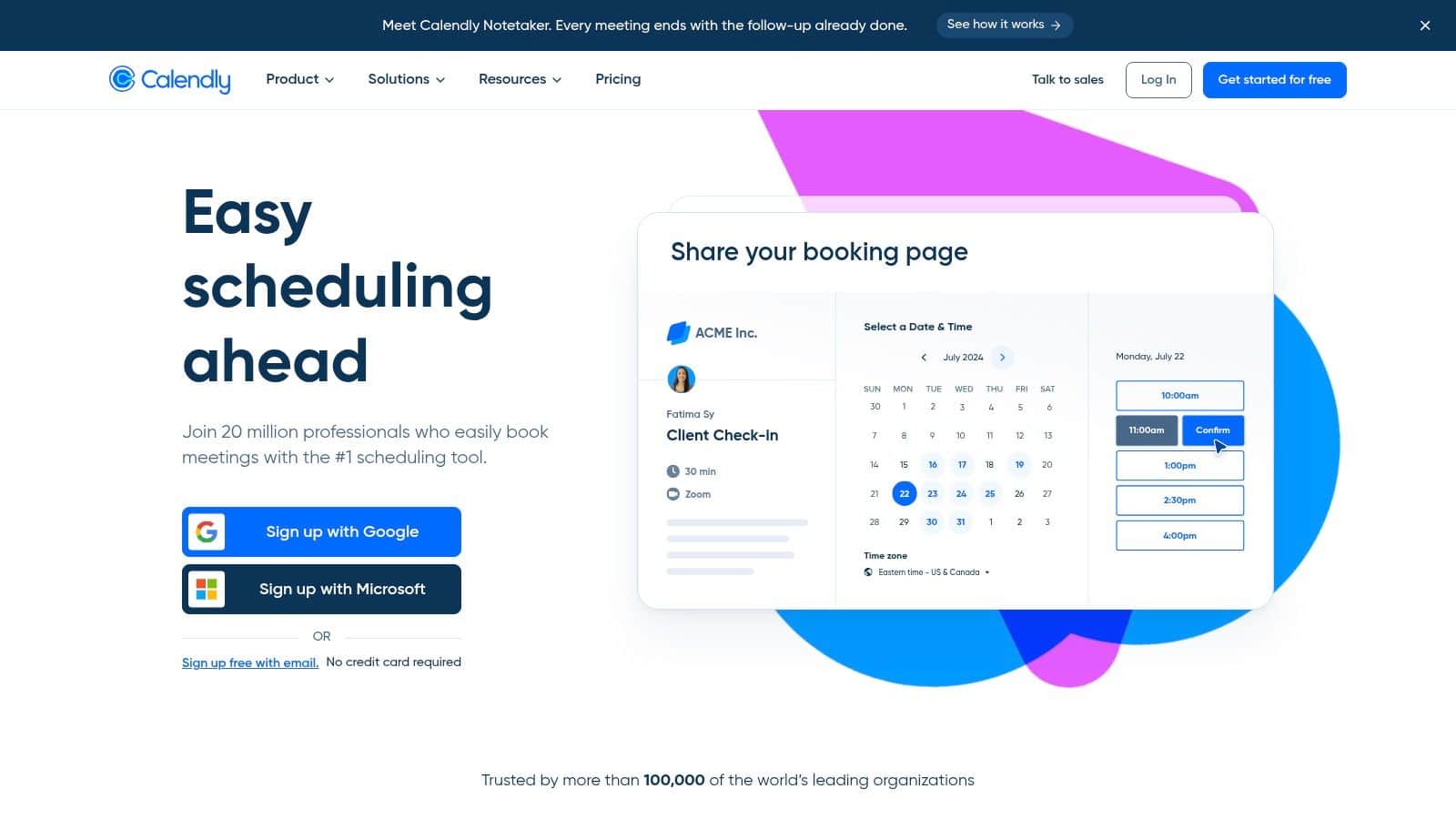
Calendly is the cleanest answer for teams that want scheduling to be invisible. You send a link, the client picks a time, and the meeting lands on the calendar without much friction. That's why it's so common for discovery calls, consultations, and internal handoffs.
Best fit and workflow
This tool works best when the booking problem is mostly about speed and simplicity. It supports booking links, website embeds, routing, round-robin and multi-person events on higher tiers, and it connects with tools like Salesforce, HubSpot, Stripe, and PayPal. For a small business that already has a solid process and just needs a reliable front door for appointments, that's enough.
Calendly also scales better than people sometimes expect. Solo operators can start quickly, then larger teams can add more structure later without changing systems. That makes it a reasonable choice if you want to avoid overbuying too early.
Where it falls short
The main drawback is that advanced functionality lives higher up the pricing stack. If you want more advanced routing, team scheduling, or deeper controls, you'll likely move out of the simplest tier sooner than you'd like. That's not unusual for this category, but it matters if you're watching budget closely.
It's strongest as a standalone scheduler, not as an operating system. If your business depends on intake forms, customer records, payments, and follow-up all moving together, Calendly can sit in the middle of that flow, but it won't replace the rest of the stack. For lean teams, that's fine. For more operationally complex businesses, it's only part of the answer.
Website: Calendly
3. Squarespace Scheduling Acuity Best for Customization
Acuity stands out when the booking experience itself needs to feel custom. It's a strong choice for service businesses that don't just sell time, they sell packaged services, structured intake, add-ons, and branded client interactions. If your forms and service rules are more complex than a basic “pick a slot” flow, Acuity gives you room to build that.
What it does well
Acuity supports multiple calendars, service categories, classes, intake forms, packages, subscriptions, and native payments through Stripe, Square, and PayPal. It can work on its own or alongside a Squarespace site, which makes it flexible for businesses that already care about design and brand consistency. That's especially valuable when the booking page is part of your marketing, not just an internal admin tool.
This is the kind of scheduler I'd point to when a business says, “We don't need a giant platform, we just need the booking flow to match the way we sell.” It handles that middle ground well. You can build more structure without jumping into a heavier all-in-one stack.
What to watch for
The trade-off is the setup experience. More customization usually means more configuration, and Acuity is no exception. If you want the simplest possible scheduler, this can feel like more tool than you need.
It also lives under the Squarespace umbrella, so pricing and billing details sit in that ecosystem. That's not a dealbreaker, but it can add friction if you're trying to compare options quickly. For teams that want branding control and more detailed service rules, the extra complexity is often worth it.
Website: Squarespace Scheduling by Acuity
4. Setmore Best Free Plan for Small Teams
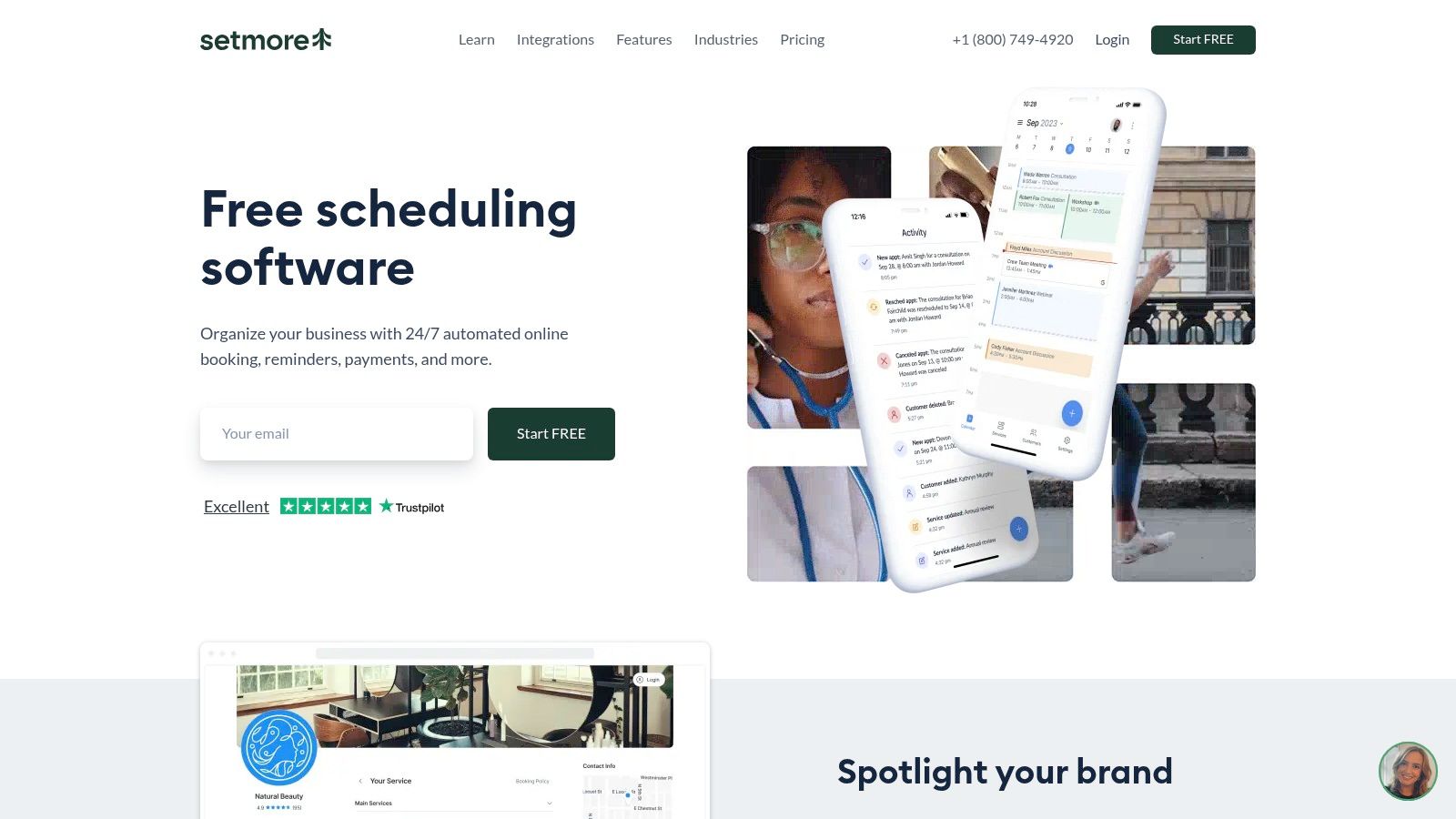
Setmore is one of the easiest tools to recommend when a small team needs to get online fast without a lot of setup. The free plan is the big draw, especially for businesses that want to test self-booking before they commit to a paid system. It's practical, straightforward, and built for teams that don't want to overcomplicate scheduling.
Why small teams pick it
Setmore gives you an online booking page, an embeddable Book Now button, and social booking options for Instagram and Facebook. Paid plans add two-way calendar sync and SMS or email reminders, so the platform can grow with you if you need more than the free tier. It also supports payments through Square, Stripe, and PayPal, plus a Live Receptionist add-on for businesses that want human backup.
That combination makes sense for small teams with simple booking needs. You can launch quickly, keep the interface light, and avoid the feeling that every feature requires a project plan. If you're just getting away from manual booking, that matters.
The cheap scheduler is only cheap if your team doesn't end up patching the missing parts with spreadsheets and extra tools.
Where it starts to feel limited
Setmore is lighter than the vertical tools on this list. If you need detailed intake logic, deep automation, or highly specialized workflows, it won't feel as rich as a salon or clinic-specific platform. Some of the more useful automation and reminder features also live behind paid tiers.
For small teams, though, that's often acceptable. The question isn't whether it has every possible feature. The question is whether it gives you enough structure to stop wasting time on manual scheduling. For a lot of businesses, the answer is yes.
Internal resource: If SMS and email follow-up are a key part of your booking process, the SMS email and voice reminders guide is worth a look.
Website: Setmore
5. SimplyBook.me Most Flexible for Service Verticals
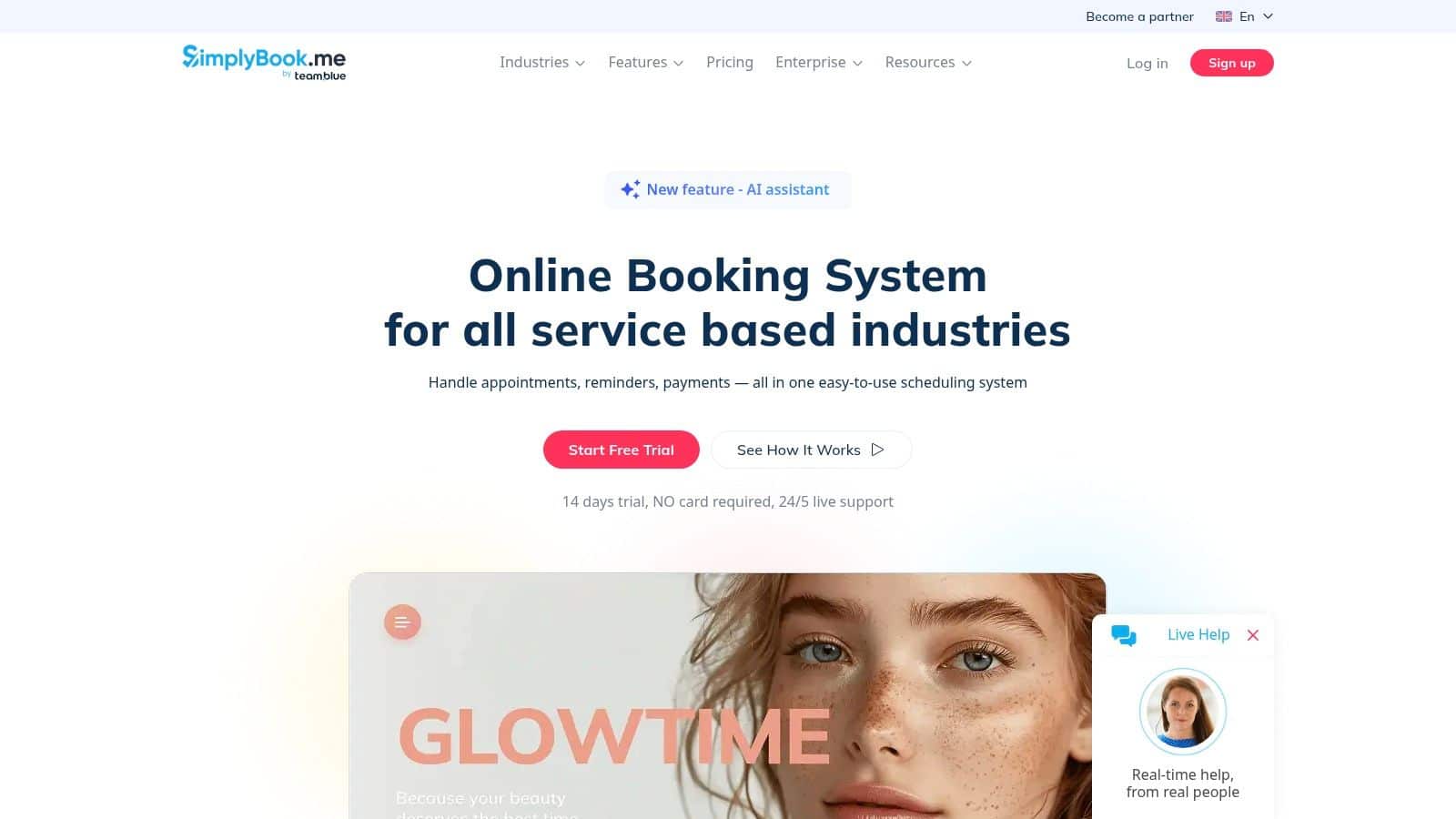
SimplyBook.me is a good fit when a service business needs flexibility across several moving parts. It handles booking pages, embedded widgets, deposits, tips, memberships, packages, and POS-related workflows, which makes it especially relevant for multi-provider operations in health, beauty, and fitness. It feels built for businesses that sell more than one kind of appointment.
The operational sweet spot
The value here is structure without turning the business into a custom software project. If you run a clinic, salon, studio, or membership-based service, you can shape the booking flow around how people buy from you. That includes deposits and package logic, which are often essential in service businesses that want more commitment upfront.
SimplyBook.me also offers a branded client app and higher-tier options for HIPAA and SAML needs. That makes it more adaptable than a basic general-purpose scheduler, especially when compliance or client experience matters. It's a stronger choice when your calendar has to support the business model, not just display availability.
The main constraint
The plan limits matter. Bookings, providers, and custom features are bounded by tier, so you need to right-size the plan instead of assuming the cheapest tier will stretch forever. That's not a flaw, but it does mean you should map your service model before you buy.
SMS and WhatsApp credits are add-ons, which is another thing to account for if reminders are central to your workflow. Businesses that value flexibility usually accept that trade-off because the core system is strong. If you need a service-heavy scheduler that can carry more than a basic appointment link, SimplyBook.me belongs near the top of the list.
Website: SimplyBook.me
6. Square Appointments Best for Square POS Users
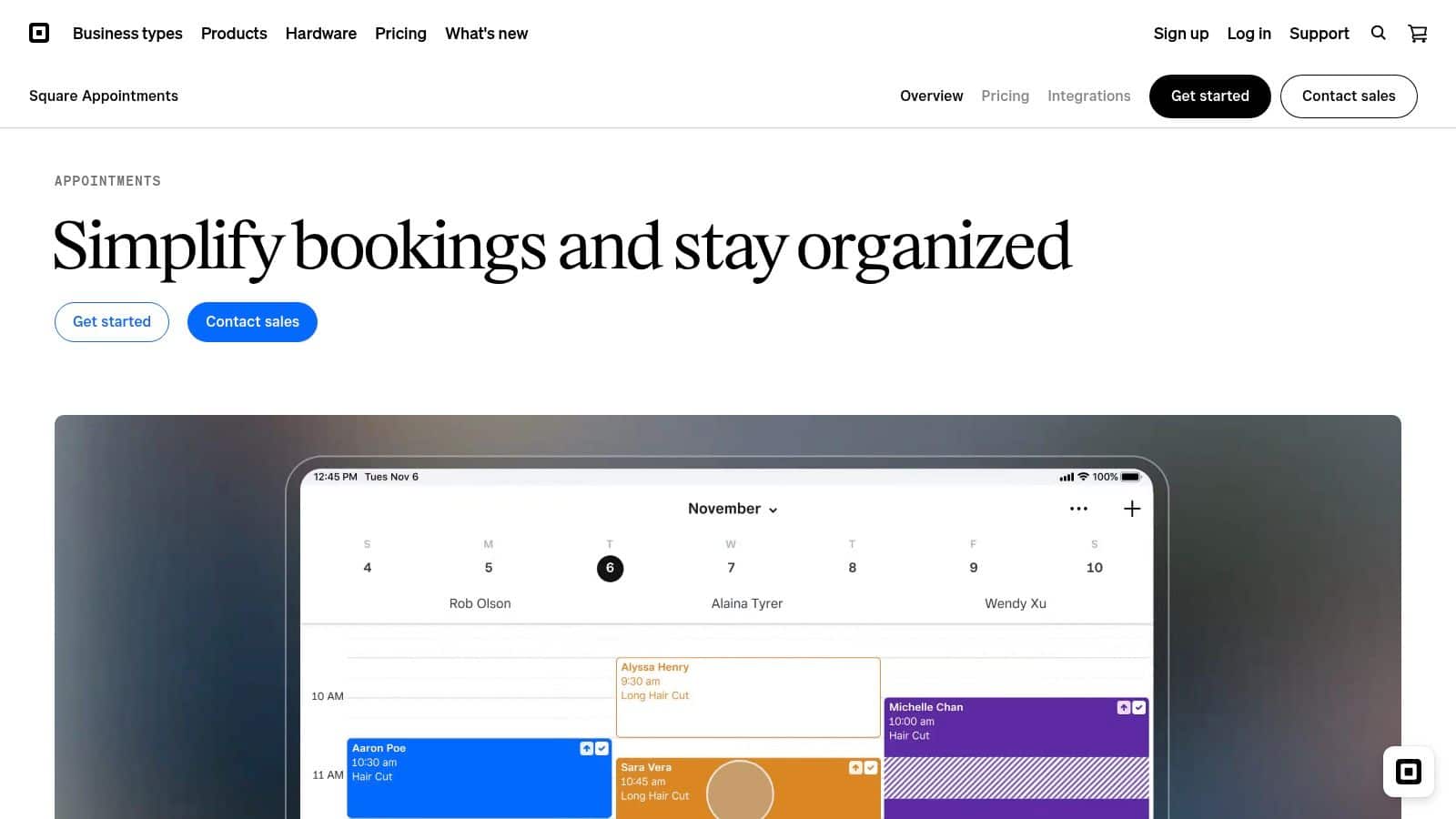
Square Appointments makes the most sense if you already live in the Square ecosystem. For salons, med spas, wellness businesses, and local services that take in-person payments, the appeal is obvious. Scheduling, deposits, payments, and hardware all live close together, so the business doesn't have to jump between systems.
Why it's strong in person-first businesses
Square Appointments supports online booking, booking from Instagram, Facebook, and Google, deposits, cancellation controls, waitlists, and multi-location management. Because it ties directly into Square Payments and hardware, it removes a lot of friction from the front desk. That matters when staff need to focus on clients instead of toggling between checkout and calendar tools.
It also has salon and spa features that are useful in a practical setting, like multi-staff bookings and processing time. Those are the kinds of details that sound small on a feature list but make a booking system usable on a busy day. When a tool respects service timing, your staff feels it immediately.
The trade-off
Square's payment stack is part of the deal, so the pricing and processing structure follow Square's model. That's fine for existing Square users, but it's less attractive if you want to keep payment options broad or separate. Some more advanced features also sit on paid tiers.
For businesses already processing through Square, the integration advantage usually outweighs the downside. For everyone else, it's worth comparing against a more platform-neutral scheduler. The right fit here is less about “best overall” and more about how much of your revenue flow already runs through Square.
Website: Square Appointments
7. Zoho Bookings Best for the Zoho Ecosystem
Zoho Bookings is the practical choice if your business already uses Zoho tools. It works well with Zoho CRM, Zoho Meeting, SalesIQ, and the rest of the suite, which means appointments can connect naturally to customer records and sales activity. For businesses already in that ecosystem, that integration is a real advantage.
Why ecosystem fit matters
This is a strong option for teams that want round-robin scheduling, pooled availability, multiple calendar connections per staff, website embeds, and custom domain mapping. The key point isn't just the feature set, it's that the tool works as part of a broader system. That's useful when scheduling is tightly tied to sales follow-up or customer support.
Zoho Bookings also has a competitive entry point, including a free option for one user. That makes it easier for small businesses to test the workflow before moving deeper into the suite. If you're already budgeting around CRM and communications, the scheduling tool doesn't feel like a separate island.
The practical downside
Its best value shows up when you're already using Zoho products. If not, the strongest features may feel underutilized. That's a common mistake with suite-based tools. People buy for one app, then only later realize the win comes from using the whole environment.
For a budget-conscious business that wants scheduling attached to CRM logic, Zoho is a sensible choice. If you're comparing CRM options at the same time, the budget CRM comparison for SMBs will help you think about the larger stack, not just the booking layer.
Website: Zoho Bookings
8. Appointy Best for Classes and Resource Booking
Appointy is the better fit when your scheduling problem is bigger than one-to-one appointments. If you need classes, group events, recurring bookings, room or equipment scheduling, or multi-location coordination, it handles those layers more naturally than a simple appointment link does. That's why it shows up so often in education, fitness, and resource-heavy businesses.
Why it stands out
The platform supports website and social embeds, capacity booking, recurring bookings, and precise scheduling controls. Those details matter for businesses that need to manage both people and physical resources. If you're selling seats, managing rooms, or balancing several service types across multiple locations, that extra structure keeps the calendar from becoming a mess.
Appointy also scales beyond the tiny solo-use case. It can support multi-location operations and top-tier service options, which makes it more durable for growing businesses. It's a better fit for a business that expects complexity to rise over time.
Where it can feel heavy
The interface can feel dense for very small or very simple use cases. That's the trade-off for having enough depth to manage classes and resources well. If your booking model is just a few consultations a week, Appointy may feel like too much software.
For coach, education, and training businesses, though, that density can be a benefit because it lets you handle a more complicated operation without bolting on extra tools. If you want a coach-specific comparison point, the compare coaching CRMs guide pairs well with this kind of scheduling workflow.
Website: Appointy
9. Appointlet Best Lightweight Calendly Alternative
Appointlet is the straightforward choice when you want booking links and embeds without a lot of extra complexity. It's especially appealing to consultants, agencies, and SMB teams that want a clean interface and don't need a vertical-specific system. If Calendly feels a little too expensive for what you use, Appointlet is one of the cleaner alternatives.
Why it earns a place on the shortlist
Appointlet supports team availability pooling, manual approval workflows, Stripe payments, webhooks, and Zapier integrations. That gives you enough flexibility to share a booking link, embed scheduling on a site, and wire it into other systems when needed. The experience stays light, which is the main point.
The pricing model is also easy to understand compared with some larger platforms. For small businesses that care more about practicality than bells and whistles, that simplicity is useful. You can get a working booking flow up quickly, then decide whether you need deeper automation later.
What it won't do
Appointlet is not trying to be a salon stack or a CRM-first operating system. If you need rich vertical workflows, detailed service rules, or tightly integrated revenue management, it will feel minimal. That isn't a criticism, it's just the trade-off for keeping it light.
It works best as a clean front end for appointment booking. If your business already has the back office handled elsewhere, that's exactly what you want. If you need the scheduler to do more of the operational heavy lifting, look at the more specialized options above.
Website: Appointlet
10. Fresha Best for Salons and Spas with a Marketplace
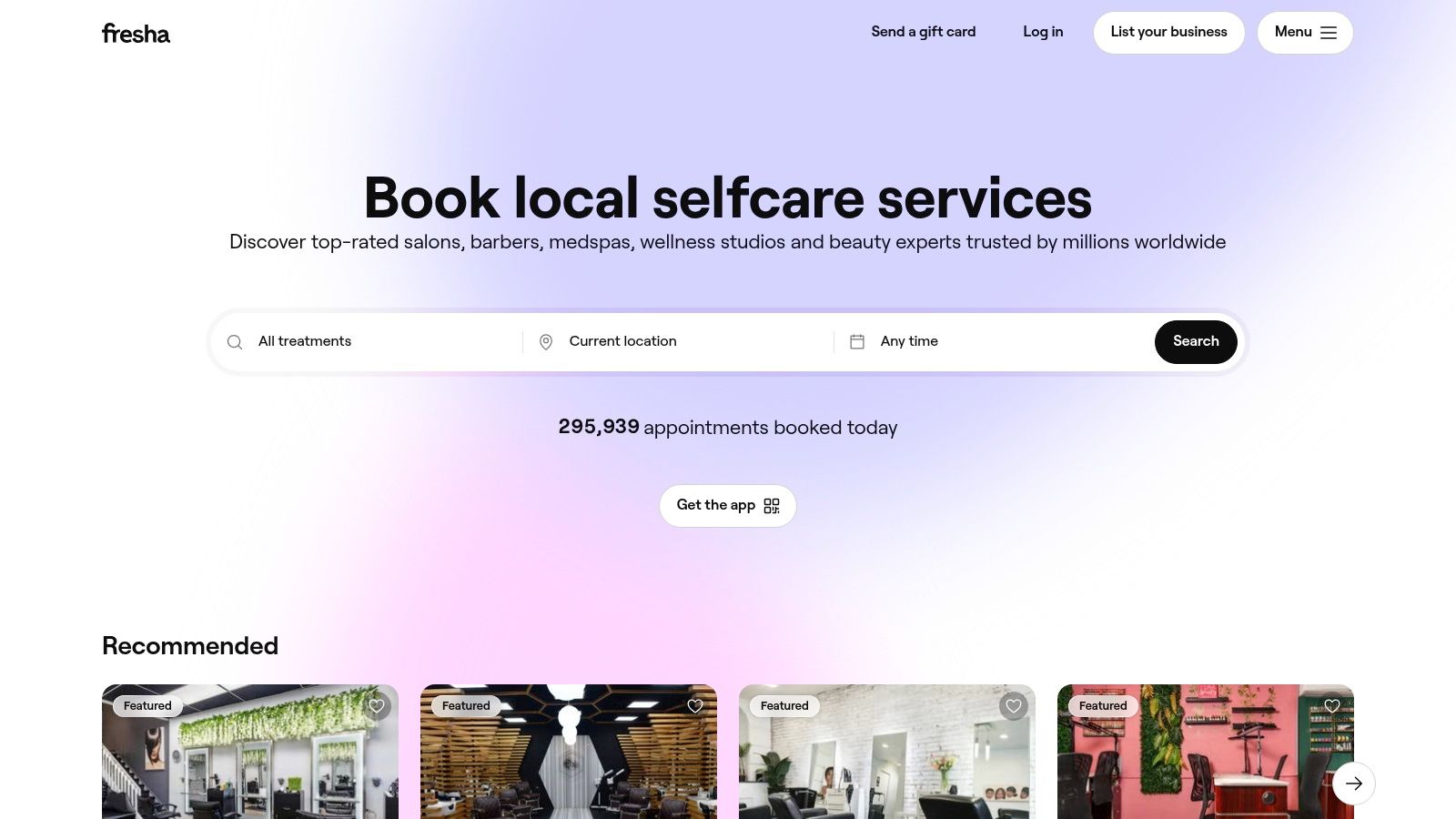
Fresha is built for salons and spas that want appointments, retail, inventory, memberships, and client acquisition in one place. Its marketplace angle is the big differentiator, because it can bring new customers in rather than only managing the ones you already have. For a local beauty business, that's a meaningful extra layer.
Where it helps most
The platform covers the full salon workflow, including appointment calendars, waitlists, client forms, memberships, POS, and inventory management. That means front desk, retail, and booking can all sit under one umbrella. For owners who want fewer disconnected tools, that kind of structure can save a lot of friction.
Fresha's consumer marketplace is the part many small business owners will care about first. It can help with new client discovery, which is different from tools that only support your own website booking flow. In a local business, acquisition matters as much as administration.
The caution
The marketplace comes with a cost when it drives new clients, and payment processing fees and premium add-ons also apply. So the platform can be powerful, but you need to understand how the economics work before you lean on the marketplace too heavily. That's especially important for businesses with tight margins.
If your salon or spa needs a booking engine plus discovery channel, Fresha deserves a serious look. For help with appointment follow-up and recovery workflows, the HighLevel reminder message templates can also give you ideas for reducing missed appointments.
Website: Fresha
Appointment Scheduling Software, Small Business Comparison
| Product | Core features | Quality ★ | Value & Pricing 💰 | Target & USP 👥 ✨ |
|---|---|---|---|---|
| 🏆 HighLevel: The All-in-One OS with Smart Scheduling | Native smart calendar, paid calendars, Text‑2‑Pay, CRM + unified inbox, AI scheduling & workflows | ★★★★★ | 💰 Plans from $97/mo, unlimited contacts & agency sub-accounts included | 👥 Agencies & SMBs, ✨All-in-one OS, embedded AI, unified communications, revenue-ready bookings |
| Calendly: The Go-To for Simple, Fast Scheduling | Booking links, embeds, routing, analytics, CRM & payment integrations | ★★★★ | 💰 Free tier; paid tiers unlock advanced routing & analytics; enterprise priced high | 👥 Solo pros → enterprises, ✨Fast to deploy, broad integrations |
| Squarespace Scheduling (Acuity): Best for Customization | Multiple services/calendars, intake forms, packages, native Stripe/Square/PayPal | ★★★★ | 💰 Paid tiers; bundled options with Squarespace sites | 👥 Service businesses & creatives, ✨Deep branding & service customization |
| Setmore: Best Free Plan for Small Teams | Online booking page, social booking, basic reminders, payments, live receptionist addon | ★★★★ | 💰 Generous free plan; affordable paid upgrades for unlimited appts | 👥 Small teams & solo owners, ✨Strong free tier + optional 24/7 receptionist |
| SimplyBook.me: Most Flexible for Service Verticals | POS, deposits/tips, memberships, packages, HIPAA & branded app options | ★★★★ | 💰 Plan-based pricing with add-ons (SMS credits) | 👥 Health/beauty/fitness & multi-provider businesses, ✨Vertical templates & HIPAA support |
| Square Appointments: Best for Square POS Users | Online booking, deposits/cancellation controls, multi-location, Square Payments & hardware | ★★★★ | 💰 Free/paid per-provider tiers; payment fees via Square | 👥 Salons, spas & local retail, ✨Tight POS/payment/hardware integration |
| Zoho Bookings: Best for the Zoho Ecosystem | Round-robin, pooled availability, multi-calendar per staff, Zoho CRM/Meeting integration | ★★★★ | 💰 Competitive per-user pricing; free for 1 user | 👥 Zoho customers & SMBs, ✨Seamless integration across Zoho suite |
| Appointy: Best for Classes and Resource Booking | Classes/groups, resource/room booking, recurring & capacity scheduling, multi-location | ★★★★ | 💰 Tiered pricing with fair-usage limits | 👥 Education, fitness & multi-location ops, ✨Robust class/resource features |
| Appointlet: Best Lightweight Calendly Alternative | Booking links/embeds, team availability pooling, Stripe payments, Zapier/webhooks | ★★★ | 💰 Affordable per-member pricing; simple plans | 👥 Consultants, agencies & SMB teams, ✨Lean, brandable, easy link sharing |
| Fresha: Best for Salons and Spas with a Marketplace | Appointments, POS, inventory, memberships, marketplace for client acquisition | ★★★★ | 💰 Free basic plan with marketplace commission & payment fees | 👥 Salons & spas, ✨End-to-end salon stack + marketplace exposure |
How to Choose the Right Scheduling Software for Your Business
The best scheduling software isn't the one with the longest feature list. It's the one that matches how your business books, serves, and gets paid. If your process is simple, a lightweight scheduler can save time immediately. If your business depends on booking plus follow-up, payments, and client records, an all-in-one platform will usually deliver better long-term value.
Start with integration. Ask whether the tool connects cleanly to the systems you already use, especially your CRM and payment stack. That matters because SMBs are no longer treating scheduling as a standalone task. The market itself reflects that shift, with the global appointment scheduling software market estimated at USD 546.1 million in 2025 and projected to reach USD 1,905.90 million by 2034 at a 14.70% CAGR from 2026 to 2034, according to Fortune Business Insights. Growth like that usually means buyers are choosing infrastructure, not accessories. North America held 34.10% of the market in 2025 in that same report, which tells you where much of the commercial adoption is concentrated.
Next, think about workflow complexity. If you need appointments, walk-ins, and customer history in one place, a narrow scheduler can create extra manual work. Square is useful when booking and checkout live together, while HighLevel is stronger when bookings need to trigger automation, reminders, and follow-up across the whole client journey. That's the difference between a calendar app and an operations layer.
Then evaluate client experience. Your booking page has to be easy enough that people use it. Research from Zoho's 2026 survey shows that 65% of companies now offer both in-person and virtual appointments, so flexibility matters more than ever. The smoother your scheduling flow feels on mobile, the less friction your clients hit before they ever talk to your team.
Finally, consider scale. A solo consultant doesn't need the same system as a salon with multiple providers or a service business with classes and rooms. If you buy for today only, you may outgrow the tool too quickly. If you buy for a workflow you don't have, you'll overpay for complexity you won't use. The right move is to choose the lightest tool that still fits your real booking model, then make sure it can grow with you.
If you're serious about reducing admin work and turning booking into part of your revenue process, start with a platform that handles scheduling, reminders, and follow-up in one place. Visit HighLevel to see how an all-in-one operating system can replace scattered booking tools and give your small business a cleaner way to book, confirm, and convert clients.
