


Stop juggling tabs. If your agency's stack is a patchwork of spreadsheets, PM tools, a CRM, billing software, and a few “temporary” workarounds that never went away, the actual cost isn't the subscription bill. It's the time lost moving data by hand, the blind spots in profitability, and the follow-up that slips through when your team has to jump between systems to do simple work. The best agency management software gives you one operating layer for delivery, finance, communication, and reporting, so you can see what's moving, what's stuck, and what's making money.
Agency software is splitting into three clear camps. All-in-One Sales and Marketing platforms try to replace the whole stack. PSA and Finance systems focus on utilization, margins, resourcing, and billing. Client-Centric PM tools stay lighter, with a stronger bias toward delivery, collaboration, and team adoption. Pick your lane first, because the wrong category usually looks impressive in a demo and becomes painful in week two.
Table of Contents
- 1. HighLevel
- 2. Productive
- 2. Productive
- 4. Teamwork.com
- 4. Teamwork.com
- 5. Accelo
- 6. Kantata Professional Services Cloud
- 7. Workamajig
- 8. Function Point
- 9. Deltek WorkBook
- 10. ClickUp
- Top 10 Agency Management Software Comparison
- How to Choose and Implement Your New System
1. HighLevel
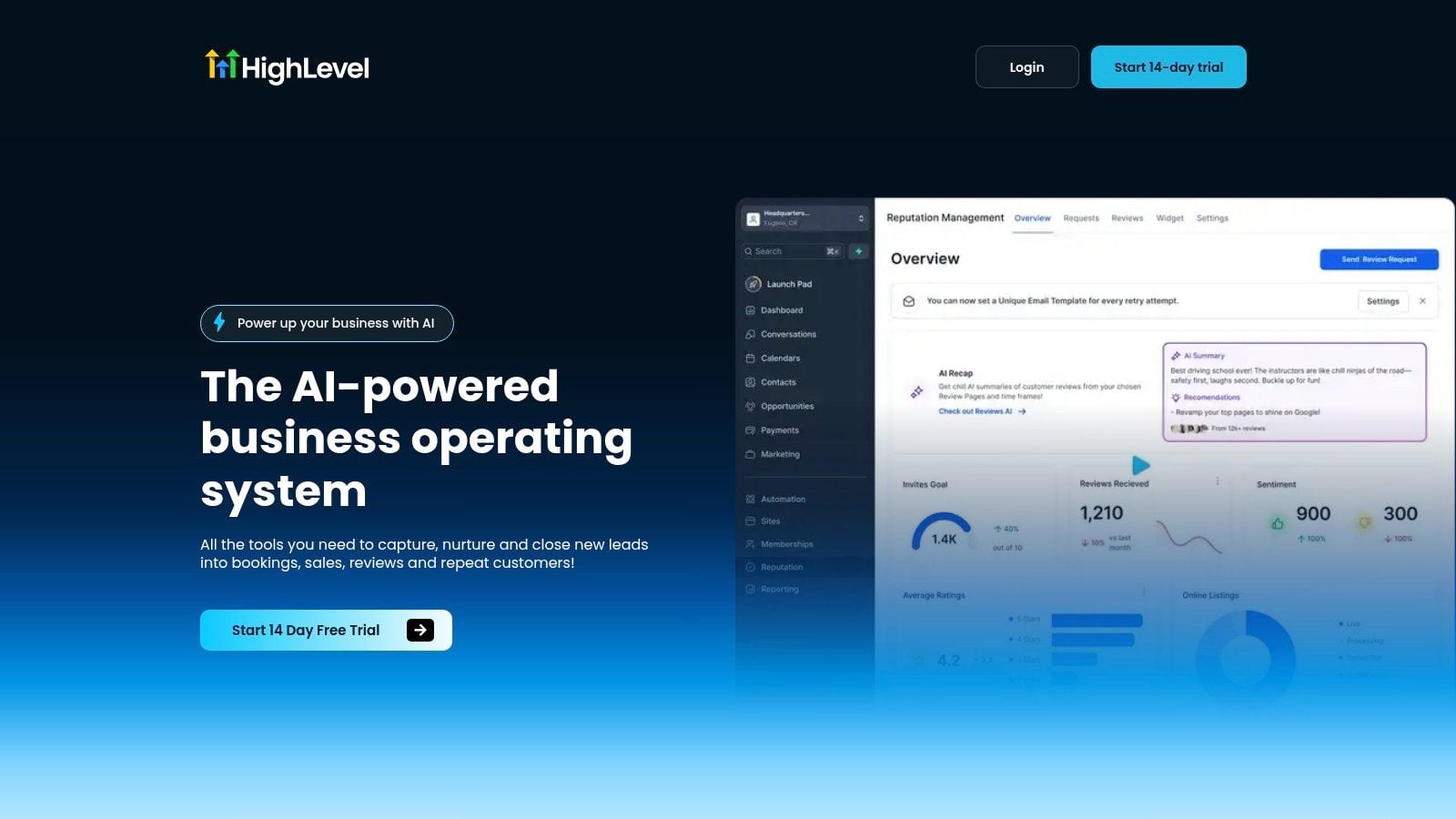
If your agency's stack is a patchwork of spreadsheets, PM tools, a CRM, billing software, and a few workarounds that never really disappeared, the hidden cost goes well beyond the subscription bill. HighLevel makes sense when you want fewer handoffs and tighter control over lead capture, follow-up, and client communication. It combines CRM, conversations, funnels, forms, booking, payments, reputation, and ad management in one mobile-accessible workspace, which helps when your team keeps asking where a lead is or whether an invoice went out.
The agency-friendly angle is strong. Unlimited contacts on published plans, unlimited sub-accounts on the Unlimited plan, rebill phone and email capabilities with no markup on that plan, and API access that scales by tier make it easier to run a white-label or SaaS-style agency without stitching together extra systems. The platform also pushes hard on AI, with native automation across messaging, voice, reviews, and content generation. That matters because automation only helps when it cuts admin without creating a service problem later. I would rather see a team automate consistent follow-up than automate every human touchpoint and end up with a support mess.
Practical rule: use HighLevel when your biggest pain is scattered lead management, inconsistent follow-up, and too many disconnected tools. If your team also needs to streamline campaign workflows with HighLevel while keeping delivery and communication in one place, it is a strong fit. Agencies that rely on outsourced creative production may also pair it with Social Media Content Production to keep content volume moving without adding another system for client coordination.
2. Productive
Productive is the platform I'd point finance-minded agency leaders to first. It brings together the sales pipeline, estimating, project delivery, resource planning, time tracking, budgeting, invoicing, and profitability reporting, so the margin story stays visible while work is still moving through the agency. That matters because agencies usually do not lose money at invoice time. They lose it in underpriced scopes, poor scheduling, and admin work that never shows up until the numbers are already off.
The reporting angle is where Productive gets attention. It includes profitability, utilization, and revenue forecasting, plus a broad set of agency report templates that help leadership stop guessing. It also adds Productive AI for summaries, report generation, and AI time tracking, which is useful when teams dislike logging time but still need dependable numbers for billing and utilization analysis. If you are trying to get closer to the 70%+ billable utilization benchmark that Teamwork's agency guidance recommends tracking, this kind of reporting discipline helps you see where the drag is happening. That benchmark is a useful operating target, not a magic number, and the software should help you move toward it rather than just watch it.
Productive fits agencies that want to run the business with the same discipline they apply to delivery. It gives finance and operations teams one place to compare estimates against actuals, review forecasted revenue, and spot slipping margins before a project closes. That is especially helpful if your team needs to connect planning and delivery to Social Media Content Production without losing sight of time, cost, and output.
What works here: Productive is strongest when the agency has already accepted that profitability needs an operating system. If you are comparing tools and want a wider view of stack options, find your agency operating system before you commit.
Pricing is straightforward enough for a planning conversation, with a published 7-day free trial and tiered plans that scale by feature set. The trade-off is focus. Productive is built for agencies that want visibility into margin, resource use, and delivery health, so it can feel like a lot if your team only needs task management or a lightweight client portal. It also asks for clean setup. Estimates, roles, budgets, and time codes need to be configured carefully before the reporting starts telling the truth.
Pros
- Finance-first view: budgeting, invoicing, utilization, and profitability sit together, which helps leaders manage margin early.
- Useful reporting: agency templates, forecasting, and AI-assisted summaries reduce manual reporting work.
- Delivery and planning in one place: sales, resourcing, and project execution connect without forcing teams into separate tools.
- Good fit for growing shops: agencies that have outgrown spreadsheets get more control over pricing and staffing.
Cons
- Setup takes discipline: the platform only works well if estimates, budgets, and time tracking are maintained consistently.
- Can be more than a small team needs: if you only want task tracking, the finance depth may be unnecessary.
- Adoption depends on process maturity: teams without clear scoping and time-entry habits will not get much from the reporting.
Website: Productive
Why Productive stands out
Productive is built for agencies that want visibility across the full revenue cycle, from estimate to invoice. That makes it a stronger choice for leaders who care about utilization, forecasting, and margin control more than simple task coordination.
2. Productive
Productive is the platform I'd point finance-minded agency leaders to first. It ties together the sales pipeline, estimating, project delivery, resource planning, time tracking, budgeting, invoicing, and profitability reporting, so the margin story stays visible while work is still moving. That matters because agencies usually do not lose money at invoice time. The loss shows up in underpriced scopes, poor scheduling, and admin work nobody planned for.
The reporting side is where Productive earns attention. It includes profitability, utilization, and revenue forecasting, plus agency report templates that cut down on manual reporting. Productive AI also helps with summaries, report generation, and AI time tracking, which is useful when teams dislike logging time but still need reliable numbers for billing and utilization analysis. If you are trying to get closer to the 70%+ billable utilization benchmark that Teamwork's agency guidance recommends tracking, this kind of reporting discipline helps you see where the drag is happening. That benchmark is a useful operating target, not a magic number, and the software should help you move toward it rather than just admire it.
What works here: Productive is strongest when the agency has already accepted that profitability needs a system, not a spreadsheet.
The main trade-off is scope. Productive is built to replace separate PM, time, and billing tools, so the change-management burden is real. Some advanced financials are gated to higher tiers, and the Ultimate tier is sales-quoted. That makes it a better fit for agencies that are serious about operational discipline, not teams that only want a task board and a prettier timesheet.
For agencies building a cleaner operating model, the right starting point is to find your agency operating system before comparing features.
Pros
- Finance-first design: job profitability is easy to see.
- Useful reporting depth: dashboards and report templates are built for leadership.
- AI additions are practical: summaries and time tracking can reduce admin.
- Strong resource planning: placeholders and skills tracking help with staffing.
Cons
- Advanced finance lives higher up the stack: budget for tier complexity.
- Migration effort is real: replacing multiple systems takes change management.
Website: Productive
Why Productive works for finance-led agencies
Productive fits when a founder or finance lead wants margin visibility without stitching together extra reporting tools. It feels less like a task app and more like an operating system for a services business.
4. Teamwork.com
A client calls asking where the approval stands, finance wants to know which retainers are running hot, and delivery needs to see who is overloaded this week. Teamwork.com is built for that kind of agency pressure. It gives teams client portals, approvals, proofing, billable time, workload planning, and profitability reporting without forcing them into a heavyweight PSA structure.
That matters because agencies usually need a system that matches the way client work moves. Work gets reviewed, revised, approved, billed, and then measured again. Teamwork keeps those steps in one place, so teams spend less time translating their process into generic project software and more time running it.
The platform also fits agencies that care about utilization and recovery, not just task completion. Teamwork's own guidance around utilization is a useful reminder that capacity management and admin overhead belong in the same conversation. If the team is spending too much time chasing timesheets or rebuilding status reports, the software should make that visible, not hide it. For agencies trying to sort out whether their CRM is doing enough, it also helps to compare CRMs for agencies before deciding the current stack can cover sales and delivery together.
The trade-off is depth. Teamwork is practical for day-to-day client work, but the more advanced profitability and automation features sit higher in the plan structure. That can be fine for teams that want clear collaboration first and financial detail second. It is less attractive if leadership wants richer margin intelligence from day one.
Teamwork.com fits agencies that need client work management, approvals, and time tracking in one place, without moving into a full PSA too early.
Pros
- Client collaboration is built in: approvals and proofing keep feedback organized.
- Useful workload planning: helps teams see who has room and who does not.
- Billable time tracking: supports agencies that still need clean time capture.
- Profitability reporting: gives leaders a clearer view of delivery performance.
Cons
- Advanced features sit higher up the packaging
- Less depth than a full PSA for finance-heavy agencies
Website: Teamwork.com
Why Teamwork.com fits client-facing agencies
Teamwork.com works well for agencies that want strong control over client delivery without buying a system that is built primarily for finance or enterprise services operations. It gives operations leads enough structure to keep work moving, while still staying approachable for account teams and project managers.
4. Teamwork.com
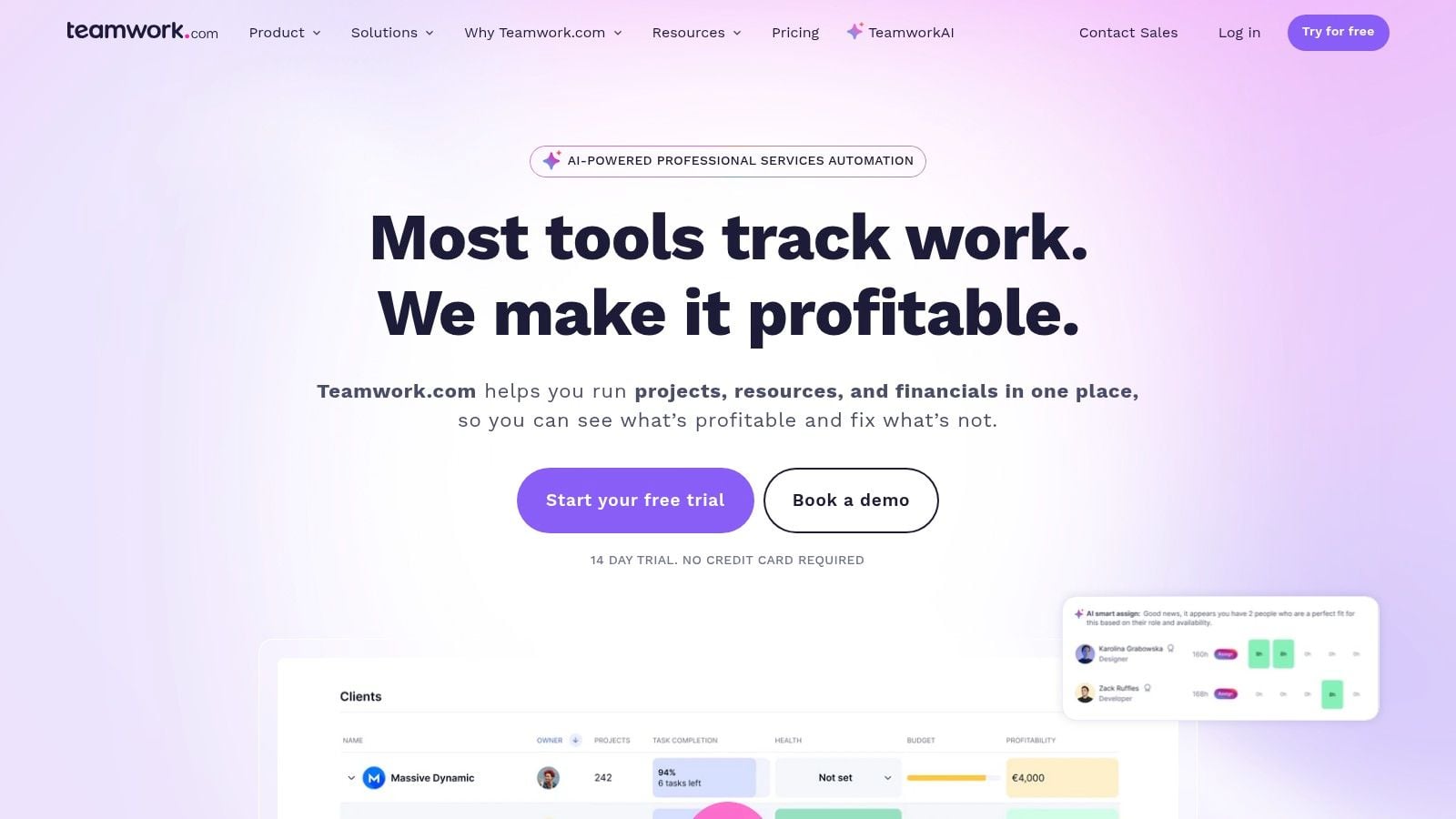
Teamwork.com is one of the most practical choices for agencies that need client work management without buying an oversized PSA. It's built around client portals, approvals, proofing, billable time, retainers, workload planning, and profitability reporting, so the software naturally mirrors how agencies run delivery. That makes adoption easier because teams don't have to translate their process into generic project software.
The benchmark Teamwork's agency guidance highlights, a billable utilization rate target of 70%+, is a useful reminder of what the software should help you measure. Utilization is one of the cleanest indicators of whether the agency is converting staff time into revenue efficiently, and admin time spent on reporting and timesheet chasing is a direct signal of overhead. If you want a system that helps you see both sides of that equation without too much setup, Teamwork is a strong contender.
The practical upside is client collaboration. Approvals and proofing keep feedback in one place, and that cuts down on email archaeology. The downside is that advanced profitability and automation live higher in the packaging, so teams that want deep margin intelligence may find themselves moving up-tier sooner than expected. That's not a flaw, but it does matter if you're comparing total cost of ownership.
For teams that want a delivery-first system and are still tightening the rest of the stack, this agency CRM comparison is a good companion read because it helps separate pipeline management from project delivery.
Pros
- Purpose-built for agencies: less tinkering than generic PM tools.
- Client-friendly workflows: portals, proofing, and approvals are easy to use.
- Native time and budget features: useful for billing and utilization.
- Good collaboration model: works well when clients are active in the process.
Cons
- Advanced profitability features can sit behind higher tiers
- Enterprise-style packaging may need sales-led guidance
Website: Teamwork.com
Why Teamwork.com stays practical
It wins when the agency wants clean delivery workflows and client-facing structure without turning the software rollout into a consulting project.
5. Accelo
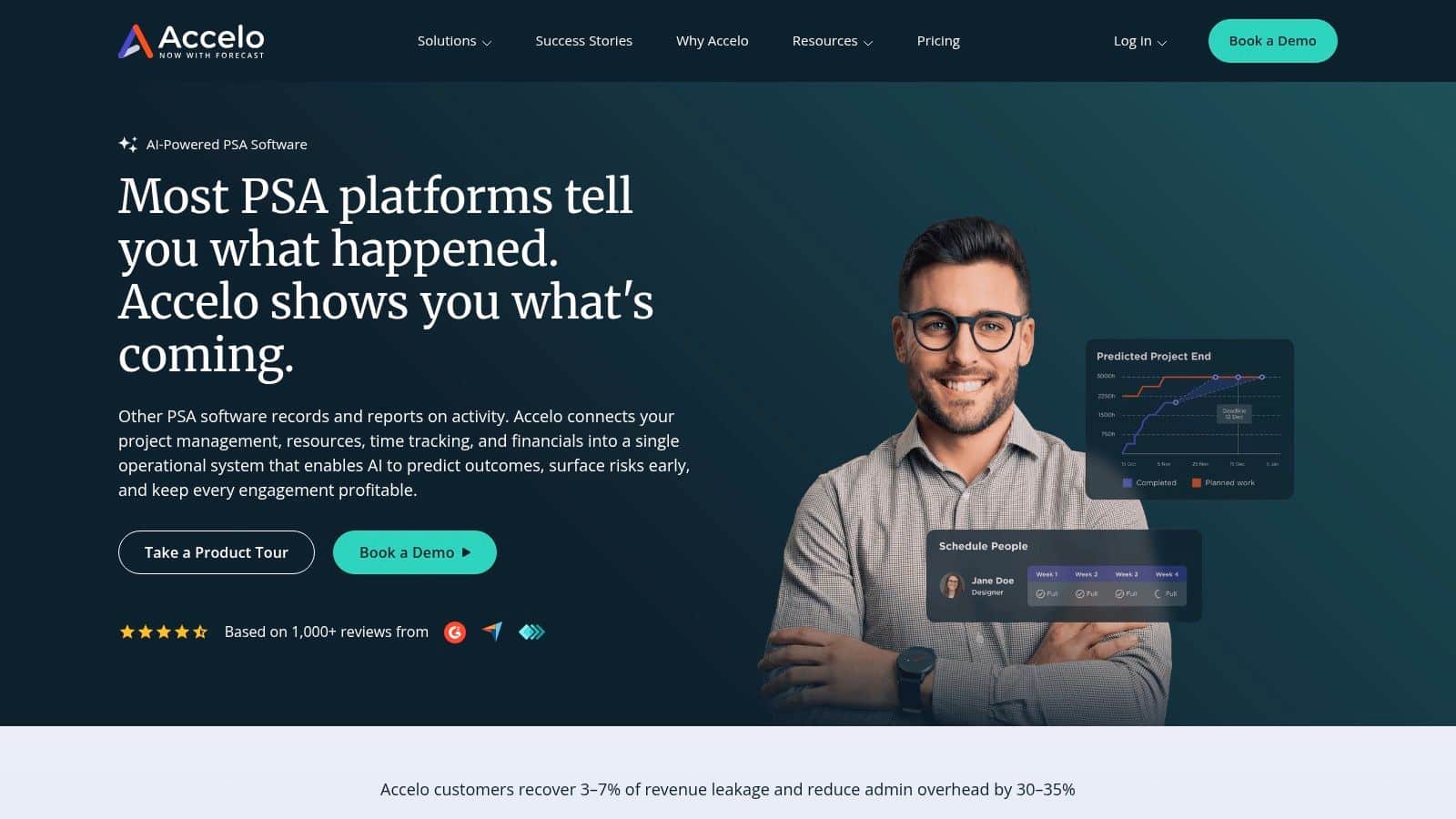
Accelo is built for agencies that live in the client-work lifecycle all day, from sales through retainers, projects, ticketing, and billing. That's a useful shape if the agency doesn't have a neat split between “delivery work” and “support work.” Many retainers-heavy shops have both running at once, and that's where disconnected tools start to break down.
The strength here is continuity. When estimates, projects, time, and billing sit in the same system, handoffs shrink. Support ticketing tied to retainers and SLAs adds another layer of operational control, which is useful for agencies that need to track client commitments carefully. The AI-assisted scoping angle is also interesting, but it should be treated as a helper, not an autopilot. Good agencies still need someone to sanity-check the scope before it becomes a contract problem later.
Practical rule: use Accelo when retainers and ongoing support are part of the business model, not just an occasional add-on.
The trade-off is implementation depth. Quote-based pricing means you're already in a sales conversation, and the broader feature set can take time for non-PSA teams to absorb. That makes Accelo a better fit for organizations that are willing to standardize process before expecting the software to save them. If your agency still runs on tribal knowledge, Accelo will expose the gaps quickly.
Website: Accelo
Pros
- Strong for retainer and support models
- Reduces handoffs between sales, delivery, and billing
- Good if you need one connected client lifecycle
Cons
- Quote-based pricing
- Learning curve is real for teams new to PSA software
Why Accelo helps retainers-heavy teams
Accelo is the right kind of rigid for agencies that need predictable operations around recurring work. It gives structure where handoffs used to be loose.
6. Kantata Professional Services Cloud
Kantata is enterprise PSA software, and it behaves like it. Formerly known through the Mavenlink and Kimble lineage, it's aimed at organizations that need deep resource optimization, full project financials, and stronger governance across complex delivery teams. If you run multi-region or multi-practice operations, you need more than task tracking. You need a model that can handle staffing, delivery, and finance without breaking the audit trail.
The useful part of Kantata is the data model. What-if staffing, role skills, budgets, margins, bill and cost rates, and workflow automation all support serious planning. The platform's AI expertise engine adds planning and insight features, but the value is still in the operational backbone. For agencies that rely on reporting quality, the analytics stack matters as much as the project controls, which is why a stronger reporting foundation often pays off over time. A useful reporting stack for better budgets is covered in this analytics and reporting guide.
Kantata is not the easiest buy. Pricing is quote-only, the implementation effort is real, and the platform makes the most sense when leadership already understands why governance matters. That can sound restrictive, but it's honest. Enterprise PSA is supposed to constrain chaos.
Kantata is for teams that have outgrown “flexible” and now need consistency, controls, and planning discipline.
Pros
- Enterprise-grade governance
- Strong resource and financial planning
- Fits complex, multi-practice environments
- Deep integrations and API-driven automation
Cons
- Quote-only pricing
- Higher implementation effort
- Best suited to mid-to-large teams
Website: Kantata
Why Kantata suits complex services orgs
Kantata becomes compelling when the agency's biggest risk is not lack of visibility, but lack of control across a messy, distributed operation.
7. Workamajig
Workamajig has been in the market long enough that agencies usually know what kind of system they are buying. It is built for creative and in-house agencies that want project and traffic management, time tracking, CRM, proofing, and native accounting in one platform. The native accounting layer is a key differentiator. When GL, AP, AR, and invoicing sit in the same system as project work, operations and finance can follow one process instead of two separate ones.
That matters most for agencies that want full run-the-business coverage. Traffic management, resource scheduling, revenue forecasting, and proofing all sit inside the same operational framework, so managers are not stitching together status from different tools. The accounting side is not treated as an add-on, which reduces exports and cuts down on reconciliation work at month-end.
There is a trade-off, though. Workamajig feels heavier than newer PM tools, and the rollout takes commitment. The plan notes are realistic here, full implementation often takes 2 to 3 months, so teams should treat adoption as a real project, not a casual software swap. Agencies that want a lighter interface may feel the weight quickly. Agencies that need a serious operating system and can support the change usually get more value from it.
For sales teams shaping the front end of the process, this proposal software guide is a useful companion, because proposals and operations work better when they are planned together.
A few practical takeaways stand out. Workamajig fits agencies that care about accounting control as much as project delivery, and it is a stronger fit when the team is willing to standardize how work gets entered, approved, and billed. If the agency wants a flexible tool that lets each department improvise, this platform will feel restrictive. If the goal is cleaner handoffs between delivery and finance, that rigidity can save time.
Pros
- Native accounting inside the platform
- Built for creative and in-house agencies
- Good for end-to-end operating control
- Unlimited client and vendor logins
Cons
- Heavier workflows than newer PM tools
- Implementation takes commitment
- Can feel more rigid than teams expect
Website: Workamajig
Why Workamajig still matters
Workamajig remains relevant because many agencies need accounting and project control in the same place, not a stack of stitched-together tools.
8. Function Point
Function Point fits agencies that want one system to handle the full job flow without jumping into a heavier PSA stack. It brings CRM and estimating, project and traffic management, time and budget tracking, batch invoicing, business intelligence, and QuickBooks integration into the same environment. For teams that want a mature platform with agency-specific depth, that mix is often a better fit than a more generic project tool.
In practice, the appeal is stability. Agencies that have already lived through too many software changes usually care less about novelty and more about a system the team will keep using. Function Point covers the core agency lifecycle in a way that feels familiar, and the QuickBooks Online and Desktop synchronization helps teams preserve accounting routines they already trust. The BI packs add more value, but only if someone is willing to set them up properly. Reporting rarely comes out clean without that internal ownership.
The trade-off is in pricing and configuration. The official site uses quote-based pricing, so there is no public number to compare at a glance. That slows down evaluation, though it is common in this category. Reporting also needs tuning for each agency, which means the platform works best when one person or team is responsible for data hygiene and consistent setup.
Website: Function Point
Pros
- Purpose-built for agency workflows
- Mature product with BI packs
- Good QuickBooks integration
- Covers CRM through invoicing
Cons
- Pricing isn't posted publicly
- Reporting depth needs setup
Why Function Point remains relevant
Function Point still makes sense for agencies that want a proven, agency-specific system and are prepared to configure reporting with care. It suits teams that value operational consistency over a lighter interface, especially when finance and delivery need to stay aligned in the same platform.
9. Deltek WorkBook
Deltek WorkBook is built for agencies that need enterprise-level process control, not just project visibility. It brings projects, people, and financials into one system, with forecasting and profitability controls that fit multi-office operations. If the business needs governance, auditability, and standardized reporting, WorkBook deserves a serious look.
The strengths are what you expect from enterprise software done well. Project budgeting, resourcing, capacity planning, integrated financials, workflow automation, and detailed reporting give leadership a framework it can rely on. That matters because agencies at scale usually do not struggle from a lack of tools, they struggle with inconsistent data and unclear ownership. WorkBook reduces that ambiguity by pushing the operation into a more disciplined shape.
The trade-off is cost and effort. Pricing is sales-quoted, total cost of ownership is usually higher than SMB tools, and implementation takes patience. Those are not small issues, but they are not surprises either. Teams that want enterprise rigor should expect enterprise friction during rollout. A mistake is buying a system like this for a small team that is not ready to run a tighter process.
Website: Deltek WorkBook
Pros
- Enterprise-grade reporting and governance
- Strong financial controls
- Designed for agencies with complex structures
- Good for standardized leadership visibility
Cons
- Sales-quoted pricing
- Higher total cost of ownership
- Implementation and change management are part of the deal
Why Deltek WorkBook fits enterprise agencies
WorkBook fits when the agency needs a serious control layer across people, projects, and financials, and does not want to fake that with lighter software.
10. ClickUp
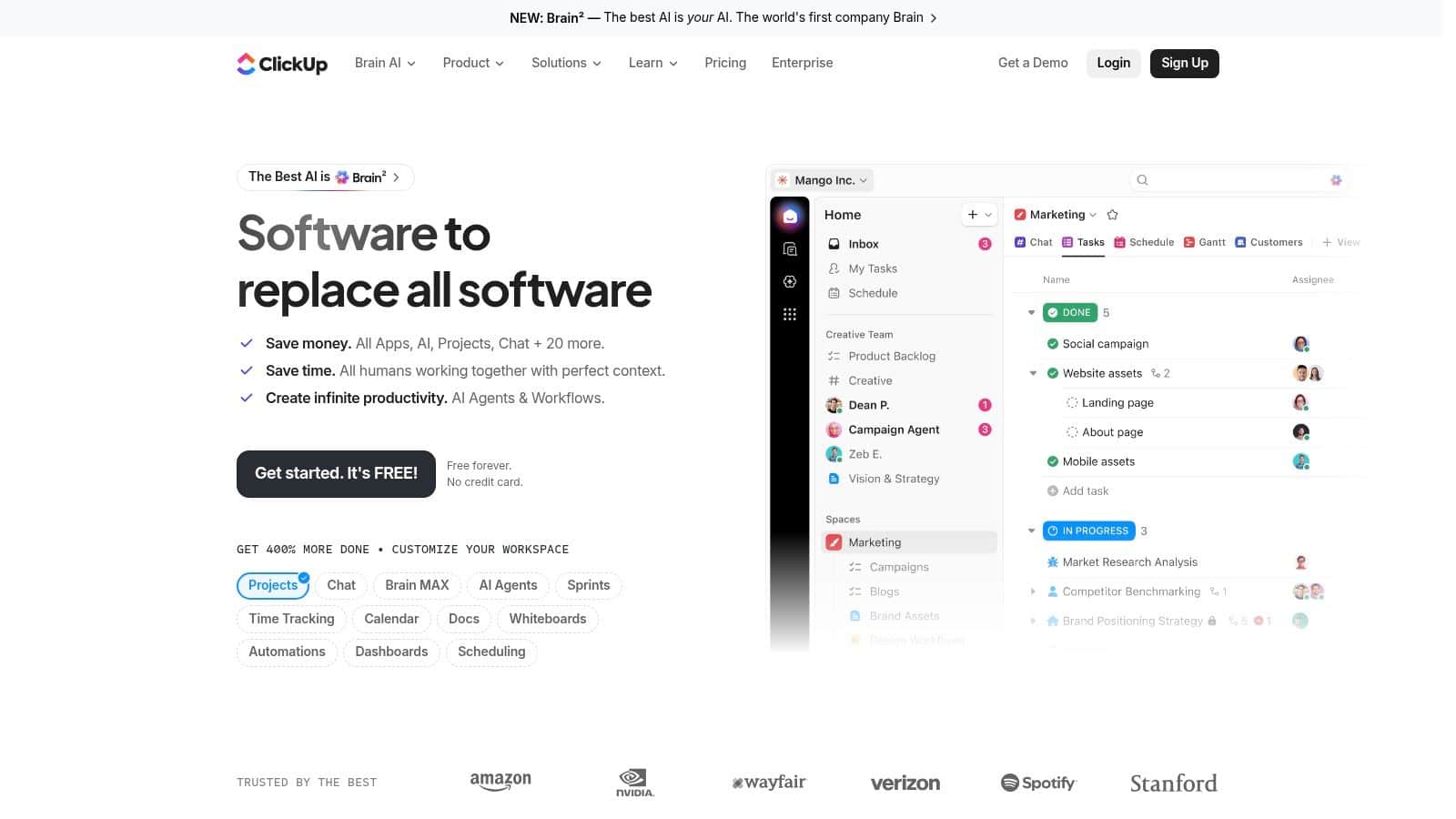
ClickUp is the flexible choice for agencies that want a broad work operating system without jumping into a PSA. It's a general-purpose platform, but the customization is why so many agencies use it for intake, creative production, sprint work, client onboarding, and reporting. If you want a fast start and a huge template ecosystem, ClickUp is usually one of the easiest tools to make useful quickly.
Its appeal is straightforward. Multiple views, native time tracking, docs, forms, whiteboards, automations, dashboards, and integrations give teams a lot to work with. That makes it a good fit for agencies that need breadth more than financial depth. The big trade-off is the obvious one, ClickUp doesn't provide native invoicing or accounting, so billing has to happen elsewhere. For some agencies, that's fine. For others, it becomes the reason they eventually move to a more specialized stack.
The other caution is admin discipline. Flexible systems can drift if nobody owns naming conventions, permissions, and workflow structure. I've seen ClickUp work beautifully when one operations lead keeps it clean. I've also seen it become a cluttered junk drawer when no one owns it.
Practical rule: use ClickUp when you want adaptable delivery management and you already have billing covered somewhere else.
Website: ClickUp
Pros
- Very flexible
- Fast to start with templates
- Strong automation and views
- Good value for teams that mainly need PM depth
Cons
- No native invoicing or accounting
- Needs strong admin governance
- Advanced limits vary by tier
Why ClickUp is the flexible choice
ClickUp is the right answer when your agency wants a versatile work hub first and financial control somewhere else in the stack.
Top 10 Agency Management Software Comparison
| Product | Core capabilities | Experience & Quality (★) | Pricing & Value (💰) | Target Audience (👥) | Unique Selling Points (✨) |
|---|---|---|---|---|---|
| HighLevel 🏆 | CRM + unified inbox (SMS/WhatsApp/Messenger/IG/live chat), funnels & sites, paid calendars, payments, reputation, broadcasts, mobile app, native AI | ★★★★☆, 24/7 support | 💰 Starter $97/mo → Unlimited $297/mo → Agency Pro $497/mo; 14‑day trial; unlimited contacts | 👥 Agencies, local SMBs, coaches, course creators, freelancers | ✨ All‑in‑one mobile ops, native AI across messaging/reviews, unlimited sub‑accounts & contacts, payments (Text‑2‑Pay/Tap‑2‑Pay) |
| Productive | Project budgets, rate cards, resource planning, time tracking, profitability & forecasting, Productive AI | ★★★★, finance‑first dashboards | 💰 Per‑user pricing; advanced/Ultimate tiers sales‑quoted | 👥 Agencies focused on margins, utilization & forecasting | ✨ Deep profitability reporting, strong resourcing, AI time & report tools |
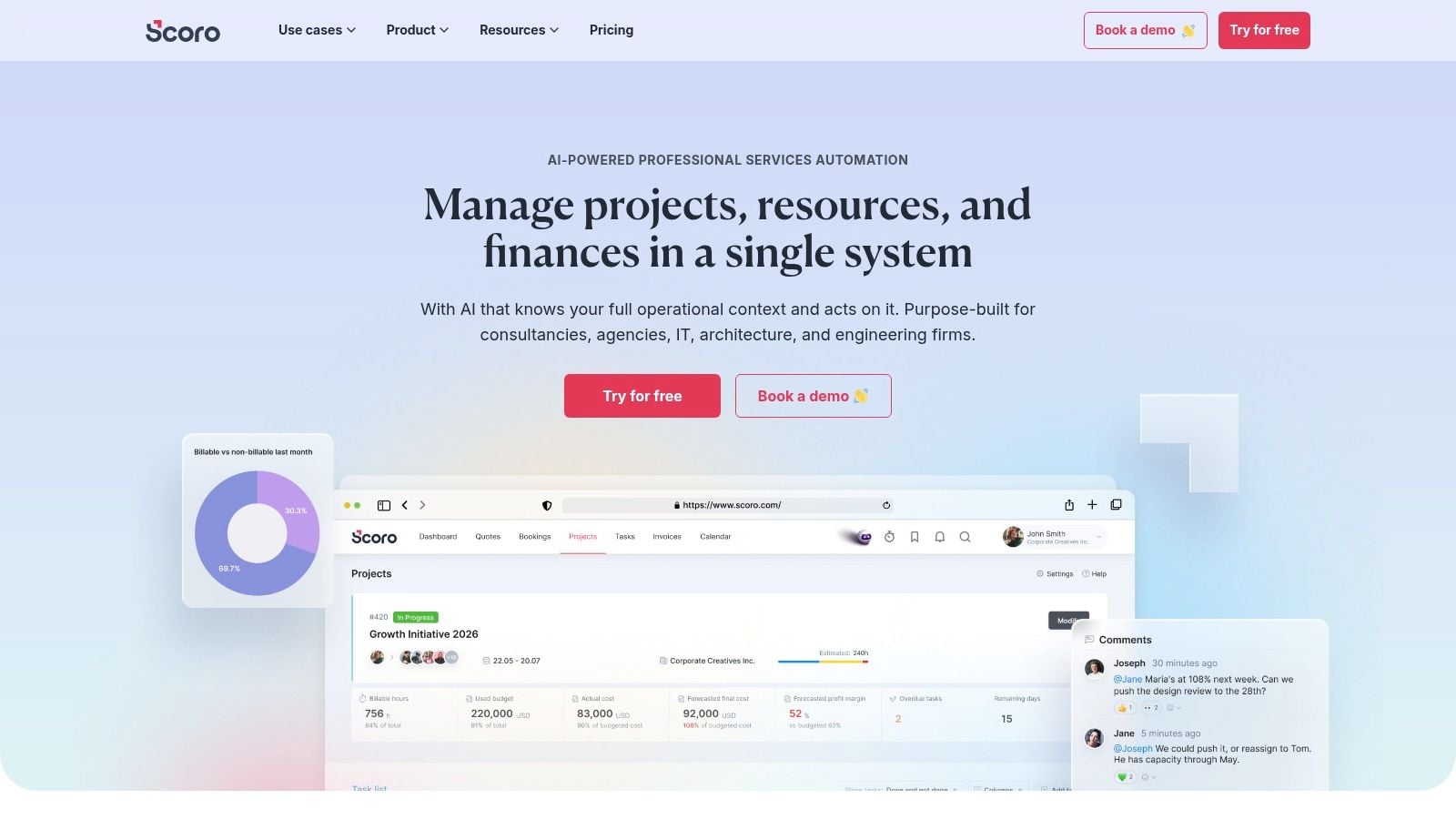
| Scoro | Quotes → projects → invoicing, resource planning, WIP/margin reporting, integrations | ★★★★, strong margin visibility | 💰 Per‑user tiers; 5‑user minimum, tiered pricing | 👥 Creative & multi‑entity agencies | ✨ End‑to‑end financials, multi‑entity support, capacity views |
| Teamwork.com | Client portals, project/traffic mgmt, proofing, time & retainers, workload planning | ★★★★, easy client collaboration | 💰 Per‑user tiers; higher tiers sales‑led | 👥 Agencies needing client collaboration, approvals & retainers | ✨ Client portals, native time/budget features, simple agency setup |
| Accelo | Sales → projects → retainers → ticketing → billing, time/expense, utilization | ★★★☆, strong retainer & support workflows | 💰 Quote‑based / tailored | 👥 Agencies running retainers + support alongside projects | ✨ Integrated ticketing + billing, SLA/retainer linkage, AI scoping |
| Kantata Professional Services Cloud | Advanced resource mgmt, full project financials, AI 'Expertise Engine', robust integrations | ★★★★☆, enterprise planning & insights | 💰 Enterprise quote | 👥 Mid‑to‑large professional services & global agencies | ✨ What‑if staffing, AI planning agents, deep ERP/PSA integrations |
| Workamajig | Project/traffic management, time & expense, native accounting (GL/AP/AR), proofing | ★★★☆, full scope but heavier UI | 💰 Per‑user (transparent); onboarding support included | 👥 Creative & in‑house agencies needing native accounting | ✨ Native accounting + project ops, run‑the‑business scope |
| Function Point | CRM & estimating, project/traffic, time/budget tracking, batch invoicing, BI packs | ★★★, mature, agency‑centric | 💰 Quote‑based | 👥 Creative & marketing agencies seeking integrated BI & QBO sync | ✨ Purpose‑built agency workflows, business intelligence packs |
| Deltek WorkBook | Project budgeting, resourcing, integrated financials, forecasting, governance | ★★★★, enterprise‑grade controls | 💰 Enterprise quote | 👥 Multi‑office agencies needing strong financial controls | ✨ ERP/PSA for agencies, robust forecasting & compliance |
| ClickUp | Tasks/projects (List/Board/Gantt), time tracking, docs/forms, automations, templates | ★★★★☆, versatile & fast to adopt | 💰 Freemium → affordable per‑user tiers | 👥 Agencies wanting low‑cost, highly customizable PM | ✨ Huge template library, strong automations, rapid setup |
How to Choose and Implement Your New System
The best agency management software is the one your team will use. That sounds obvious, but it gets ignored constantly because demos reward feature breadth, not operational fit. A tool can look incredible and still fail if it doesn't match your billing model, your client workflow, or your tolerance for change.
Start with the pain point that's costing you the most time or money.
Identify Your Core Pain Point. If you're losing leads or follow-up consistency, an all-in-one like HighLevel makes sense. If profitability is fuzzy, a PSA like Productive, Scoro, or Kantata deserves a closer look. If project delivery is the main problem, a client-work platform like Teamwork.com may be the cleanest fix.
Calculate Total Cost of Ownership. Look beyond the monthly sticker price. Subscription fees, implementation, data migration, training, and the tools you can cancel all belong in the same decision. A platform that feels “cheaper” up front can get expensive once you account for the work required to make it live.
Involve the people who will live in it. Project managers, account directors, finance leads, and operations staff should all sit in the demo. If they hate the interface or can't picture their workflow inside it, adoption will suffer no matter how good the sales pitch sounds.
Practical rule: don't buy for future scale alone. Buy for the process you run now, then make sure the platform can grow with you.
Implementation should be phased. Move one client, one team, or one service line first. That gives you a live test case without forcing the whole agency to relearn everything at once. It also helps you catch the ugly parts early, like field mismatches, bad handoffs, and reporting gaps, before they spread across the business.
The bigger context supports that caution. Industry estimates place the agency management software market at USD 4.30 billion in 2024, USD 4.60 billion in 2025, and USD 6.53 billion by 2030 at a 7.18% CAGR, which shows sustained demand for systems that replace fragmented tools with a single operating layer. Another set of forecasts puts the market at USD 7.8 billion in 2026 rising to USD 17 billion by 2035 at a 9% CAGR, while a separate estimate places it at USD 2.5 billion in 2023 growing to USD 5.1 billion by 2032 at 8.1% CAGR. Taken together, those forecasts point to a category that's still expanding because agencies keep needing cleaner workflows, better reporting, and tighter control over delivery and margin.
If you're still stuck between all-in-one convenience and tighter operational discipline, start with the tool that removes the most manual work from your current day. Then prove it in one workflow before you roll it out everywhere. That's how agencies avoid expensive software regret and build a system their team will trust.
If your agency is ready to replace fragmented follow-up, booking, payments, and client communication with one operating layer, HighLevel is built for that job. It brings CRM, automation, conversations, and agency-friendly sub-accounts into a single workspace, which makes it a serious fit for teams comparing the best agency management software options. Visit HighLevel and see how it can simplify the way your agency runs.
