


Stop building forms from scratch when you already know the parts that work. A sample registration form should do one job fast, collect the right details without friction, and hand clean data to your CRM or email stack so follow-up starts immediately. If you're planning an event, course, community signup, or paid booking, the decision isn't whether to use a template. It's which source gives you the best structure, the easiest customization, and the cleanest path into automation.
That matters because registration flows are often shorter than teams expect. In online form research, registration forms average 1 minute and 35 seconds to finish, with a 63% start-to-complete rate and a 41% view-to-complete rate on the referenced dataset, which is a strong reminder that simpler forms convert better when they're designed well, not just filled with fields (SurveyMonkey registration form research). If you want a practical external reference for a classic event-style layout, this Live Tourney form template guide is a useful benchmark.
Table of Contents
- 1. HighLevel Template Library (Forms)
- 2. Jotform
- 3. Typeform
- 4. Formstack Forms
- 5. Paperform
- 6. Cognito Forms
- 7. Google Forms
- Top 7 Sample Registration Form Tools Comparison
- From Form to Follow-Up The Key to Higher Conversions
1. HighLevel Template Library (Forms)
HighLevel is the strongest choice when you care about what happens after the signup, not just the signup itself. Its Forms Builder lets you create custom forms with fields like name, email, phone number, dropdowns, checkboxes, and radio buttons, and HighLevel's webinar setup explicitly supports selecting a form for webinar registration, which makes it a natural fit for event signups that need to flow straight into follow-up. For teams that already operate inside HighLevel, that means a sample registration form can become a live intake point for CRM records, workflows, calendars, payments, and messaging without duct-taping extra tools together.
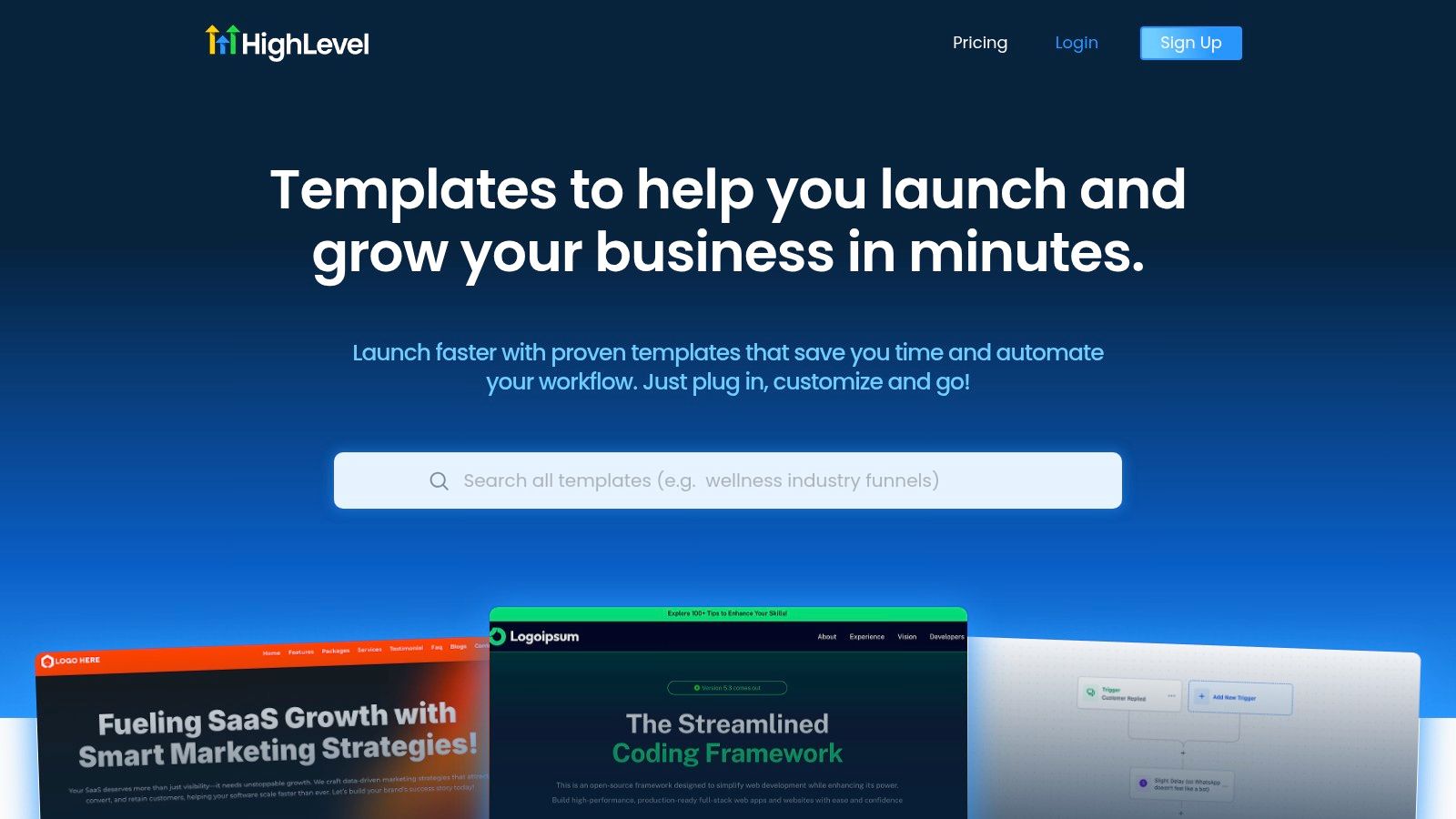
The advantage is speed with consistency. Templates are previewable, editable, and built for a platform that already handles nurture, appointment booking, and automation, so a client launch doesn't start as a blank-page exercise. If your agency needs a cleaner operating layer, HighLevel's unified marketing dashboard tools are the better strategic frame than a standalone form builder.
Practical rule: keep the first version of the form short, then expand with conditional logic only where it improves segmentation or service delivery.
How I'd implement it in HighLevel
Start with the few fields that drive the next action, usually name, email, phone, and one or two qualifiers. Then map those fields into the CRM so the lead lands in the right pipeline stage immediately, and connect the submission to a workflow that sends the right confirmation, reminder, or internal alert.
That setup matters because HighLevel is built to centralize capture, follow-up, booking, and reactivation in one workspace. In practice, that means a registration form can trigger Conversation AI, notifications, task assignment, and post-signup automation without manual export work. If you're managing multiple clients, that consistency is where the template library pays for itself.
Best for: agencies, local service brands, coaches, course creators, and anyone who wants registration to feed a full automation system.
Watch out for: highly custom edge cases that need form logic beyond the standard template structure.
2. Jotform
Jotform is the easiest place to start if you want volume and variety. Its registration template library is broad, with the platform advertising 5,000+ registration forms, another catalog showing 10,000+ registration form templates, and a separate free catalog listing 496+ free registration forms on its template ecosystem pages (Jotform registration templates). That breadth is useful when you're building for events, workshops, camps, memberships, or intake flows that look different from client to client.
The platform's strength is that it gives you a starting point for almost every common signup scenario. You can clone a template, adjust the fields, and push it live without designing the structure from scratch. For agencies, that means less time inventing layouts and more time tuning the funnel around the offer.
Where Jotform wins, and where it slows you down
Jotform works well when you need a polished registration form with payments, e-signatures, and conditional logic. It becomes less appealing when teams pile on optional fields just because the builder makes them easy to add. More fields often help qualification, but they can also hurt completion, so keep your “must-know” fields separate from the nice-to-have ones.
Keep the form focused on what you need to communicate, process payment, manage capacity, or support the attendee experience. Anything else should earn its place.
For implementation, the cleanest approach is to use Jotform for front-end collection, then map the data into HighLevel for follow-up, pipeline movement, and segmentation. If you're designing that handoff, the thinking behind top converting landing page strategies applies here too, because the form is still a conversion page with one job.
Best for: fast deployment, broad template choice, and teams that want more built-in functionality than a basic form tool.
Watch out for: feature gating on paid tiers and the temptation to overbuild the form.
3. Typeform
Typeform is the best fit when the experience itself is part of the pitch. Its one-question-at-a-time format makes a sample registration form feel more like a guided conversation than a static intake page, which can reduce the mental load for signups that need a softer touch. If your audience is reacting to a webinar invite, workshop, or vendor registration, that interaction style can feel noticeably more polished than a dense field stack.
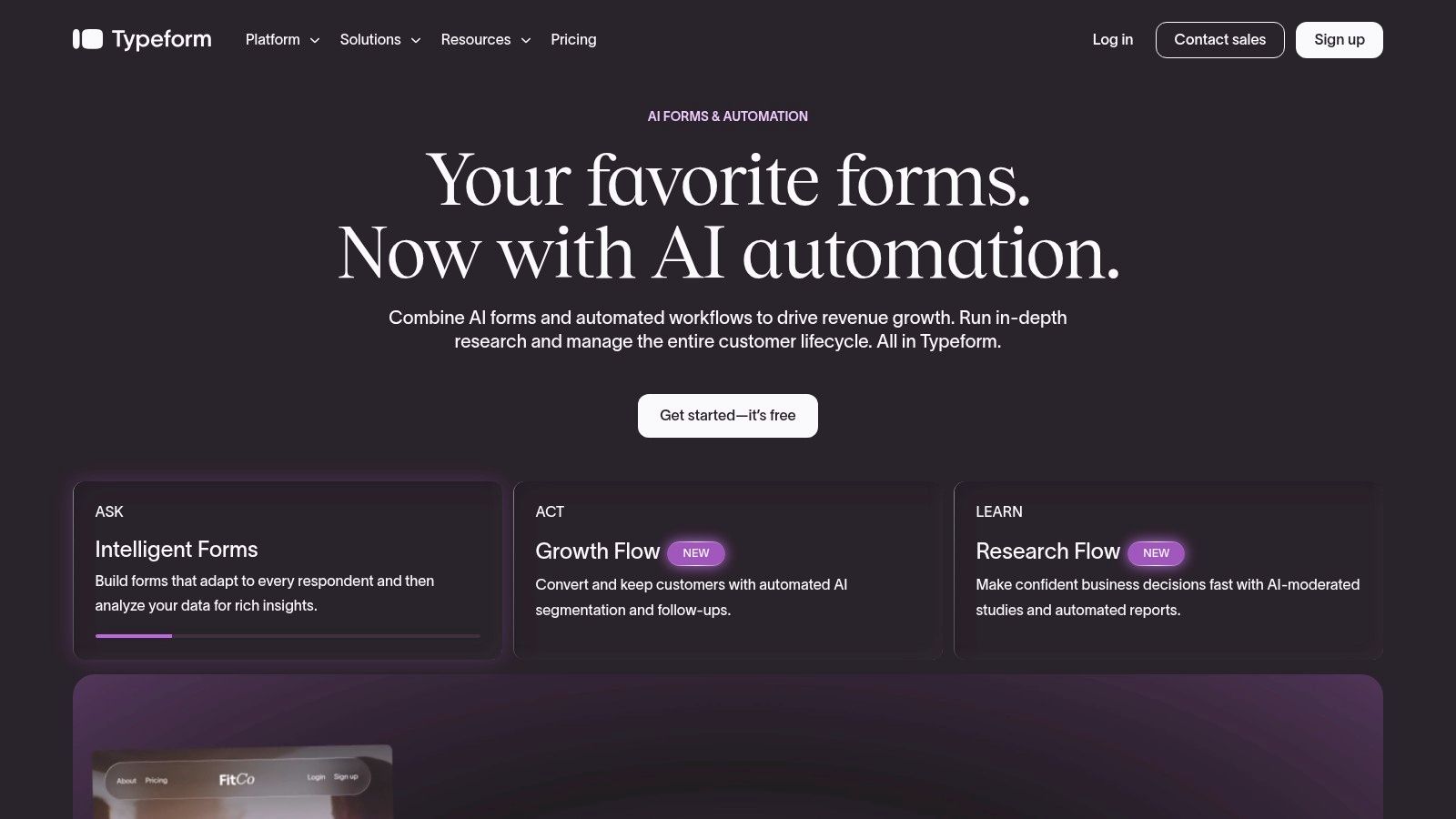
Typeform also gives you logic jumps and recall, which lets you personalize the flow without turning the page into a maze. That's useful when you want to ask a few qualifying questions, route people differently, or collect information only when a specific answer makes it relevant. The form stays readable, and that usually helps more than adding another field block.
The trade-off most teams miss
Typeform looks simple on the front end, but the simplicity comes from design decisions that still need discipline. If you ask too many optional questions, the conversational feel disappears and the form starts to drag. The best use case is a concise, warm entry point that hands clean data into your CRM, not a long survey disguised as registration.
To keep it practical inside HighLevel, send each submission into a pipeline stage and trigger a response sequence immediately. If you're trying to align the form with HighLevel's conversion optimization overview, the principle is the same, reduce friction, then make the next step obvious.
Best for: polished brand experiences, simple qualification, and forms where UX matters as much as data collection.
Watch out for: response and usage limits on lower tiers, plus weaker fit for heavy operational workflows.
4. Formstack Forms
Formstack is the right call when registration is tied to process, not just collection. Its registration templates are built for teams that need workflows, document generation, prefill, and e-signature capabilities around the form, which makes it stronger for compliance-minded use cases than for quick casual signup pages. If you're handling memberships, training programs, or registrations that require approvals and records, this is a serious option.
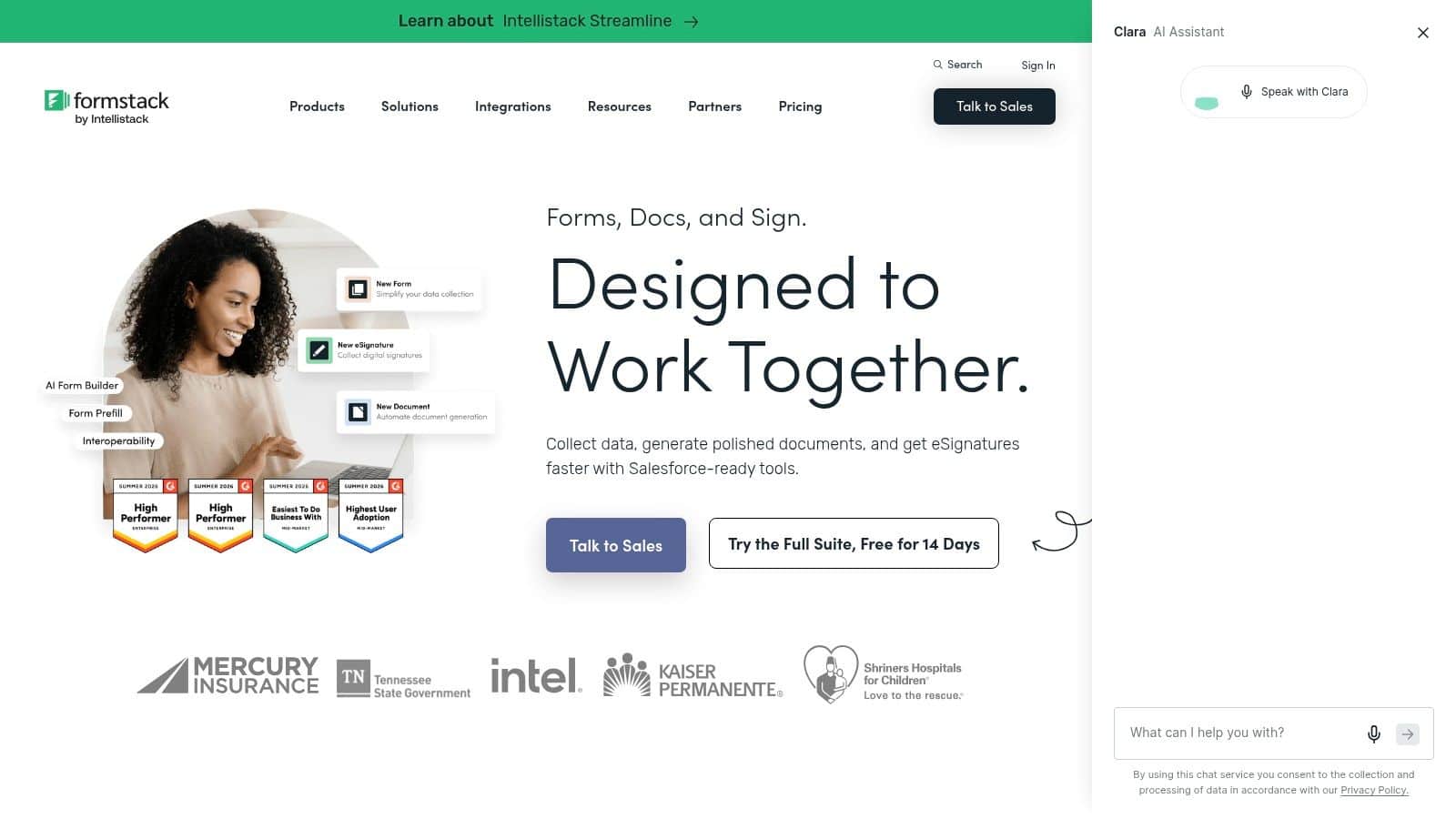
The practical upside is that the form can become the front door to a larger document and approval system. That matters when the registration needs to generate internal steps after submission, not just a thank-you page. It's less about pretty fields and more about making sure the right people see the right data in the right order.
When Formstack is the better operational choice
Use Formstack when the organization already thinks in terms of intake, review, and signatures. It's a better fit for structured business processes than for light lead capture, and that's exactly why some teams prefer it. The builder helps when the form has to carry legal, procedural, or recordkeeping weight.
Practical rule: if the registration has to create an agreement trail, not just a contact record, Formstack belongs on the shortlist.
For HighLevel users, the important question is whether the submission should stay in one system or sync into your CRM for nurture and alerts. If the registration is also a sales entry point, connect it to your practical lead gen playbook mindset, where every submission has a follow-up purpose.
Best for: structured workflows, compliance-heavy use cases, and organizations that need more than a simple form response.
Watch out for: pricing and packaging that can feel more enterprise than SMB.
5. Paperform
Paperform is one of the best-looking options for teams that want a registration page to read like a landing page. Its document-style editor lets you click, type, and place fields inline, which makes it unusually good for branded, content-rich signup pages. That's a real advantage when the registration form needs context, persuasive copy, and payment details on the same page.
The platform also supports paid registrations, coupons, subscriptions, and tax handling, so it's more capable than it first appears. For education, clubs, and membership-style offers, that balance of design control and checkout functionality is hard to ignore. It's especially useful when the registration itself is part of the sales page.
Where Paperform fits best
Paperform works well when you need the form to carry the offer, not just collect the lead. You can explain the event, outline the value, then place fields where the reader already understands why the information matters. That tends to be better than sending people to a generic form that looks disconnected from the rest of the page.
The trade-off is ecosystem depth. Compared with larger template libraries, you may find fewer niche starting points, so your team may need to shape the layout more manually. Still, if branding matters and you want a cleaner publishing experience, it's a strong contender.
Best for: polished, content-rich registrations, paid signups, and branded pages that need more editorial control.
Watch out for: fewer specialized templates than the biggest template marketplaces.
6. Cognito Forms
Cognito Forms is a smart pick for teams that want a lot of capability without paying enterprise-style attention tax. Its builder is known for repeating sections, calculations, workflows, native payments, and a WordPress plugin, which makes it useful for registrations that need structured logic and connected records. If you run classes, memberships, or events with roster-style follow-up, it handles that kind of setup well.
The main advantage is operational flexibility. You can treat the form as a live intake system instead of a static page, which helps when multiple people need to act on the same submission later. That's a real win for agencies serving clients with recurring signups and changing attendee needs.
Why it works well for recurring operations
Cognito Forms fits teams that need a strong feature-to-price balance and are willing to spend a little time configuring logic carefully. The interface can feel dense when workflows get complex, but that's often the price of having more control. If the form has to support approvals, connected entries, or payment-driven actions, the extra structure is worth it.
Strong forms aren't always the prettiest ones. They're the ones your team can run repeatedly without rework.
For HighLevel, the move is to route registrations into the CRM and use automation to handle reminders, confirmations, or task creation. That's especially useful if your process already depends on reduce no-shows with reminders, because the form becomes the start of attendance management, not the end of it.
Best for: agencies, SMBs, and repeatable registration workflows with logic and payments.
Watch out for: a denser UI when you're building more complex rules.
7. Google Forms
Google Forms is the fastest low-friction option when you need a registration live now and don't need much styling. It's free for many users, familiar to many people, and easy to share by link or embed. Responses can flow into Google Sheets, which gives you a workable attendee list without setup overhead.
The tool is simple on purpose, and that's its strength. For internal events, basic signups, volunteer lists, or small community registrations, Google Forms gets the job done with very little training. It's also easy for distributed teams to collaborate on, especially inside Google Workspace.
Where it stops being enough
Google Forms starts to fall short when the registration needs branding, payments, advanced logic, or a cleaner customer experience. It's fine for utility, but it won't carry a premium offer very well. If the signup is customer-facing and the brand matters, the gap becomes obvious fast.
For HighLevel, Google Forms is still useful as a lightweight intake source if you're capturing simple interest and then moving the record into CRM or automation afterward. That said, if the signup needs to look professional and drive revenue, a dedicated form platform is usually the better move.
Best for: simple, fast, no-cost registrations.
Watch out for: limited branding and weaker support for advanced workflows.
Top 7 Sample Registration Form Tools Comparison
| Tool | 🔄 Complexity | 💡 Resource requirements | ⚡ Speed/Efficiency | 📊 Expected outcomes | ⭐ Key advantages |
|---|---|---|---|---|---|
| HighLevel Template Library (Forms) | Low, one-click load, builder-ready (platform-tied) | Requires HighLevel subscription; minimal dev time | ⚡ Very fast, minutes to deploy | Conversion-optimized forms feeding CRM, payments, analytics | Native integrations across CRM/workflows; agency-scale templates |
| Jotform | Low, drag-and-drop, template cloning | Varies by plan; advanced features behind paid tiers | ⚡ Very fast to get live | Robust signup flows with payments, embedding, logic | Massive template library; broad integrations |
| Typeform | Medium, conversational flow, logic jumps | Free plan limited; paid tiers for higher usage | ⚡ Moderate, polished UX setup time | Improved completion rates via one-question UX | Highly engaging, personalized form experience |
| Formstack Forms | Medium–High, workflows, approvals, compliance | Enterprise-oriented pricing; document/e-sign integrations | ⚡ Moderate, more setup for workflows | Secure, compliant intake with document automation | Strong workflow/compliance and document generation |
| Paperform | Low–Medium, document-style editor (content-rich) | Design-focused; supports payments and branding | ⚡ Fast for branded long-form pages | On-brand, content-rich registration pages | Simple, page-like editor for polished, branded forms |
| Cognito Forms | Medium, advanced logic, repeating sections | Strong value for SMBs; native payments; affordable | ⚡ Moderate, complex logic increases setup time | Feature-rich registrations with calculations/workflows | Excellent feature-to-price ratio; sharable templates |
| Google Forms | Very Low, basic builder, minimal features | Free with Google account; integrates with Sheets | ⚡ ⚡ Fastest, publish in minutes | Basic attendee collection and tracking | Free, familiar, extremely low friction |
From Form to Follow-Up The Key to Higher Conversions
A great sample registration form is only half the battle. The lift comes when the submission immediately becomes action, a welcome email goes out, the contact lands in your CRM, and the right follow-up sequence starts without anyone manually moving data. That's where a platform like HighLevel matters, because it connects capture to nurture, booking, and reactivation in one system instead of forcing you to patch together separate tools.
The strategy is straightforward. Use the lightest form that still collects what you need for communication, capacity, payment, or support, then map every meaningful field to the systems that will use it later. If accessibility matters, ask about accommodations clearly and only when relevant, because the form should help people complete registration, not push them out of it. If you need stronger segmentation, use conditional logic and keep optional questions from overwhelming the first step.
The better teams don't treat templates as a shortcut, they treat them as a starting point. They choose a form source based on the experience they want to create, then build automation around it so every signup has a next step, a follow-up, and a measurable outcome. That's the difference between a form that just collects names and one that supports revenue and retention. Backlink: Tutorbase
HighLevel gives you the forms, CRM, workflows, calendars, payments, and follow-up tools to turn a registration into a full customer journey. If you want one place to build the form, automate the response, and keep the data moving, visit HighLevel and see how it fits your signup process.
