


Stop juggling spreadsheets, inbox follow-ups, and half-finished notes. If your customer data lives in tabs, your reminders live on sticky notes, and leads disappear between email threads, you need a CRM that fits a small business budget and gets used. An affordable CRM for small business is not a nice-to-have. It's the system that keeps sales moving, follow-up consistent, and customer history in one place.
The right choice is less about chasing the longest feature list and more about picking a tool your team can run every day. That's why affordability has to include setup, adoption, and workflow fit, not just the monthly bill. If you're trying to validate leads before they hit your pipeline, a tool like Email Validation API can help clean the front end of your process, but the CRM still has to do the heavy lifting after capture.
Small-business buyers have more room than ever to choose from free plans, low-cost paid tiers, and all-in-one systems that replace multiple tools. The market clearly splits into simple free or freemium options for tiny teams and low-cost paid plans for teams that need automation, mobile access, and reporting, which lines up with the affordability patterns in the data from CRM statistics for small businesses and the buying guide from Routine Automation's CRM pricing breakdown. The best picks below are the ones that make sense when you care about ROI, rollout speed, and day-to-day usability.
Table of Contents
- 1. HighLevel
- 3. Zoho CRM
- 3. Zoho CRM
- 5. Freshsales Freshworks CRM
- 6. Capsule CRM
- 7. Less Annoying CRM
- 7. Less Annoying CRM
- 9. Bitrix24
- 9. Bitrix24
- 10. Nutshell
- Top 10 Affordable CRMs for Small Business
- How to Choose and Succeed With Your New CRM
1. HighLevel
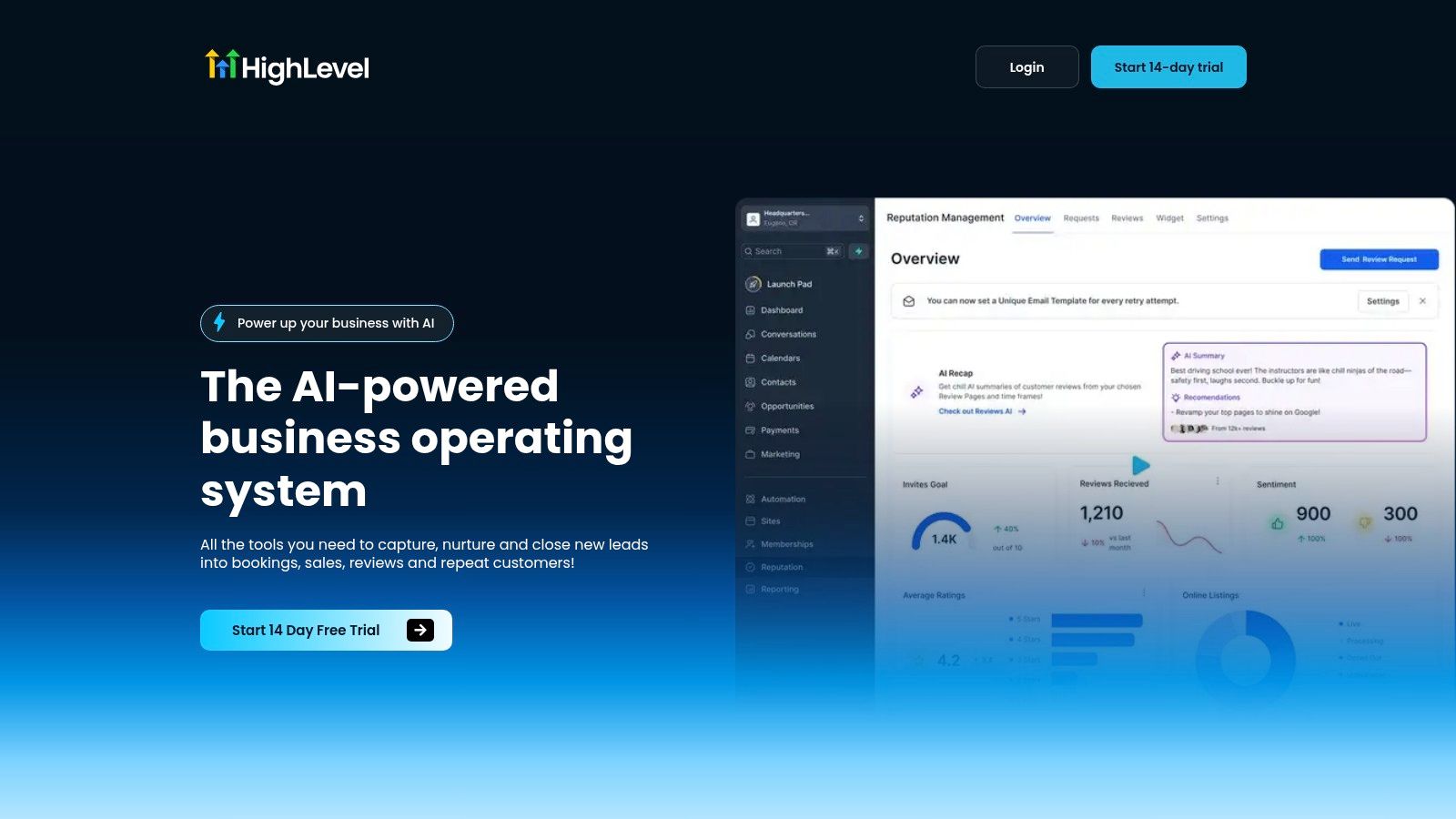
HighLevel is the right choice if you want one system to run more than just contact management. It brings lead capture, CRM, conversations, funnels, calendars, payments, proposals, invoicing, reputation management, and broadcast marketing into a single workspace, which is exactly what small teams and agencies need when separate tools start creating more work than they save. Its website describes it as an all-in-one business operating system, and that is the affordability angle. Cutting tool overlap often saves more than chasing a cheaper CRM seat.
Practical rule: if your team already pays for a CRM, scheduler, form builder, inbox tool, and review platform, compare that stack against one platform before deciding what is affordable.
HighLevel stands out because it centralizes daily work. You can handle SMS, WhatsApp, Messenger, Instagram DM, and live chat from one conversation stream, build funnels and websites, collect payments with Text-2-Pay or Tap-2-Pay, and automate review requests with AI replies and widgets. It also includes native AI across messaging, voice, content, and review handling, which cuts down on the follow-up tasks that often cause small-business teams to stop using a CRM consistently.
Where HighLevel fits
Use HighLevel if you run a digital marketing agency, a local service business, a coaching business, a franchise, or a white-label operation and want one place to capture leads, nurture them, close them, and bring them back. The platform's agency structure, unlimited contacts in published plans, and single inbox design make it a strong fit for teams trying to grow without piling up more software. For a broader comparison of unified dashboards, the compare unified marketing dashboards guide is a useful reference.
A small-business CRM only works if the team uses it. CRM adoption is already broad, but friction still hurts outcomes, especially when teams lack technical expertise or struggle with user adoption, as shown in the CRM statistics compilation from Breakcold's 2026 overview. HighLevel makes sense when you are willing to set it up properly and let automation handle repetitive work. If you want to compare AI-powered CRM tools, HighLevel belongs on that list too.
Pros
- All-in-one stack with native AI across messaging, voice, reviews, and content.
- Agency-first structure with unlimited sub-accounts on the Unlimited plan.
- Revenue tools like paid calendars, invoices, proposals, and one-click upsells.
- Unified conversations across SMS and social channels.
- 24/7 support and a public Ideas Board.
Cons
- Broad functionality means a real learning curve.
- Some advanced agency features sit on higher-priced plans.
Website: HighLevel
3. Zoho CRM
Zoho CRM is the value pick for small businesses that want a low-cost system with room to grow into a larger suite later. Its pricing starts low, and independent buying guides place the entry point in the affordable tier, with Zoho CRM listed from $14/user/month and a free edition for up to 3 users. That makes it a strong fit for teams that need more than a contact list but still need tight cost control.
The strength lies in its ecosystem depth. Zoho is not only a CRM, it sits inside a broader family that can expand into marketing, help desk, and analytics tools as the business matures. That matters because many small businesses outgrow the first CRM not because the pipeline stops working, but because they suddenly need adjacent tools and do not want to stitch everything together with third-party add-ons.
A small team that wants automation, mobile access, and room to expand without paying enterprise prices should put Zoho on the shortlist. It offers multiple editions, per-user subscriptions, and self-service upgrades or downgrades, which gives owners more control over spend. For anyone comparing an affordable CRM for small business, Zoho shows how a low entry price can still leave room for later growth. If you are also weighing an all-in-one platform, the HighLevel AI CRM review is worth a look because the right choice often comes down to whether you want a dedicated CRM or a broader stack replacement.
The downside is usability. The edition matrix can be confusing, and some features sit behind higher plans. That means Zoho works best for owners who are willing to spend a little time sorting out the plan structure before they commit. If you want the cheapest path into CRM basics, it is strong. If you want the simplest setup on day one, look elsewhere.
Pros
- Low entry cost with a free edition for very small teams.
- Broad ecosystem that can grow into marketing, help desk, and analytics.
- Multiple editions give owners more control over upgrades and downgrades.
Cons
- The plan structure can be confusing.
- Some useful features are gated by higher tiers.
3. Zoho CRM
Zoho CRM is the value pick for small businesses that want a low-cost platform with room to grow into a larger suite later. Independent buying guides place the entry point in the affordable tier, with Zoho CRM listed from $14/user/month and a free edition for up to 3 users. That makes it a clean fit for teams that need more than a contact list, but still have to watch spend closely.
Its real strength is ecosystem depth. Zoho is not just a CRM, it sits inside a broader family of tools that can expand into marketing, help desk, and analytics as the business matures. That matters because many small businesses outgrow their first CRM not because the pipeline fails, but because they need adjacent tools and do not want to stitch everything together with third-party add-ons.
Best for growing teams that hate tool sprawl
Zoho fits small teams that want automation, mobile access, and room to expand without paying enterprise prices. It offers multiple editions, per-user subscriptions, and self-service upgrades or downgrades, which gives owners more control over spend. For teams comparing an affordable CRM for small business, Zoho shows how a low entry price can still leave room for later growth.
The tradeoff is usability. The edition matrix can be confusing, and some useful features sit behind higher plans. Zoho works best when someone on the team is willing to own setup and keep the configuration tidy. If you want the cheapest path into CRM basics, it is strong. If you want the simplest setup on day one, look elsewhere.
Zoho also makes more sense when you want the CRM to connect to the rest of your operating stack instead of living as a standalone sales tool. If you are comparing how CRM choices affect reporting, handoffs, and expansion plans, a look at SaaS growth automation metrics helps explain why integration depth matters before you buy. That is the difference between a short-term fix and a system you can keep using as the business grows.
Pros
- Free plan supports up to 3 users.
- Broad native ecosystem reduces reliance on third-party tools.
- Good fit for teams planning to grow.
Cons
- The edition and feature structure can be complex.
- Some features depend on the plan level.
Website: Zoho CRM
5. Freshsales Freshworks CRM
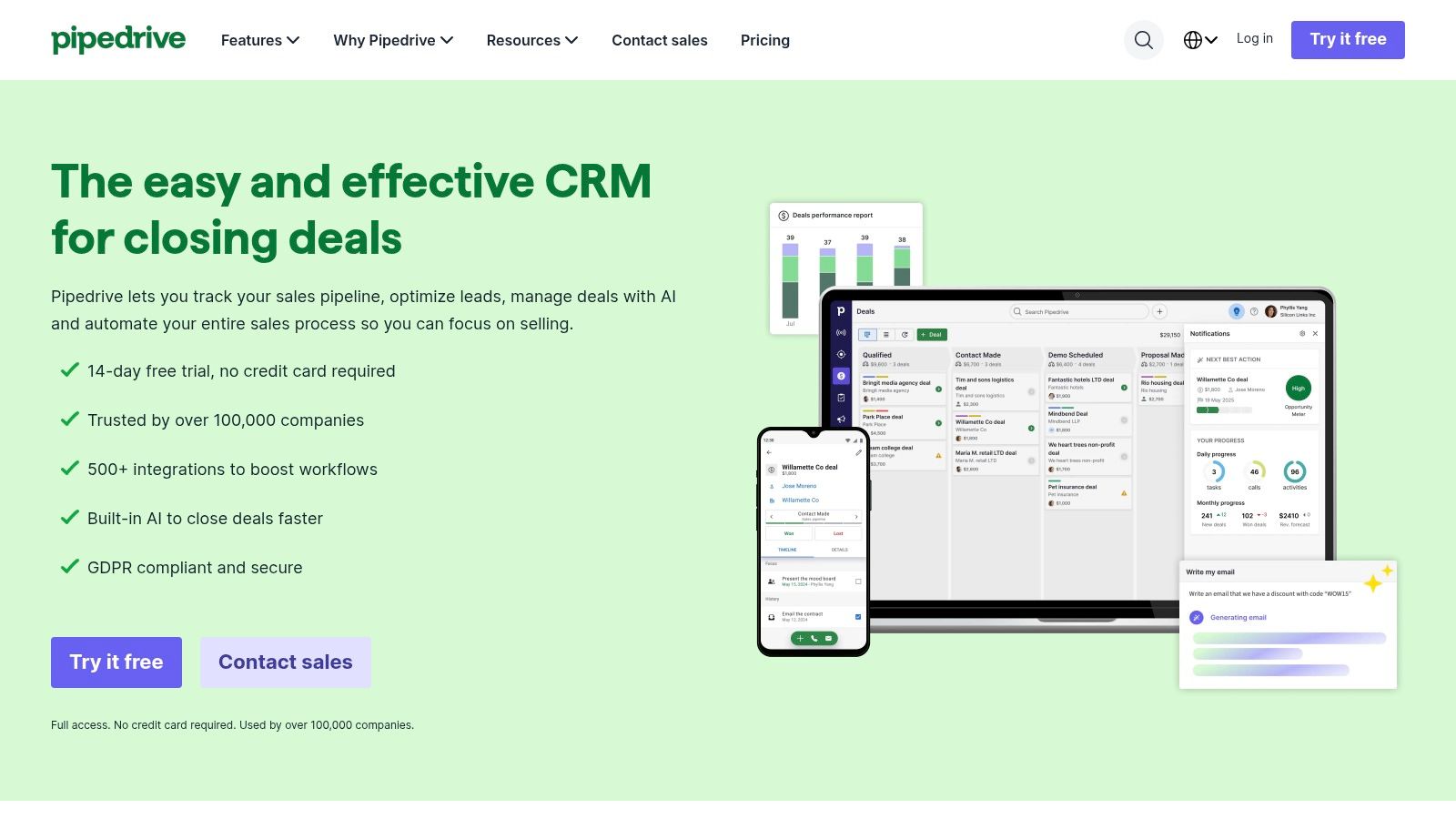
Freshsales works well for small businesses that want sales automation and built-in communication without stacking extra tools on top. It brings email, phone, chat, and AI-assisted insights into one place, which keeps reps inside the CRM instead of jumping between tabs all day. That setup matters for lean teams, because less tool switching usually means faster follow-up and fewer missed handoffs.
It also fits businesses that want a CRM with a clear path beyond sales tracking. The Freshworks ecosystem opens the door to support and IT tools later, so the platform can grow with the company instead of becoming a dead end. If you want a system that feels modern and practical, Freshsales is the stronger pick than a bare-bones contact database.
Best for teams that want built-in communication
Use Freshsales if your team needs emails, calls, and tracking in one workflow. Small sales teams gain the most from keeping outreach, notes, and follow-up inside the same system, because it cuts friction and keeps everyone working from the same record. The AI layer helps, but the value is how much admin work it removes from everyday selling.
Freshsales is also a smart fit for owners who care about implementation reality, not just feature lists. A CRM only helps if people use it, and this one lowers the odds of adoption problems by keeping the sales process inside a familiar, modern interface. For businesses that want a straightforward system with room to expand later, that is a practical advantage.
The main caution is pricing and packaging. Plan inclusions can vary by region or promotion, so check the current offer before you commit. Some of the more advanced capabilities sit in higher tiers, which is normal for this segment. If you want built-in communication and sales automation without paying for a heavier platform, Freshsales makes a strong case.
6. Capsule CRM
Capsule CRM suits small teams that want a tidy system without extra clutter. It keeps the work centered on contacts, relationships, simple pipelines, tags, custom fields, and email templates, so consultants, agencies, and other relationship-led businesses can stay organized without managing a heavy platform. The platform's official site reflects that minimal approach, and for many small businesses, that is the point.
The strength is how little effort it takes to keep it current. If your team will not maintain the CRM, it stops being useful fast, so a system that people can update without friction has a significant operational advantage. Capsule makes that easier than many broader tools because it asks for less setup, less training, and less ongoing cleanup.
Clean, focused, and easy to keep moving
Use Capsule when you need simple pipelines, straightforward billing, and enough structure to track relationships without paying for a larger suite you will not use. It keeps the sales process visible and the records clean, which is useful for teams that want order without complexity. The annual discount options also help owners keep spending predictable.
The tradeoff is depth. Analytics are lighter, and all-in-one capabilities are limited compared with bigger platforms, so Capsule is the wrong fit if you need serious automation or a built-in marketing layer. If your priority is to keep contacts organized and tasks visible, and to capture leads in the first five minutes before they go cold, Capsule gives you a clean, affordable way to do that without dragging the team into software overhead.
Pros
- Clean interface that is easy to learn and maintain.
- Good fit for relationship-focused businesses.
- Lower admin overhead supports daily use.
Cons
- Lighter analytics than larger CRMs.
- Limited all-in-one marketing and automation depth.
Website: Routine Automation
7. Less Annoying CRM
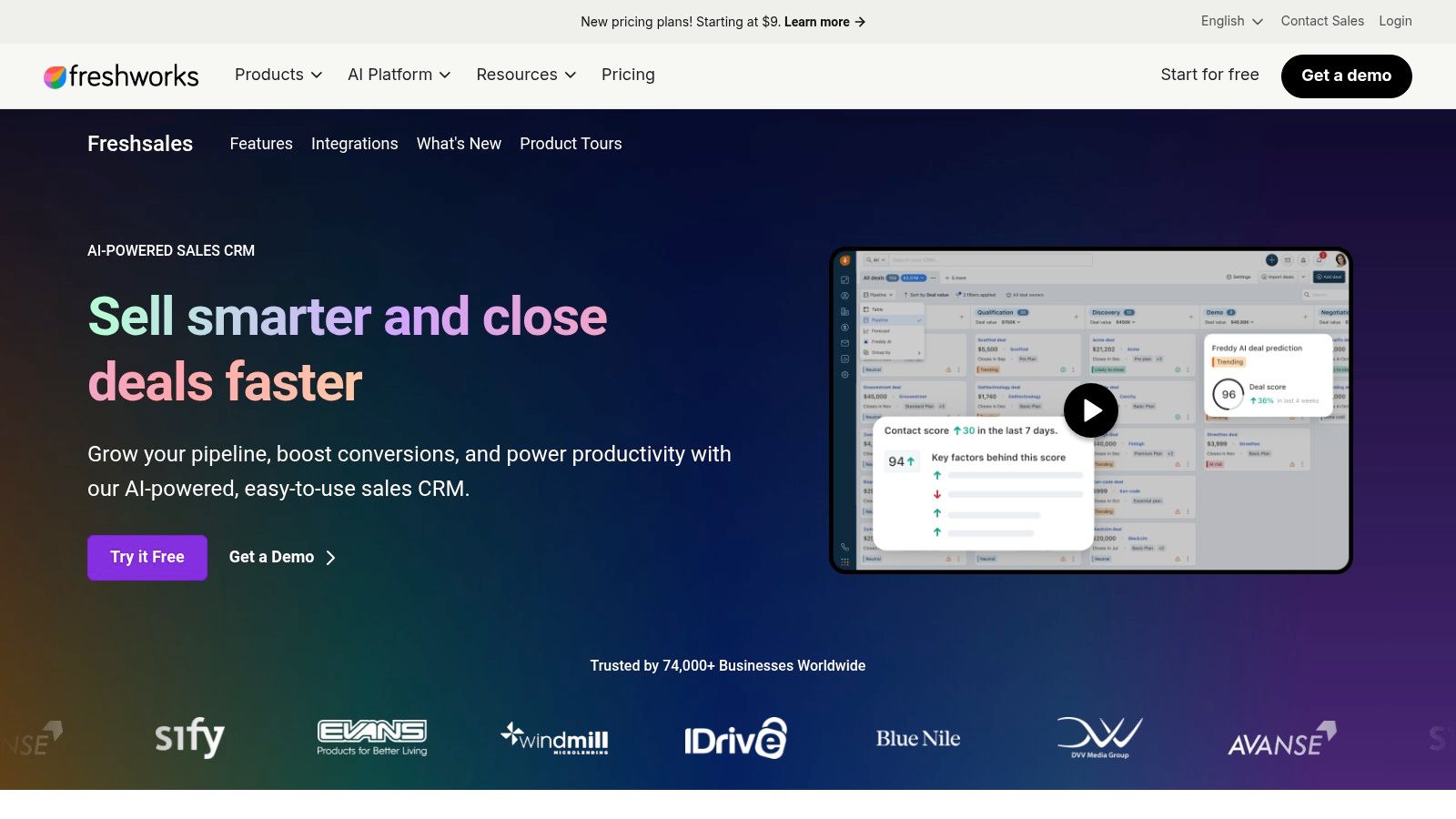
Less Annoying CRM is built for small teams that want one simple plan and no pricing maze. It strips away tier confusion and keeps the product focused on basic CRM work, which makes it easy to judge quickly if it fits your budget and workflow. For owners who want a direct answer instead of a sales pitch, that matters.
The value is predictability. Pipeline tracking, tasks, calendar management, email sync, and daily agenda emails are included, and support comes from real people by phone and email. That combination helps teams avoid long setup cycles and the admin drag that usually kills CRM adoption.
Use it if your team needs contact management, pipeline tracking, and fast setup without feature bloat. It works well when advanced automation is not a near-term priority and you want one clear price instead of comparing plan limits. Implementation is light, so small teams can get organized without spending weeks learning the system.
The tradeoff is clear. You give up the broader feature set of larger platforms, and marketing tools are limited, so many businesses pair it with other apps. That is fine if your goal is simple CRM discipline rather than an all-in-one marketing stack. If lead capture is part of your process, make sure your team can capture leads in the first five minutes before they go cold, because speed matters more than extra features in this setup.
Pros
- Simple to learn and quick to keep in use.
- One flat plan avoids pricing confusion.
- Direct support reduces setup friction for small teams.
Cons
- Limited marketing tools.
- Less depth than larger CRMs.
Website: official site
7. Less Annoying CRM
Less Annoying CRM fits tiny teams that want one flat plan and no pricing games. It skips the tier maze entirely, which is a real advantage in the affordable CRM category. If your priority is a tool that handles the basics cleanly and keeps support human, this one belongs on the shortlist.
The main advantage is predictability. Pipeline tracking, tasks, calendar management, email sync, and daily agenda emails are all included, and support comes from real people by phone and email. For small-business owners who cannot afford a long rollout or a heavy admin burden, that mix keeps adoption practical instead of painful.
Best when simplicity is the goal
Choose Less Annoying CRM if your team needs contact management, pipeline tracking, and fast setup without feature bloat. It works well when advanced automation is not a near-term priority and you want one clear price instead of comparing plan limits. The implementation burden stays light, so teams can get organized without spending weeks learning the system.
The tradeoff is straightforward. You give up the broader feature set of larger platforms, and marketing tools are limited, so many businesses pair it with other apps. That works when your goal is lean CRM discipline, not an all-in-one marketing stack. For very small businesses that value clarity over complexity, this is a strong choice. If lead response matters in your process, the capture leads in the first five minutes approach fits this kind of lightweight workflow well.
Pros
- Predictable pricing with no tier confusion.
- Low learning curve.
- Direct human support by phone and email.
Cons
- Limited native marketing features.
- Less depth in automation and reporting.
Website: Less Annoying CRM
9. Bitrix24
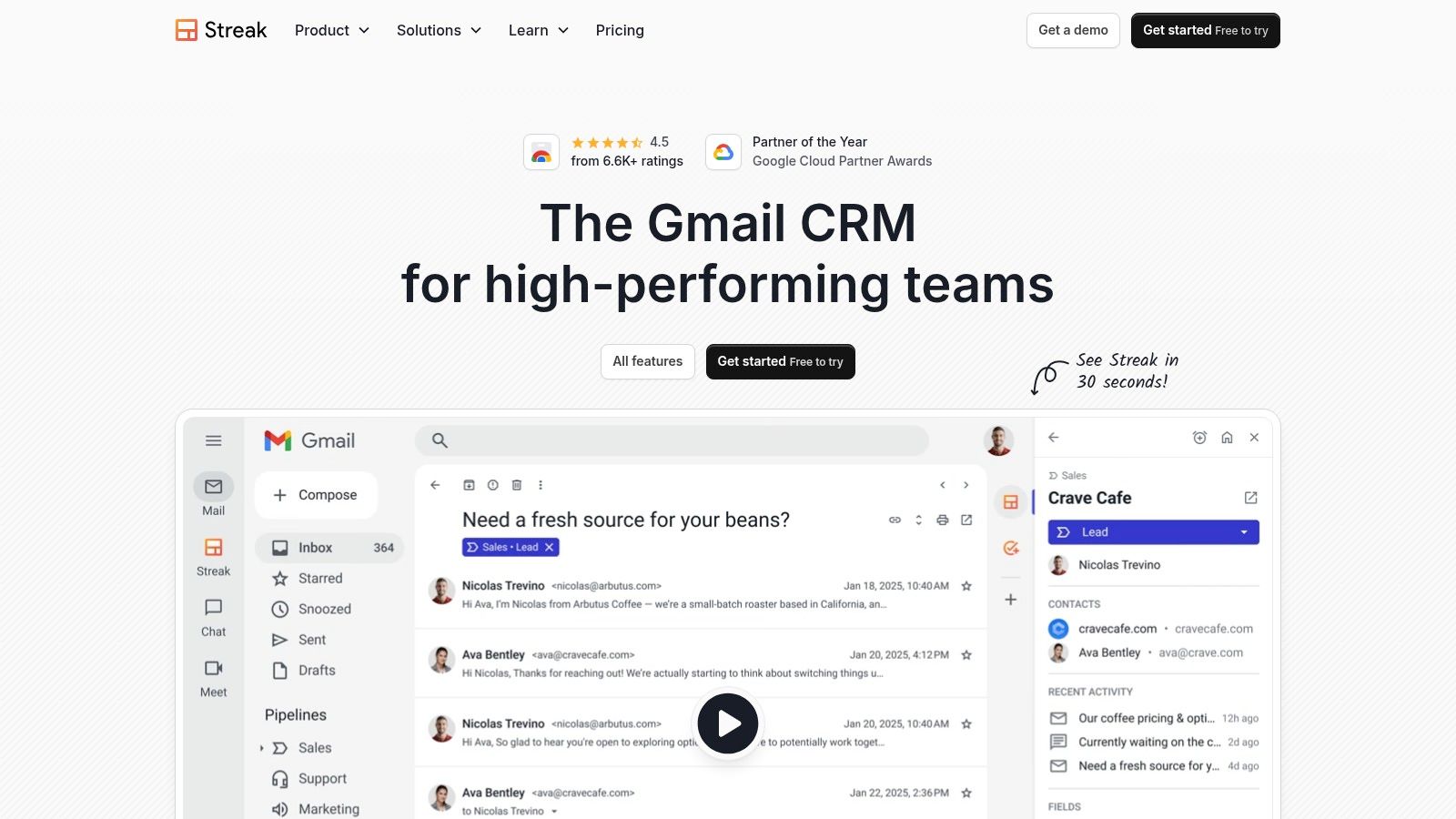
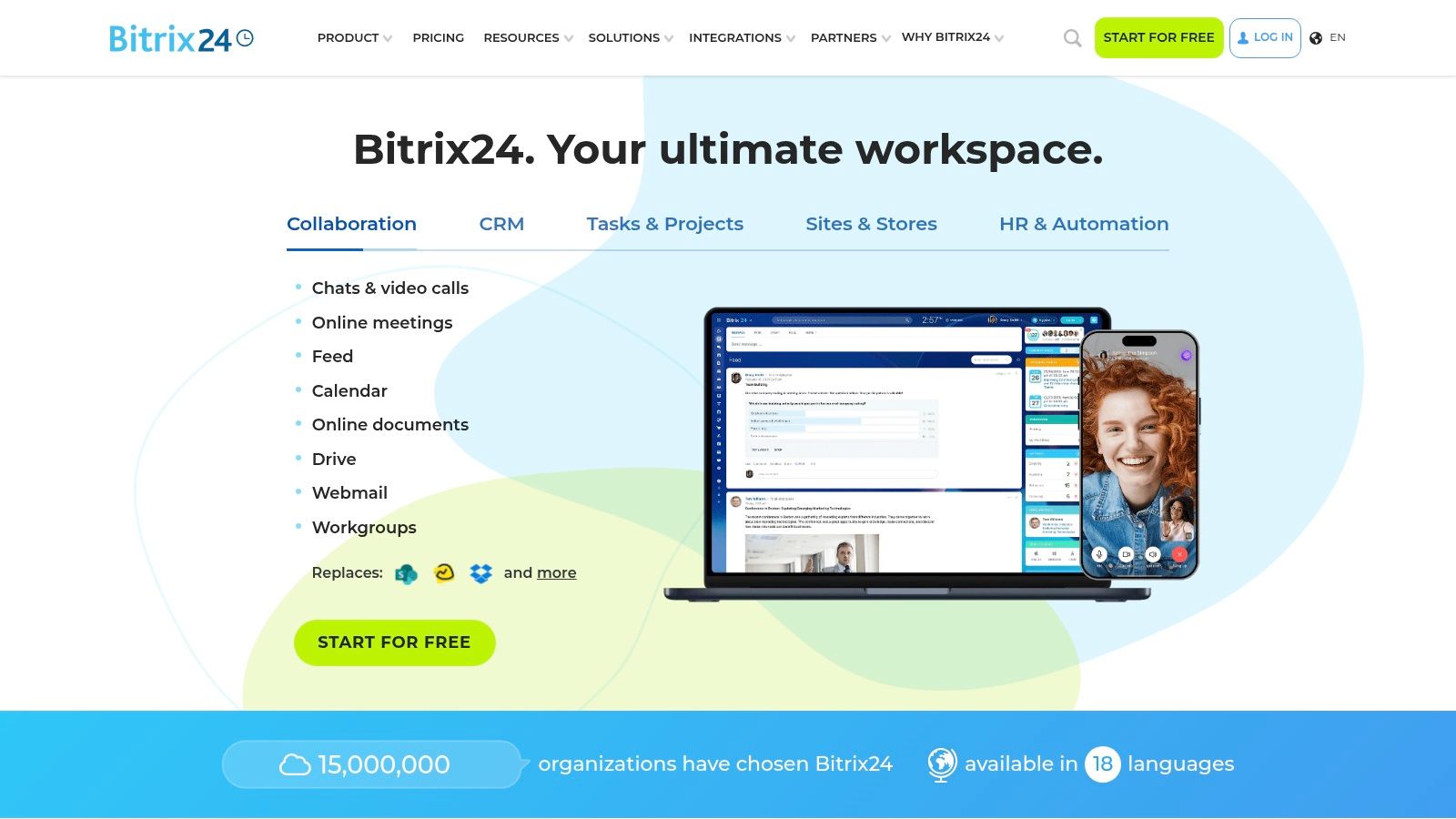
Bitrix24 is the strongest all-in-one value play in this list. It brings CRM, tasks, chat, telephony, websites, and collaboration into one system, and it also offers a free plan with core CRM and collaboration tools plus flat-price paid tiers. That pricing model matters because small-business CRM buyers often care as much about cost control as they do about feature count, and a flat model makes budgeting easier than per-seat pricing.
It is built for consolidation. If your team wants one workspace for customer tracking, internal coordination, and a basic web presence, Bitrix24 cuts down the number of subscriptions you need to manage. It also offers cloud and self-hosted options, which gives businesses more control over how they deploy the platform.
Bitrix24 is a smart pick if you want one tool for CRM, collaboration, and operations. That breadth can save money when you were already planning to pay for multiple apps, and it gives owners a solid free starting point before they move to a paid plan.
The tradeoff is the learning curve. A broad toolset can overwhelm small teams that only need clean pipeline management, and some features sit behind paid plans or add-ons. Use Bitrix24 when consolidation and flat pricing matter more than a polished interface. If your team needs a simple system it can master fast, this is probably too much.
Pros
- Flat pricing simplifies budget planning.
- Free plan with core CRM and collaboration tools.
- Cloud and self-hosted deployment options.
Cons
- Broad feature set can feel heavy for small teams.
- Some features require paid plans or add-ons.
9. Bitrix24
Bitrix24 is the clearest all-in-one value play on this list. It combines CRM, tasks, chat, telephony, websites, and collaboration in one system, and it also offers a free plan with core CRM and collaboration tools plus flat-price paid tiers. That pricing structure matters because small-business CRM buyers often care as much about cost control as they do about feature count, and a flat model makes budgeting simpler than per-seat pricing.
The platform is broad by design. If your team wants one workspace for customer tracking, internal coordination, and basic web presence, Bitrix24 cuts down the number of subscriptions you need to manage. It also offers cloud and self-hosted options, which gives businesses more control over how they deploy the platform.
Bitrix24 fits businesses that want one tool for CRM, collaboration, and operations. That breadth can save money when you were already planning to pay for multiple apps. It also gives owners a solid free starting point before they move to a paid plan.
The tradeoff is the learning curve. A broad toolset can overwhelm small teams that only need clean pipeline management, and some features sit behind paid plans or add-ons. Choose Bitrix24 when consolidation and flat pricing matter more than a polished interface. If your team needs a simple system it can master fast, this is probably too much.
Pros
- Flat pricing simplifies budget planning.
- Free plan with core CRM and collaboration tools.
- Cloud and self-hosted deployment options.
Cons
- Broad feature set can feel heavy for small teams.
- Some features require paid plans or add-ons.
Website: Bitrix24
10. Nutshell
Nutshell is a practical choice for small businesses that want native outreach and quoting without a lot of setup overhead. It combines CRM with scheduling, email sequencing, automation, proposals, invoicing, and optional SMS, which makes it useful for teams that want a few more built-in revenue tools than a bare-bones CRM provides. The official website leans into that small-business orientation, and the product fit is clear.
This is a good middle path between simple contact tracking and a sprawling all-in-one suite. The native add-ons reduce the need to bolt on separate tools, and that can improve real-world affordability even if the sticker price isn't the lowest on the market. For teams that want structure without a giant implementation burden, Nutshell is worth a close look.
Best for teams that want CRM plus quoting
Choose Nutshell if you want sales workflows, outreach, and proposal or invoicing support in one place. It is especially useful for small teams that need a clean way to move from lead to quote without juggling multiple systems. That organized flow can shorten the time between first conversation and payment.
The tradeoff is that some marketing add-ons are priced separately by contact volume, and the ecosystem is narrower than the biggest CRMs. Still, Nutshell does a strong job of keeping the sales stack practical and focused. It suits teams that want more than a basic CRM but don't want the complexity of a heavier platform.
Pros
- Native SMS, proposals, and invoicing reduce extra tools.
- Clear plan comparison resources.
- Practical for small businesses that sell and quote directly.
Cons
- Some marketing add-ons are priced separately by contact volume.
- Fewer third-party integrations than larger ecosystems.
Website: Nutshell
Top 10 Affordable CRMs for Small Business
| Platform | Core features (Core) | UX & quality ★ | Value & price 💰 | Target audience 👥 | Unique selling points ✨ |
|---|---|---|---|---|---|
| 🏆 HighLevel | All‑in‑one CRM, multi‑channel inbox, funnels, paid booking, payments, reputation, workflows, native AI | ★★★★★, mobile‑first, powerful; steeper learning | 💰 $97/mo Starter · $297/mo Unlimited · 14‑day trial · unlimited contacts | 👥 Agencies, SMBs, freelancers, course creators | ✨ Native AI across messaging/voice/reviews; unlimited sub‑accounts; consolidated convo stream; Text‑2‑Pay |
| HubSpot CRM | Core CRM, deals, meetings, live chat, email tools, dashboards, upgradeable hubs | ★★★★☆, polished UX, large ecosystem | 💰 Free start; paid Hubs scale (can get costly) | 👥 SMBs → enterprises, marketing teams | ✨ Strong learning resources; seamless upgrade path to Sales/Marketing/Service hubs |
| Zoho CRM | Pipelines, automation, mobile apps, multiple editions, ties into Zoho suite | ★★★★, feature‑rich, some complexity | 💰 Budget‑friendly; Free up to 3 users; tiered editions | 👥 SMBs wanting integrated app suite | ✨ Deep Zoho ecosystem (CRM Plus / Zoho One) for native expansion |
| Pipedrive | Visual Kanban pipelines, task automation, reporting, integrations marketplace | ★★★★☆, very easy to adopt | 💰 Mid‑range; add‑ons may increase TCO | 👥 Sales teams focused on pipeline execution | ✨ Intuitive visual pipelines + rich marketplace for telephony/lead capture |
| Freshsales (Freshworks CRM) | Sales sequences, built‑in email, telephony options, AI insights, Freshworks integration | ★★★★, modern sales UX | 💰 Competitive SMB pricing; 21‑day trial; tiered plans | 👥 SMB sales teams wanting integrated support tools | ✨ Native telephony + smooth Freshworks ecosystem integration |
| Capsule CRM | Simple pipelines, tasks, custom fields, tags, email templates | ★★★☆, clean, low admin overhead | 💰 Entry pricing; limited free plan; annual discounts | 👥 Small teams, consultants preferring simplicity | ✨ Lightweight, fast onboarding and clear billing |
| Less Annoying CRM | Single all‑features plan, pipeline & calendar, email sync, human support | ★★★☆, ultra‑simple, friendly support | 💰 Low flat fee (single plan), predictable costs | 👥 Very small businesses, solo owners | ✨ One plan, minimal setup, responsive human support |
| Streak CRM for Gmail | Gmail‑embedded pipelines, mail merge, shared views, lightweight automation | ★★★★, zero friction for Gmail users | 💰 Affordable tiers; best value inside Google Workspace | 👥 Gmail/Google Workspace teams & sales reps | ✨ Native Gmail CRM, no context switching from inbox |
| Bitrix24 | Multichannel CRM, tasks/projects, chat, telephony, sites; cloud & self‑hosted | ★★★☆, very broad, steeper learning | 💰 Generous free plan; flat pricing options; on‑premise | 👥 Teams needing all‑in‑one workspace & on‑premise control | ✨ Flat pricing, unlimited‑user free core, optional self‑hosted deployment |
| Nutshell | CRM with outreach, email sequencing, quoting, optional SMS & invoicing | ★★★★, clean UI, built‑in outreach | 💰 Transparent pricing; some add‑ons priced by contact volume | 👥 Small businesses wanting native outreach & quoting | ✨ Native proposals/invoicing + integrated outreach tools |
How to Choose and Succeed With Your New CRM
The best affordable CRM for small business is the one that matches how your team sells, follows up, and closes. Start by asking whether you need a sales-first tool, a free starter CRM, or an all-in-one operating system that replaces several subscriptions at once. If your business is agency-led, service-led, or built around high-volume follow-up, HighLevel is the strongest all-in-one contender because it brings capture, nurture, booking, payments, and reputation work into one place. If your team just needs to stop losing deals in email, Less Annoying CRM or Pipedrive will get you moving faster.
Price matters, but adoption matters more. The data shows that many small businesses already use CRM software, yet friction from lack of technical expertise and user adoption challenges still blocks value, so don't buy a tool your team won't touch. Focus on the features that reduce manual work, like visual pipelines, mobile access, automated follow-up, and simple reporting. If the CRM forces your team to jump between apps just to manage a lead, it's probably cheaper on paper and more expensive in practice.
Shortlist two tools and test them with real work. Import a small batch of contacts, build one pipeline, and run the follow-up process you use. Then pick the platform that feels easiest to maintain, because that's the one your team will keep using after the novelty wears off.
If you want one platform that can replace several tools and still stay small-business friendly, start with HighLevel. It gives agencies and SMBs a mobile-first CRM, automation, booking, payments, and reputation management in one stack, which is exactly what this category needs when the goal is ROI, not software clutter.
If you're ready to replace scattered tools with one system that handles capture, follow-up, booking, payments, and reviews, visit HighLevel. It's built for small businesses and agencies that want a CRM to do real work, not just store contacts. Start there if you want to simplify your stack and give your team one place to sell, serve, and grow.
