


The most common advice on Mailchimp replacements gets this wrong. There isn't one “best” option, because the right platform depends on what you're trying to fix, list growth, sending model, ecommerce behavior, creator monetization, automation depth, CRM needs, or whether you're really trying to collapse five tools into one workflow. Mailchimp still has massive reach, but buyers keep moving toward specialized platforms and consolidated systems, which is why the best Mailchimp alternatives aren't just email tools anymore, they're often operating systems for marketing and sales, as the market comparison shows. If your goal is to choose faster subject lines and tighter follow-up, Sight AI's subject line strategy is a useful companion read, but the bigger decision is which platform fits your growth motion.
That's the lens here. Instead of sorting tools by template count, this roundup organizes them by the operational problem they solve best, then weighs automation depth, channel coverage, audience model, implementation effort, and migration friction. HighLevel gets featured first because a lot of agencies and SMBs aren't really shopping for email software, they're trying to replace disconnected systems with one environment for lead capture, conversations, booking, payments, nurture, and reactivation. If that sounds like your reality, a broader all-in-one marketing system can be a better answer than another standalone sender.
Table of Contents
- 1. HighLevel
- 2. ActiveCampaign
- 3. Klaviyo
- 4. Brevo
- 5. MailerLite
- 6. Kit
- 7. GetResponse
- 8. Omnisend
- 9. Campaign Monitor
- 10. Constant Contact
- Top 10 Mailchimp Alternatives, Quick Comparison
- Choose the Platform That Fits Your Growth Motion
1. HighLevel
HighLevel stands apart because it is built to solve tool sprawl, not just email sending. Agencies, freelancers, local service businesses, coaches, and multi-location operators use it to keep CRM, messaging, funnels, calendars, payments, reputation, and automation in one mobile-first workspace, which cuts handoffs and reduces context switching. The platform also combines a unified conversation inbox, email and messaging campaigns, and AI features across messaging, voice, reviews, and content creation, so it functions more like an operating system than a newsletter tool. Website: HighLevel.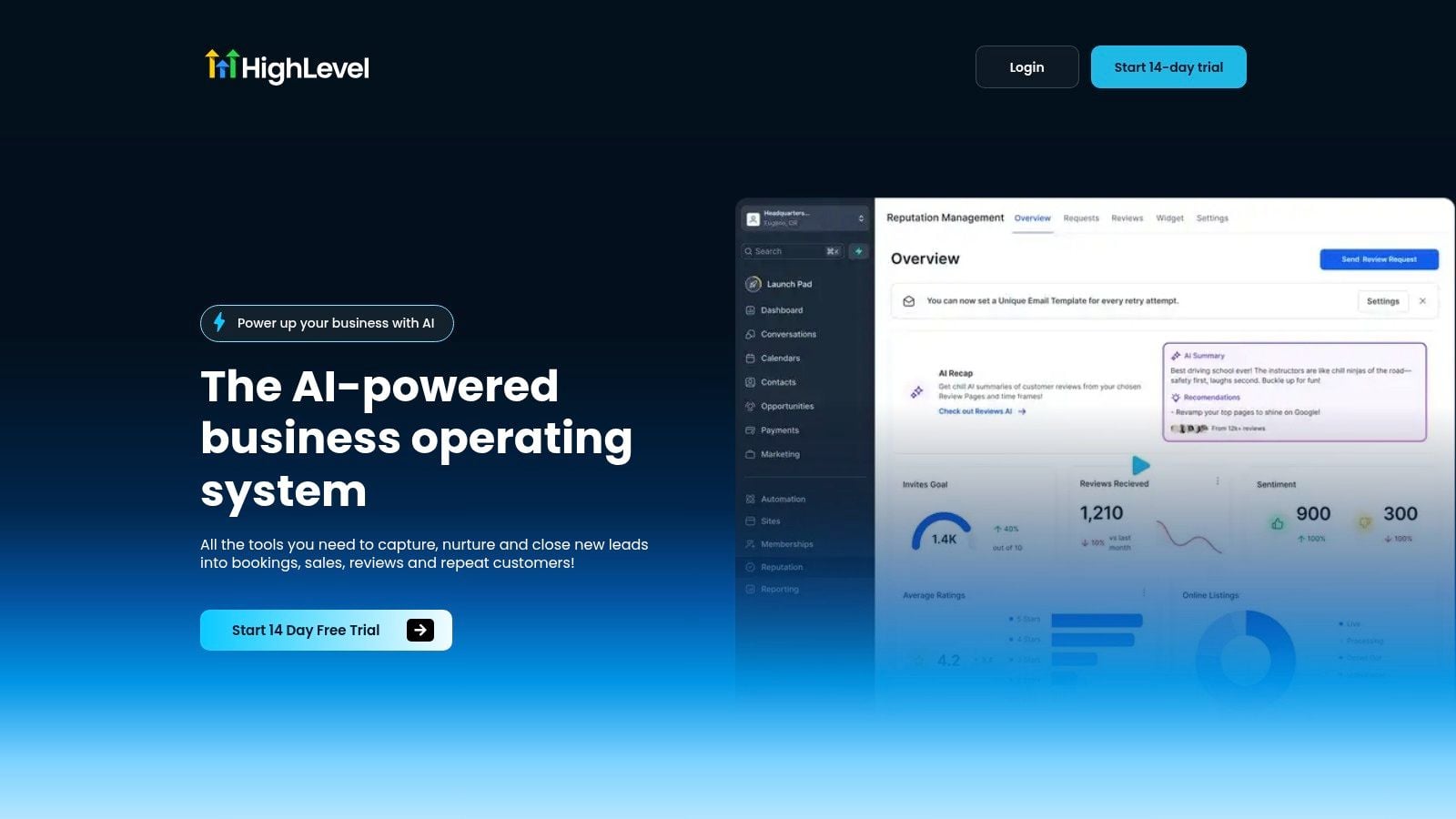
Why it solves a different problem
The case for HighLevel is operational. If your stack includes email software, a CRM, a booking tool, payment links, and review requests, HighLevel brings those functions into one system so teams can move from capture to close without stitching together integrations. That matters most for agencies managing multiple clients, because the Unlimited plan includes unlimited contacts and unlimited sub-accounts, while the Agency Pro plan adds SaaS mode, automated sub-account creation, and advanced API access for white-label businesses.
The practical payoff shows up in daily workflows:
- Unified follow-up: Conversation AI and Voice AI help teams reply faster across channels.
- Built-in revenue actions: Paid calendars, Text-2-Pay, Tap-2-Pay, and one-click upsells shorten the path to payment.
- Multi-channel nurture: Broadcast campaigns can run through email, SMS, WhatsApp, and Facebook Messenger.
- Reputation and reactivation: Automated review requests and review widgets turn post-sale moments into social proof.
HighLevel also fits a broader all-in-one marketing system approach when teams want fewer tools to configure and fewer vendors to manage.
Where it fits, and where it does not
HighLevel is a stronger fit when the business wants one operating system instead of a better newsletter editor. That makes it a practical option for digital agencies, service businesses, coaches, course creators, franchises, and anyone building a white-label SaaS offer. It is a weaker choice for simple newsletters, because the wider feature set brings a learning curve and the deeper white-label tools sit on higher-tier plans.
Migration also deserves planning. The most useful switchovers map leads, tags, pipelines, calendars, payment flows, and follow-up sequences before anything goes live, because the value comes from the system working together, not from any single feature.
2. ActiveCampaign
ActiveCampaign fits teams that need behavioral automation and pipeline control more than a basic newsletter tool. It combines email with a visual automation builder, goals, splits, site and event tracking, plus a native CRM with deals, pipelines, and sales automations. That combination matters for lead nurture that has to respond to actions, not just list membership. Website: ActiveCampaign.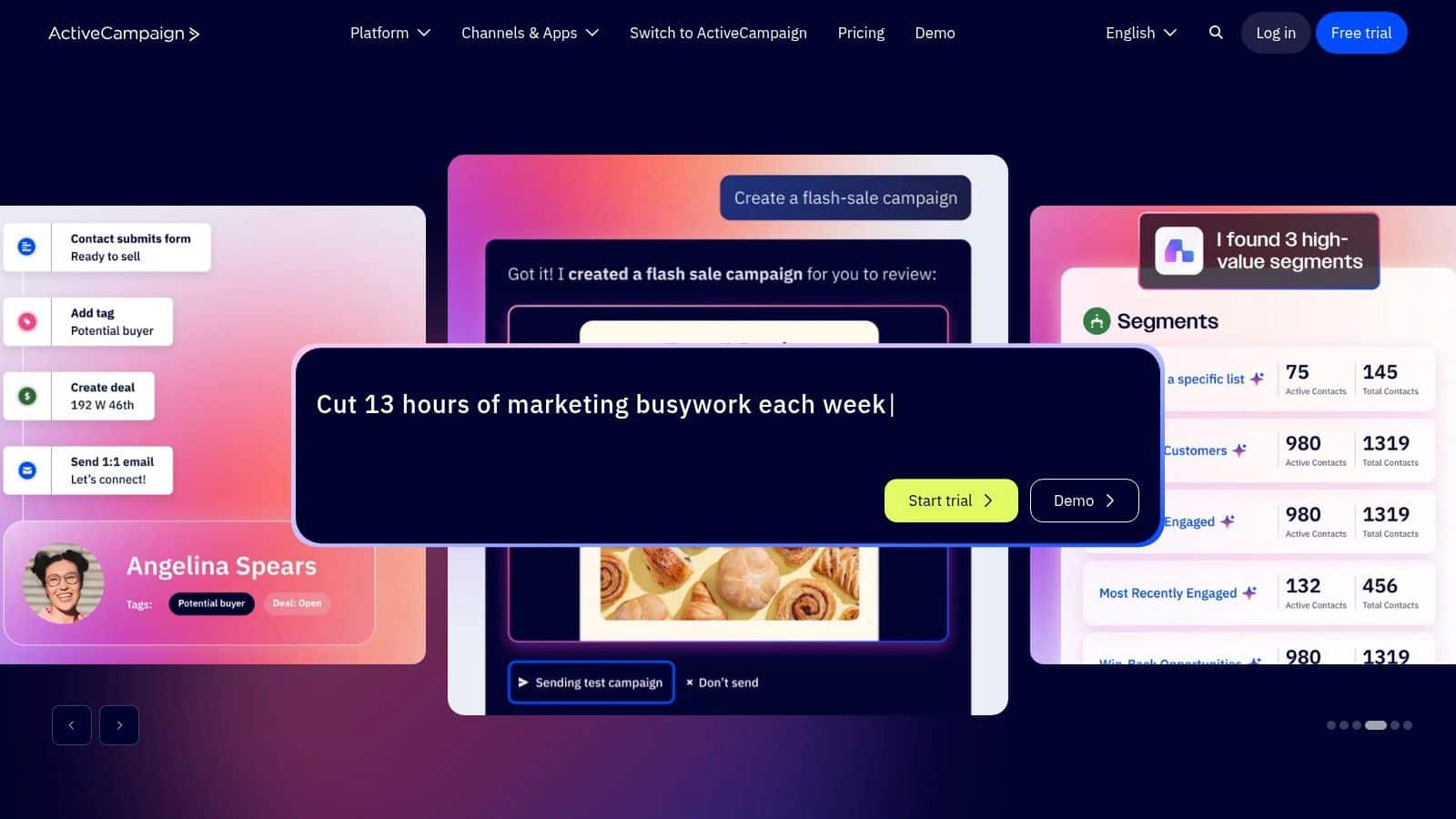
For SaaS teams comparing SaaS marketing automation platforms, the appeal is control. ActiveCampaign can move contacts through a sales process with multi-step logic, so agencies and SMBs can keep segmentation, nurturing, and handoff in one place instead of stitching together separate tools. It also offers free migration assistance, which can reduce the friction of switching from Mailchimp or another ESP.
That makes it a practical fit when you need:
- Behavior-based journeys tied to pages visited, tags applied, or pipeline movement.
- CRM visibility so sales and marketing work from the same contact record.
- Room to scale through plan tiers and add-ons as requirements grow.
The tradeoff is setup effort. Advanced automations take time to design well, and pricing can climb as contact counts and add-ons increase. ActiveCampaign works best for teams that already know they need more logic, not for a solo operator who wants the quickest way to send campaigns.
SaaS, consulting, and service businesses tend to get the most value from it because lead quality matters more than template polish. If the goal is to connect lead magnet, nurture, pipeline, and handoff without moving to a full business operating system, ActiveCampaign sits in a useful middle ground.
3. Klaviyo
Klaviyo addresses a narrow but important problem, ecommerce lifecycle messaging. It is built around real-time customer events, so it works best when browsing, cart activity, purchase history, and revenue attribution need to feed the same automation system. For Shopify and WooCommerce brands, that structure is usually a better match than general-purpose email software, because store activity can drive segmentation and message timing directly. Website: Klaviyo.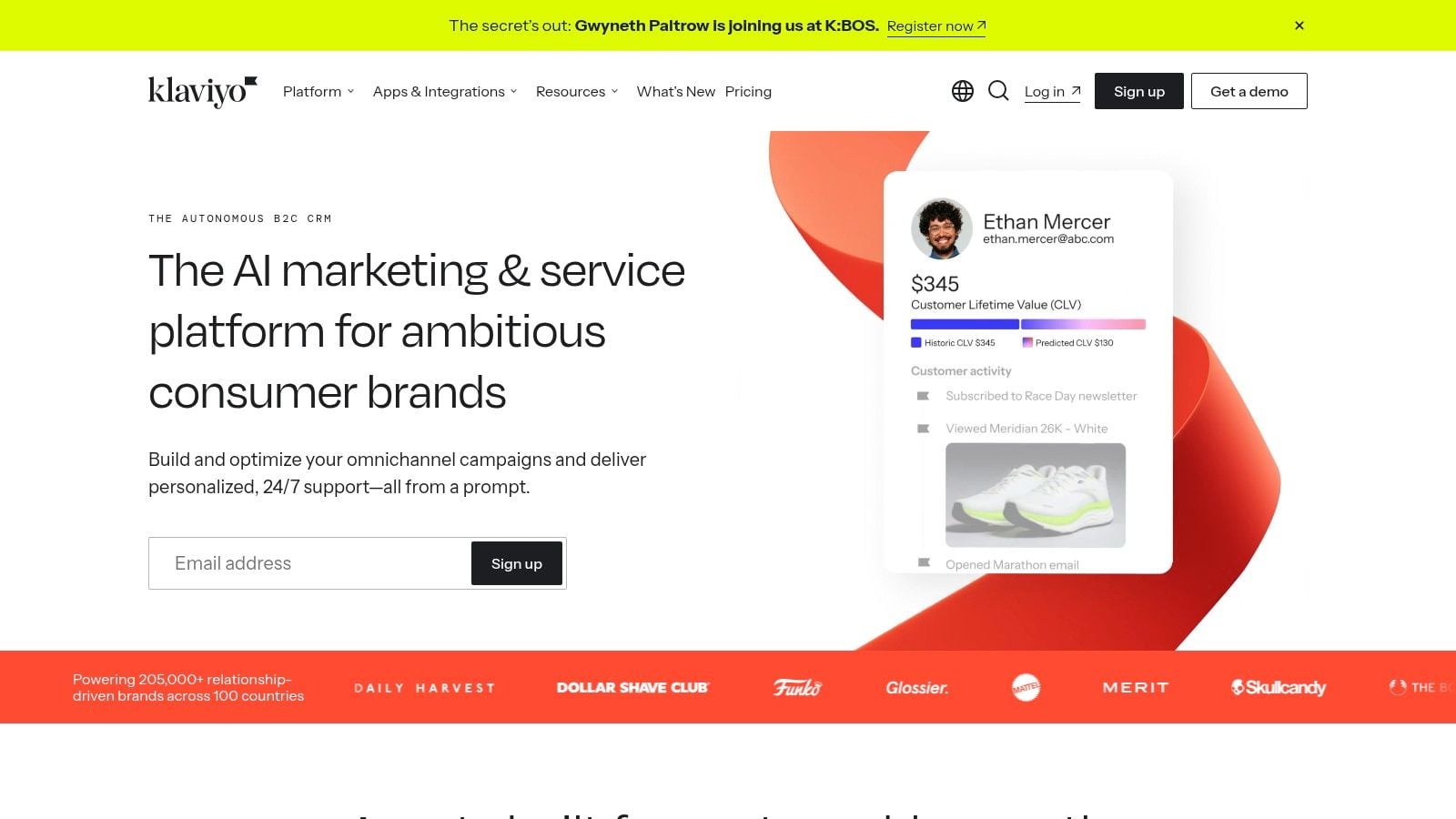
Where Klaviyo earns its place
Its advantage is precision. Klaviyo supports advanced segmentation and flows tied to customer events, built-in SMS and mobile messaging, plus analytics and AI-assisted content tools. For ecommerce teams, that matters because the goal is usually not more newsletters. The goal is to send the right message after the right event, at the right point in the buying cycle.
A few capabilities stand out for that workflow:
- Revenue attribution connected back to campaigns.
- Channel coordination across email and SMS.
- Event-driven automation for abandoned cart, post-purchase, and win-back flows.
- A low-risk starting point, since its free tier supports a limited profile and email volume entry point.
Where the tradeoffs appear
Klaviyo is strong for commerce, but it can be too much for non-commerce newsletters and list-building programs. Pricing also becomes more complex as profile and messaging volume rise, so it fits teams with clear product revenue and repeat purchase behavior. Local service businesses and coaches often end up paying for depth they will not use.
That is the practical split. Klaviyo is one of the best Mailchimp alternatives when the list is really a storefront audience and the revenue model depends on purchase behavior, not broad publishing.
4. Brevo
Brevo solves the problem of pricing pressure plus multichannel reach. Its billing model is send-based rather than contact-based, which matters when a list is large but sends are occasional. It also brings email, SMS, WhatsApp, chat, transactional email, and light CRM features into one platform, so teams that need more than a newsletter tool can centralize customer touchpoints without moving to a heavier system. Website: Brevo.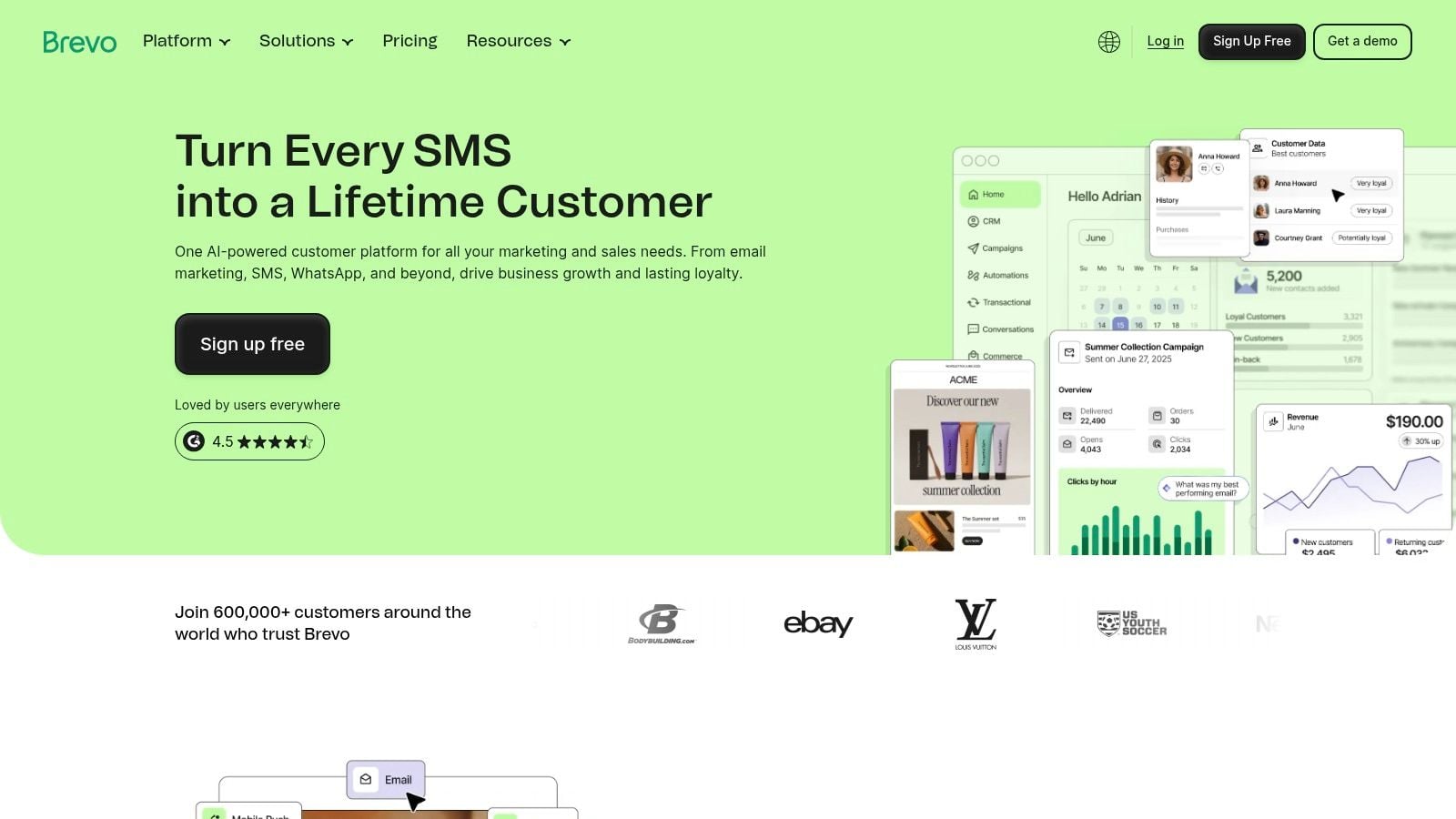
Brevo's value is easiest to see through cost structure. Paying for sending volume instead of stored contacts can fit businesses that keep long-lived lists, or hold many contacts who are not emailed every week. Its free plan also includes stored contact capacity and a daily sending allowance, which makes it a practical way to test the platform before committing.
The platform is a strong fit for teams that want:
- Email plus SMS and WhatsApp in one interface.
- Transactional and marketing email without separate systems.
- Simple CRM and live chat tied to campaigns.
- Automation recipes that shorten setup work.
There are tradeoffs. Brevo is not the deepest automation suite on this list, so teams that need complex branching logic may outgrow it. Some advanced features sit behind higher tiers, and the starter experience includes branding unless you pay to remove it, which can matter for client-facing work. For cost-conscious SMBs and agencies that need multichannel messaging without paying for idle contacts, Brevo is a practical alternative.
5. MailerLite
MailerLite solves a narrower problem than the larger suites in this list. It gives small teams a way to run email, landing pages, and basic automations without a crowded interface or a heavy setup process. That makes it a practical fit for creators, local businesses, and SMBs that want speed and clarity more than deep CRM logic. Website: MailerLite.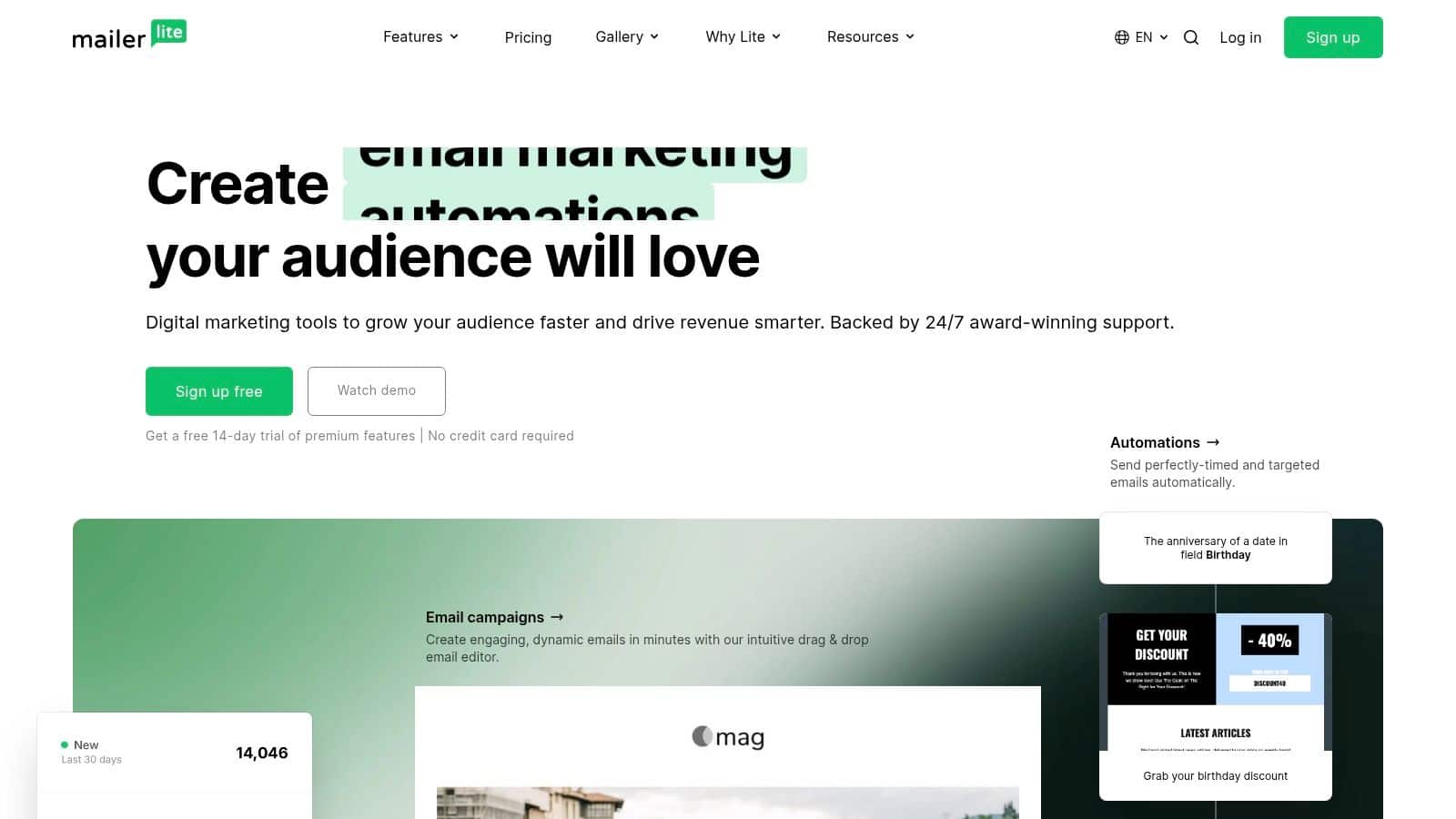
The appeal is operational, not flashy. MailerLite's drag-and-drop editor, visual automations, and simple product-selling tools reduce the amount of setup needed before a first campaign goes live. For teams moving away from Mailchimp because the workflow feels bloated, that simplicity is often the primary gain.
It fits teams that need:
- Quick setup with a clean interface.
- Landing pages and site tools alongside email.
- Digital product selling without a separate checkout stack.
- Paid-plan support for small teams without in-house ops help.
There are limits, and they matter. MailerLite does not include native SMS, so it will not replace a multichannel messaging stack. The free plan has also become tighter, which makes it less attractive for teams that want broad experimentation at low cost. For creators who mainly need simple campaigns and basic automation, those tradeoffs may be acceptable. For agencies or SMBs trying to combine lead capture, CRM, booking, and payments, the platform will feel too narrow.
Practical rule: use MailerLite when fewer moving parts matter more than broader channel coverage or a full client communication stack.
That also applies to conversion-focused pages. A landing page builder only helps if the offer and structure are doing their job, and top landing page conversion rates matter more than decorative design. MailerLite can support that workflow, but it does not replace the strategy behind it.
6. Kit
Kit addresses a different problem from a general email suite, it is built for creators who want newsletter publishing and monetization without extra workflow layers. That narrow focus suits solo publishers, educators, coaches, and digital creators who care more about audience revenue than CRM depth. Website: Kit.
Kit's value is less about feature volume than about keeping the path from subscriber to paid offer short. It supports simple automations, audience tagging, and segmentation by interest, so creators can route readers toward paid newsletters, products, or courses without building a complex funnel map. It also offers free migrations from some platforms, which lowers the switching cost for established lists. For teams comparing broader email marketing CRM tools to creator-first platforms, that tradeoff is often the deciding factor.
The setup stays focused, but the workflow still has enough range for common creator jobs:
- Newsletter-first publishing with minimal interface clutter.
- Digital product and course sales inside the same system.
- Audience tagging and simple automations for lead magnets.
- Creator-oriented integrations instead of a sales-led CRM model.
The limits are just as clear. Kit does not match more design-centric tools on template variety or layout control, so teams that need heavier visual customization may outgrow it. Its free tier also includes a Kit-managed recommendation slot, which some creators will accept and others will not.
For solo operators, the fit is straightforward. Kit makes sense when content, audience trust, and direct monetization are the main job. It matters less for businesses that need pipelines, appointments, SMS, or booking, because those workflows sit outside its core design.
7. GetResponse
GetResponse solves the problem of keeping webinars, funnels, and email under one roof. That makes it a practical option for coaches, educators, B2B teams, and service businesses that treat live events as a lead source, not a side tactic. If your workflow depends on registrations, reminders, attendance, and follow-up moving together, the platform removes a fair amount of handoff work. Website: GetResponse.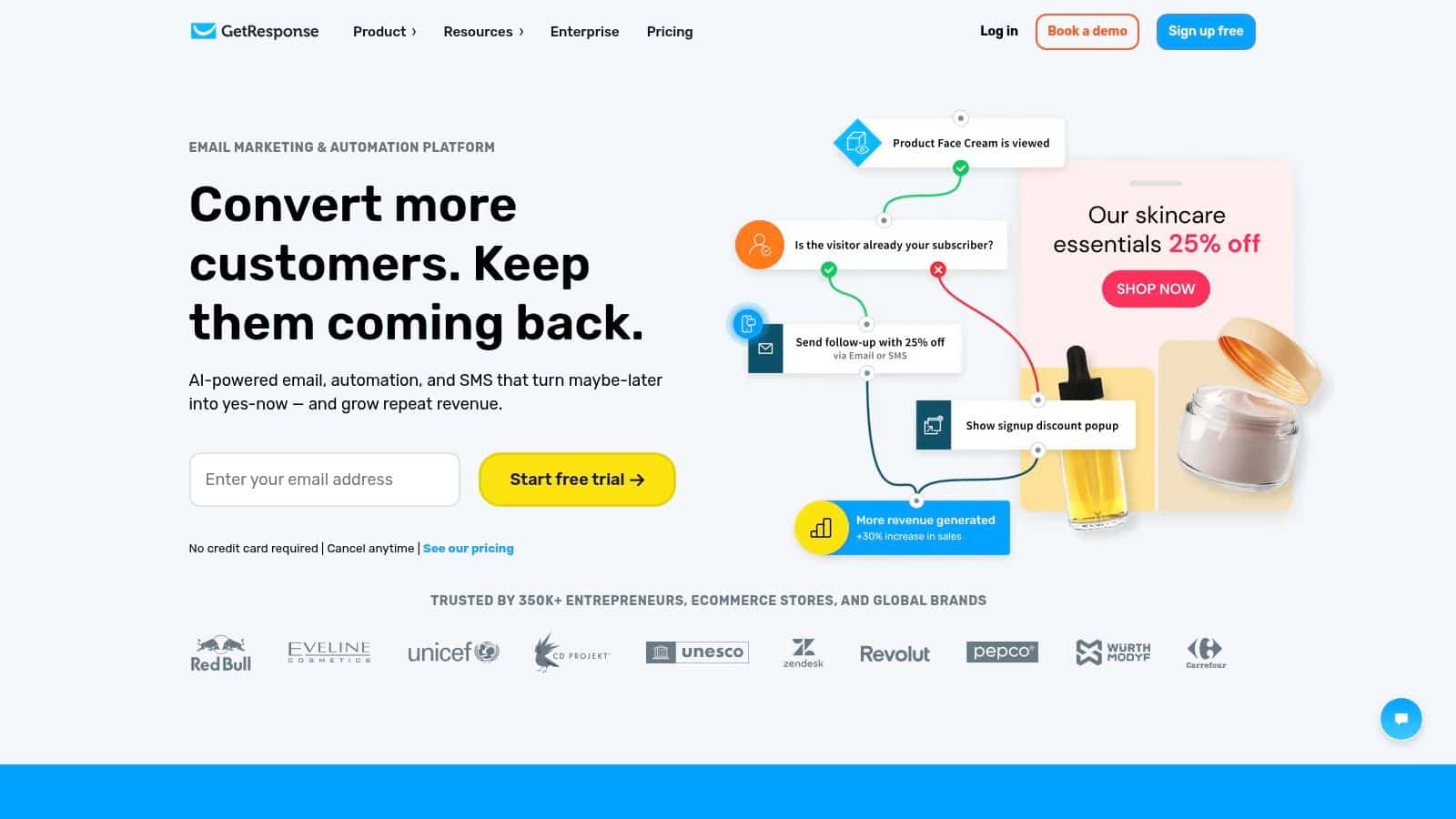
The value is not just that it has a webinar feature. It is that the webinar, landing page, and email sequence can be built as one flow, which is easier to manage than stitching together separate tools. GetResponse also includes email automation, landing pages, ads integrations, and AI-assisted site building in more advanced plans, so it reaches farther into the lead-gen process than a basic newsletter platform.
That setup fits a few clear use cases:
- Lead capture and live events in one system.
- Automated follow-up around registrations and attendance.
- Funnels tied to campaigns without separate software.
- A broader lead-gen toolkit than an email-only app.
The tradeoff is complexity. If you only send broadcasts, the platform can feel heavier than necessary, and some advanced ecommerce features sit behind higher tiers. That makes pricing harder to judge at a glance, especially for teams comparing a simple email tool with something built for event-led selling. Teams that do not run webinars or funnels will usually find lighter software easier to maintain.
GetResponse belongs in this roundup because it solves a different operational problem from many Mailchimp alternatives. It is strongest where education, registration, and conversion need to stay connected in one system.
8. Omnisend
Omnisend addresses a specific operational problem, ecommerce automation across email, SMS, and web push. It suits Shopify and WooCommerce stores that want cart recovery, post-purchase flows, and product-based segmentation without building every journey from scratch. For online retailers, that can matter more than a larger feature list because the platform is tied to revenue workflows, not just campaign sends. Website: Omnisend.
It works best for stores that already know their commerce events and want to turn them into repeatable messaging. The setup is relatively fast because Omnisend offers pre-built ecommerce flows, a unified automation builder, and AI tools for forms, segments, and content insights. That lowers implementation effort for teams managing catalogs, promotions, and repeat-buying behavior.
A few cases fit especially well:
- Stores that need omnichannel flows without heavy configuration.
- Teams moving from Mailchimp or Klaviyo and wanting migration support.
- Brands that rely on SMS and push for lifecycle messaging.
- Merchants that prefer presets over a blank automation canvas.
The tradeoff is that SMS availability and pricing depend on plan and country, so international teams need to check fit before they commit. Some features also sit behind higher tiers, which makes pricing harder to compare against a simpler email-only tool. If you are evaluating SMS more broadly, the 2026 text marketing platform overview is useful context.
Omnisend makes the most sense for ecommerce brands that sell online and want workflows tied to purchase behavior. If your audience is mainly informational or community-driven, its channel mix will matter less. That is why it belongs among the strongest best Mailchimp alternatives for stores, while still leaving room for lighter tools in non-commerce use cases.
9. Campaign Monitor
Campaign Monitor solves branded email design with clean account structure. It suits agencies and brands that care more about polished templates, predictable billing, and a simple sending model than about deep CRM features or complex branching automation. For teams whose workflow starts with design approval and ends with scheduled sends, that narrower scope is a strength. Website: Campaign Monitor.
Why design-first teams choose it
The platform's main advantage is presentation. Its branded templates and AI writer help teams produce professional campaigns without much production overhead, and the editor stays easier to manage than more feature-dense tools. Campaign Monitor also includes pre-built journeys and segmentation, so teams can handle common lifecycle sends without building everything from scratch.
That mix works well for agencies and small marketing teams that need:
- Clean campaign output with limited setup.
- Subscriber-based billing that is easier to track.
- Client account handling for agency work.
- Basic automation without a full CRM stack.
Where it falls short
The tradeoff is depth. Campaign Monitor does not match specialist automation platforms on behavioral logic, and adding SMS brings extra complexity that may not suit every team. For brands that want a dependable email system with a lower learning curve, that limitation is acceptable. For businesses that have outgrown email-only workflows, the platform can feel narrow.
It is a practical Mailchimp alternative for teams that want a calmer editor and a simpler account structure. It is less persuasive for organizations that need their email tool to coordinate broader customer operations.
10. Constant Contact
Constant Contact addresses a practical problem, giving approachable SMB marketing with support built in. It suits teams that need email marketing, events, simple ecommerce, social posting, and optional SMS, but do not want a heavy setup process. For small businesses without a dedicated marketing ops person, that mix can be more useful than a deeper but harder-to-run platform. Website: Constant Contact.
The value is in how little training it assumes. The drag-and-drop editor, AI content tips, surveys, polls, and social posting cover everyday campaign work without forcing a complex workflow. Event management adds another layer for groups built around classes, local events, fundraisers, or community programs.
Why it fits straightforward SMB workflows
If the job is to publish, promote, and follow up without a specialist on staff, Constant Contact stays close to that need. The interface favors familiar tasks, so onboarding is lighter and internal handoffs are simpler. That matters for teams that want a reliable system more than a feature race.
It is a sensible fit when you need:
- Simple campaign execution with guided setup.
- Non-email extras like events and a basic store.
- Support resources that reduce dependence on internal expertise.
- A familiar SMB workflow rather than a specialist automation stack.
Where the tradeoffs show up
Automation and analytics are more limited than specialist tools, so teams that rely on branching logic will likely outgrow it. Send limits also need attention, which adds another layer of monitoring. Those are not minor details, they shape how far the platform can go in a more complex marketing operation.
For many small businesses, that is enough. Agencies and businesses trying to centralize multiple operational tools usually need a broader system.
Top 10 Mailchimp Alternatives, Quick Comparison
| Product | Key capabilities | UX & quality | Value & pricing | Target audience | Unique selling point |
|---|---|---|---|---|---|
| HighLevel 🏆 | Unified CRM & conversation inbox, funnels, paid calendars, payments, automations, native AI | ★★★★☆ Consolidated inbox, mobile app, 24/7 support | 💰💰 Medium, Starter $97 / Unlimited $297 / Agency Pro $497; unlimited contacts & sub‑accounts | 👥 Agencies, SMBs, freelancers, white‑label SaaS | ✨ All‑in‑one AI‑first ops + native payments & unlimited sub‑accounts |
| ActiveCampaign | Email builder, visual automations, native CRM, site/event tracking | ★★★★☆ Mature automation & segmentation | 💰💰 Scales with contacts & add‑ons; free migration help | 👥 Agencies & SMBs needing deep automations | ✨ Robust behavioral targeting & automation depth |
| Klaviyo | Ecommerce email + SMS, advanced segmentation, analytics & attribution | ★★★★☆ Ecommerce‑grade analytics | 💰💰💰 Costs climb with profiles & messaging; free tier available | 👥 Ecommerce merchants (Shopify/Woo) | ✨ Tight commerce integrations & revenue attribution |
| Brevo (Sendinblue) | Email/SMS/WhatsApp, transactional email, landing pages; send‑based pricing | ★★★☆☆ Broad channel coverage | 💰 Low→💰💰 Send‑based tiers; free 300 daily emails (stored contacts up to 100k) | 👥 Large lists with moderate send volume | ✨ Volume‑based pricing separates sending from contacts |
| MailerLite | Drag‑drop email & landing pages, visual automations, e‑commerce tools | ★★★★☆ Clean UI, fast setup | 💰 Affordable; free tier (250 subs cap) | 👥 Creators, local businesses, small teams | ✨ Simple UX with quick time‑to‑value |
| Kit (ConvertKit) | Creator email editor, visual automations, built‑in commerce & app store | ★★★★☆ Streamlined for creators | 💰💰 Free tier with Kit‑managed recommendation slot; subscriber pricing | 👥 Solo creators, publishers, coaches | ✨ Native monetization workflows & creator app marketplace |
| GetResponse | Email automations, funnels, landing pages, native webinar platform (live & on‑demand) | ★★★☆☆ Feature‑rich but can feel heavy | 💰💰 Mid, webinar included in plans | 👥 Teams running webinars, coaches, educators | ✨ Integrated webinar + funnel + email stack |
| Omnisend | Email, SMS, web push unified workflows with ecommerce templates | ★★★★☆ Fast ecommerce implementation | 💰💰 Competitive for ecommerce; SMS pricing varies by country | 👥 Ecommerce stores (Shopify/Woo) | ✨ Prebuilt omnichannel ecommerce automation templates |
| Campaign Monitor | Designer templates, segmentation, pre‑built journeys, AI writer | ★★★★☆ Polished editor & brand control | 💰💰 Subscriber‑tiered pricing; optional Website Builder add‑on | 👥 Agencies & brands prioritizing design | ✨ Designer‑friendly templates with clear billing |
| Constant Contact | Drag‑drop email, events, simple ecommerce, SMS add‑on | ★★★☆☆ Easy for non‑technical teams | 💰💰 Transparent contact‑based pricing; monitor send limits | 👥 SMBs, event organizers, nonprofits | ✨ Strong onboarding, support & event tools |
Choose the Platform That Fits Your Growth Motion
The right Mailchimp alternative depends on the motion behind the list. Choose ActiveCampaign if you need behavioral automation and CRM depth. Pick Klaviyo or Omnisend if ecommerce events, segmentation, and revenue attribution drive the business. Use Kit if you're a creator who wants newsletters and monetization without extra clutter. Go with Brevo if pricing model flexibility matters more than a huge template library. Choose MailerLite if simplicity and speed are the main priorities. Use GetResponse if webinars and funnels are part of your acquisition strategy. Reach for Campaign Monitor if branded design is the primary need. Pick Constant Contact if you want approachable SMB campaigns with support and event tools built in.
HighLevel is the strongest fit when the decision isn't really about email at all. If you're an agency or SMB that wants to consolidate lead capture, conversations, automation, booking, payments, reputation, and reactivation in one place, it gives you a broader operating model than standalone email software can. That's why it's often the smarter replacement for teams that are already outgrowing a newsletter-first stack.
Before you migrate, map the data and the workflows. Export your audience, consent records, suppression lists, tags, and segments. Rebuild your automations, forms, integrations, and tracking before sending live traffic. Test deliverability carefully, then stage your sends so you can watch engagement and inbox placement before moving the whole list.
If you're ready to replace disconnected tools with one AI-powered system, HighLevel gives agencies and SMBs the CRM, messaging, booking, payments, reputation, and automation layer that most email-only platforms can't match. Visit HighLevel to see how a consolidated workflow can simplify your stack and speed up follow-up.
