


Appointment reminder text messages are one of the few automation tactics that can change show rates without adding much staff work. A systematic review found that SMS reminders improved attendance versus no reminders, with a pooled risk ratio of 1.14 across 7 studies and 5,841 participants, and SMS performed similarly to phone calls, with RR 0.99 across 3 studies and 2,509 participants (systematic review). That’s the kind of evidence that makes reminders a workflow decision, not a guess.
For agencies and SMBs, the win is simple, dependable execution. A good reminder sequence reduces no-shows, makes rescheduling easier, and keeps the calendar full without chasing every lead by hand.
Table of Contents
- 1. Simple Confirmation Reminder
- 2. Value-Add Reminder with Preparation Tips
- 4. Personalized Reminder with Social Proof
- 4. Personalized Reminder with Social Proof
- 6. Benefit-Focused Reminder with Clear Call-to-Action
- 7. Urgency-Driven Reminder with Limited Availability
- 7. Urgency-Driven Reminder with Limited Availability
- 7-Point Comparison: Appointment Reminder Texts
- Automate Your Reminders and Never Lose a Booking Again
1. Simple Confirmation Reminder
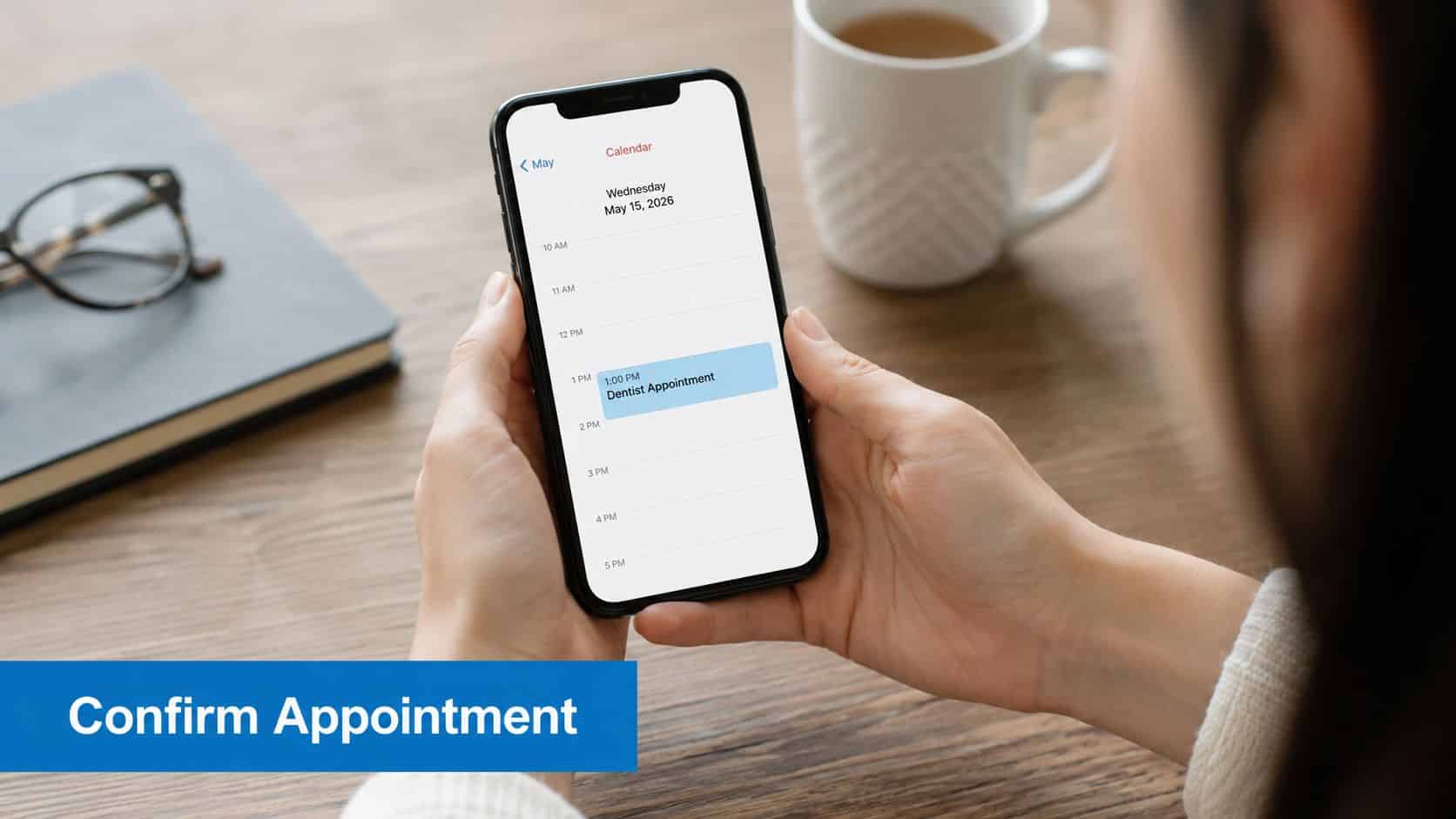
The simplest reminder still earns its place because it removes ambiguity. In a randomized study in a safety-net health system, attendance increased from 66.1% in the comparison group to 72.8% in the text-reminder group, with statistically significant differences reported for attendance and cancellations (study). That’s why the best first message is direct, short, and operational, not promotional.
Template
Hi [First Name], this is Team [Business Name]. Your [Service Type] appointment is on [Day], [Date] at [Time] at [Location]. Reply C to confirm or call [Phone Number] if you need to reschedule.
Why it works in practice
This format works because it answers the only questions that matter fast, who, what, when, and where. It also creates a clean confirmation signal that your workflow can use in HighLevel to stop later reminders, tag the contact as confirmed, or branch them into a reschedule path. That makes the text more than a reminder, it becomes a trigger for the rest of the automation.
For clinics, salons, and local service businesses, this is the safest first step because it doesn’t overload the message with prep instructions or marketing. A practice manager can connect the calendar, insert dynamic fields, and send this at a consistent interval, usually the day before the appointment.
Practical rule: Keep the first reminder strictly transactional. If you want more detail, send it in a second message or in a linked page.
Use this format when you want a low-friction confirmation that feels familiar and professional. It’s also the easiest version to standardize across multiple locations because every branch can follow the same structure while still using its own calendar, phone number, and signature.
HighLevel’s reminder workflows are a good fit here because the message can be tied to appointment status, confirmation replies, and reschedule actions without staff having to manually copy details from one system to another. For teams comparing systems, HighLevel’s take on reminder software shows how a reminder stack can sit inside a broader booking workflow.
2. Value-Add Reminder with Preparation Tips
A reminder gets stronger when it helps the client prepare. People are more likely to show up when they know what to bring, how to get ready, or what the appointment will cover, especially for consultative or higher-consideration visits. The content should stay lean, though, because the moment a reminder reads like a long email, it stops feeling like a useful text.
Template
Hi [First Name], your [Service Type] appointment is tomorrow at [Time]. Please bring [Item 1] and [Item 2], and have [Prep Step] ready before we meet. If you need details, reply here or use your reschedule link.
How to make the message useful, not cluttered
The best version of this reminder gives one clear reason to prepare and one simple way to act. A dental office might ask patients to bring insurance cards and arrive with forms completed. A financial advisor might ask for tax returns and account statements. A marketing agency can ask a prospect to have website analytics and campaign goals ready before the strategy call.
That extra context does two things. It reduces avoidable confusion, and it positions the business as organized and consultative. The client doesn’t just receive a calendar nudge, they receive a cue that the appointment will be productive.
- Lead with the most important action: If there’s one item they absolutely need, put it first.
- Limit the prep list: Two or three points are enough for most reminders.
- Use dynamic fields: HighLevel can pull the appointment type, client name, and other context automatically.
- Link out for depth: If instructions are longer, send them to a landing page or document instead of stuffing the text.
This is also the right place to handle variability across appointment types. A discovery call, a new-patient visit, and a consultation rarely need the same preparation. A smart workflow can segment those paths so each reminder feels relevant instead of recycled.
For agencies managing onboarding or sales calls, the value is that the reminder starts the appointment in a stronger state. The prospect shows up informed, and the conversation moves faster because there’s less basic setup to cover.
4. Personalized Reminder with Social Proof
A reminder feels more credible when it sounds like it was written for one person, and the proof inside it matches what that person booked. Personalization reduces the sense that the message is automated noise, while social proof lowers the hesitation that can keep a lead from showing up. That combination matters for salons, clinics, agencies, and other businesses where attendance depends on confidence as much as convenience.
Hi [First Name], your appointment with [Business Name] is set for [Day] at [Time]. Clients like you often mention the experience here, and if you want to confirm, just reply C. If you have a moment before the visit, read our guide on getting more reviews that drive sales.
Why trust language changes the response
This reminder works best when the trust signal fits the appointment type. A salon can mention client satisfaction in a light, natural way. A marketing agency can reference the fact that prospects are meeting a team known for strategic thinking. A healthcare provider can point to credentials or local reputation signals without turning the text into a pitch.
The point is relevance, not repetition. A testimonial or review cue should reinforce the reason the person booked, not just praise the business in general. If the appointment is a premium consult, the wording should support that expectation. If it is a routine service, keep the message short and easy to scan.
For agencies and SMBs using HighLevel, the practical move is to pull the right proof into the right workflow. Use dynamic fields for the person’s name and appointment details, then pair that with a reputation cue that matches the offer. That keeps the reminder personal without making it feel scripted.
- Use current review data carefully: Pull active reputation details from HighLevel instead of pasting stale proof.
- Match the proof to the appointment: A high-value consult needs different language than a routine visit.
- Keep the message believable: Social proof should support the booking, not sound like a sales claim.
- Set the automation once: Build separate paths for premium appointments, standard services, and new leads so each reminder reads naturally.
A good workflow also avoids overdoing it. One line of proof is usually enough. If the reminder reads like a testimonial dump, it can distract from the actual action you want, which is a confirmed appearance.
4. Personalized Reminder with Social Proof
Personalization makes the reminder feel human, and social proof lowers hesitation. When people already trust your brand, the reminder reinforces that trust right before the appointment. That matters for salons, clinics, agencies, and other businesses where the decision to show up is tied to confidence as much as convenience.
Template
Hi [First Name], your appointment with [Business Name] is set for [Day] at [Time]. We’re looking forward to seeing you, and our clients often mention how much they value the experience. Reply C to confirm, and we’ll see you soon.
Why trust language changes the response
This kind of reminder works best when it borrows credibility from the business without feeling self-congratulatory. A salon can reference client satisfaction in a light way. A marketing agency can remind a prospect that they’re meeting a team known for strategic thinking. A healthcare provider can point to credentials or location-specific reputation signals without overloading the text.
The important detail is relevance. A testimonial or reputation cue should match the appointment type, not just the brand in general. If the person booked a premium consult, the message should reflect that kind of expectation. If they booked a routine service, the reminder should stay light and easy to skim.
- Use dynamic review data carefully: Pull current reputation details from HighLevel rather than pasting stale proof.
- Match proof to the offer: A transformation story works better for coaching than for a routine maintenance visit.
- Keep it short: One trust cue is enough.
- Rotate the proof: Changing the snippet keeps the reminders from feeling repetitive.
This format is especially useful when the appointment itself is high-trust. Prospects often use the reminder moment to decide whether they still feel good about attending. A social proof cue can reduce second-guessing without turning the text into a sales pitch.
For businesses trying to improve reputation as part of the booking process, more reviews that drive sales can support the trust side of the reminder strategy. In HighLevel, that fits neatly beside CRM data and automated review collection, so the confirmation flow and reputation flow reinforce each other.
6. Benefit-Focused Reminder with Clear Call-to-Action
A reminder works better when it gives the client a reason to attend, not just a time to remember. That matters for consultative appointments, strategy sessions, and higher-ticket services where the booking is part of a longer decision. The message should point to the outcome the client wants, and it should make the next step easy to act on.
Hi [First Name], your session tomorrow at [Time] is a chance to make progress on [Outcome]. Please come ready to discuss [Specific Goal], and we’ll map out the next step together.
Sell the outcome, not the calendar slot
People show up more reliably when the appointment feels useful. A business coach can frame the meeting as a chance to build a roadmap. A financial advisor can frame it as a planning session. A marketing agency can frame it as a strategy review that leads to clearer decisions.
The wording should stay plain and specific. “Create your plan,” “discover your strategy,” and “build your roadmap” feel more concrete than “attend your appointment.” The reminder should still sound credible, though. It should read like the next step in a real process, not a sales pitch.
- Tie it to the booking conversation: Use CRM notes to reflect the goal the client already mentioned.
- Keep one main action: Do not stack several asks into one reminder.
- Reduce friction: Include the meeting link or location clearly.
- Match the tone to the offer: High-ticket consults can sound more outcome-focused, while routine services should stay straightforward.
- If you want to compare tools and setup options, browse text message marketing platforms that fit your workflow.
In HighLevel, this style fits well with custom fields, tags, and automated reminder logic. You can pull the stated goal from the booking form, insert it into the text, and send a follow-up workflow based on whether the client confirms or needs to reschedule. That keeps the reminder tied to the promise made at booking, which is what makes the message feel relevant instead of generic.
For agencies, the trade-off is simple. More outcome-driven language can improve attendance, but it also needs to stay honest about what the appointment will cover. If the text promises strategy, the meeting needs to deliver strategy. If it promises planning, the agenda should support that expectation.
7. Urgency-Driven Reminder with Limited Availability
Urgency works when the constraint is real. If the appointment is filling up a limited schedule, say that plainly. If attendance comes with a real-time benefit, tie it to the visit without turning the text into pressure. Clients respond to scarcity when the message reflects how the calendar works.
Template
Hi [First Name], your appointment tomorrow is one of our last openings this week. Reply C to hold your spot, or use your reschedule link if you need a different time.
Keep urgency tied to the schedule
This reminder gives the client a clear reason to act now. That matters for salons, consultancies, and coaching offers where a missed appointment often turns into a lost booking. It also fits open houses, limited service slots, and high-demand consults where availability is tight.
Restraint matters here. If every message sounds urgent, the tone loses force. A calm line like “last availability this week” usually works better than alarmist phrasing. A legitimate bonus can support attendance too, as long as it reads like added value and not pressure.
- Use only real scarcity: If two openings are left, say that.
- Keep the time limit real: If a link expires, let it expire.
- Reserve urgency for the right contacts: Loyal or high-value clients often respond better to steady certainty than pressure.
- Make the response path short: The fewer steps they take, the better the reply rate.
HighLevel can handle this style well because the urgency can come from the booking data itself. Use calendar availability, tags, and custom fields to trigger the reminder only when the slot count is tight. You can also route confirmed replies into one workflow and reschedules into another, which keeps the message accurate and the follow-up organized. If you want to compare setup options, browse text message marketing platforms that fit your workflow.
For agencies, the trade-off is straightforward. Strong urgency can protect attendance, but it has to match the booking situation. If the message claims scarcity, the schedule and the follow-up process need to support that claim.
7. Urgency-Driven Reminder with Limited Availability
Urgency can help, but only when it’s real. If the slot is limited, say so plainly. If there’s a bonus for attending, attach it to the appointment without making the message feel pushy. People respond to scarcity when it’s honest and operationally true.
Template
Hi [First Name], your appointment tomorrow is one of our last openings this week. Reply C to hold your spot, or use your reschedule link if you need a different time.
Keep urgency credible
The strength of this reminder is that it creates a reason to act now. That can be helpful for busy salons, consultancies, and coaching offers where rescheduling often turns into dropping off entirely. It can also work for open houses, limited service slots, or high-demand consults where the calendar really is tight.
The key is restraint. If every reminder sounds urgent, none of them do. The message should sound professional, not alarmist. “Last availability this week” works better than shouting. A legitimate bonus can also support attendance, as long as it feels like value rather than pressure.
- Use only real scarcity: If there are two openings left, say that.
- Honor the time limit: If a link expires, let it expire.
- Reserve the tone for the right clients: Loyal or high-value contacts often respond better to calm certainty than pressure.
- Pair with an easy action: The quicker the response path, the more likely the reminder converts.
This is also where segmentation matters. Not every client should receive urgency language. HighLevel workflows can split contacts by service type, booking source, or risk level so the reminder fits the situation. That keeps the message from feeling manipulative.
A smart operator uses urgency sparingly and pairs it with convenience. The reminder gets the client moving, and the workflow makes it easy to confirm, reschedule, or ask for help without friction.
7-Point Comparison: Appointment Reminder Texts
| Template | Implementation Complexity 🔄 | Resource Requirements ⚡ | Expected Outcomes 📊⭐ | Ideal Use Cases | Key Advantages 💡 |
|---|---|---|---|---|---|
| Simple Confirmation Reminder | Low 🔄 | Minimal setup in HighLevel; automated SMS/Inbox; very fast ⚡⚡⚡ | Reduces no-shows ~20–30% 📊 · ⭐⭐⭐ | Small service businesses, clinics, local trades, basic bookings | Clear, low-friction confirmation; broad channel compatibility |
| Value-Add Reminder with Preparation Tips | Medium 🔄🔄 | Dynamic fields, links/docs, segmentation; moderate setup ⚡⚡ | Improves prep & satisfaction; better appointment quality 📊 · ⭐⭐⭐ | Dental, financial advisory, agencies, coaching | Educates clients pre-visit; reduces in-session logistics |
| Multi-Touch Reminder Sequence | High 🔄🔄🔄 | Multi-step workflows, testing, cross-channel logic; higher initial effort, long-term efficiency ⚡⚡ | Reduces no-shows ~35–50%; highest uplift 📊 · ⭐⭐⭐⭐ | Medical spas, real estate, SaaS demos, agency kickoffs | Multiple touchpoints, conditional paths, strong impact on show rates |
| Personalized Reminder with Social Proof | Medium 🔄🔄 | CRM + reputation integration, review collection; ongoing maintenance ⚡⚡ | Builds trust, boosts attendance/referrals; stronger perceived value 📊 · ⭐⭐⭐⭐ | Salons, premium services, healthcare, marketing agencies | Leverages reviews/testimonials to increase credibility and conversions |
| Interactive Reminder with Engagement Options | High 🔄🔄🔄 | Conversation AI, quick-reply buttons, response workflows; monitoring required ⚡⚡ | Higher confirmations and pre-appointment data; improves quality 📊 · ⭐⭐⭐⭐ | Coaching, medical offices, agencies, insurance, e‑commerce | Two-way interaction gathers intel and enables automated handling |
| Benefit-Focused Reminder with Clear Call-to-Action | Medium 🔄🔄 | CRM notes, dynamic fields, tailored copy; moderate setup ⚡⚡ | Increases engagement, preparation and conversion likelihood 📊 · ⭐⭐⭐⭐ | High-ticket consults, sales-driven appointments, agencies | Reframes appointment as value opportunity; strong CTA-driven engagement |
| Urgency-Driven Reminder with Limited Availability | Medium 🔄🔄 | Calendar integration, expiring links, careful legal/ethical checks; moderate effort ⚡⚡ | Boosts quick confirmations when genuine; risk if misused 📊 · ⭐⭐⭐ | Salons, limited coaching slots, webinars, group events | Creates scarcity-driven action; effective for true limited availability |
Automate Your Reminders and Never Lose a Booking Again
Choosing the right template matters, but automation is what makes the system hold up under real volume. A strong appointment reminder text message should do more than nudge someone to show up, it should confirm intent, surface conflicts early, and route the right reply into the right workflow. That’s where HighLevel fits well, because the booking, text, inbox, CRM, and follow-up can all live in one system.
The strongest reminder programs are built, not improvised. They use a consistent cadence, a clear reply path, and enough segmentation to keep the message relevant. They also respect the difference between efficiency and effectiveness, because the cheapest reminder isn’t always the one that gets the best result. The goal is a system that feels useful to the client and manageable for the team.
The evidence backs that direction. Text reminders have moved from a nice extra to a mainstream appointment tool, and the studies above show they work best when the message is timely, clear, and part of a larger workflow. That’s why the simple confirmation template is the safest place to start, then expand into prep instructions, sequences, interaction, and urgency only where they make sense.
If your calendar still depends on manual follow-up, start with one appointment type and one sequence. Wire it into your booking system, test the copy, and let the replies tell you where to improve. For teams already using SMS in their client communication, the next lift usually comes from better branching, better timing, and tighter handoff rules between reminder and reschedule.
HighLevel gives agencies and SMBs the calendar, workflow automation, unified inbox, and SMS tools needed to run appointment reminders without stitching together separate systems. If you want one place to manage booking, reminders, confirmations, and follow-up, take a closer look at HighLevel and see how it can support your appointment reminder text message workflow.
